Makera
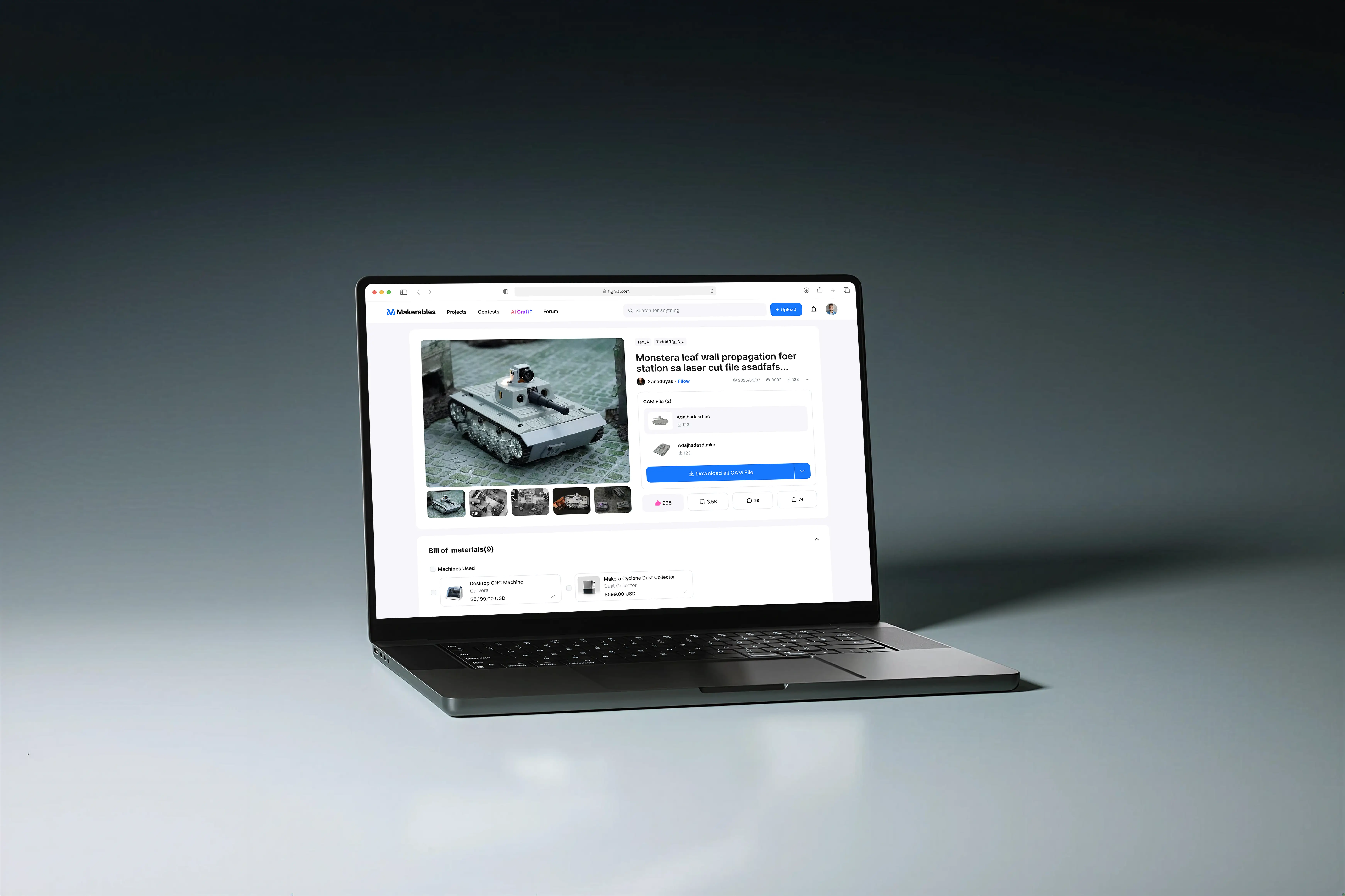
I independently led the establishment and design of the MaKera CNC collaborative creation community, and planned the features, interaction flow, and implementation design of version 1.0. At the same time, we integrated the CAM and controller to provide user experience design support for Maketastudio.
Desktop CNC
pm.ux.uiDESIGNer
2025
What’s desktop CNC ?
Desktop CNC machine tools are miniaturized and simplified versions of traditional workshop industrial milling/engraving machines, making them suitable for desktop production while retaining high machining accuracy and material adaptability. They are suitable for makers, design verification, prototyping designers, K-12 education, and DIY enthusiasts for rapid prototyping, engraving, PCB manufacturing, and small-batch customization.
CARVERA
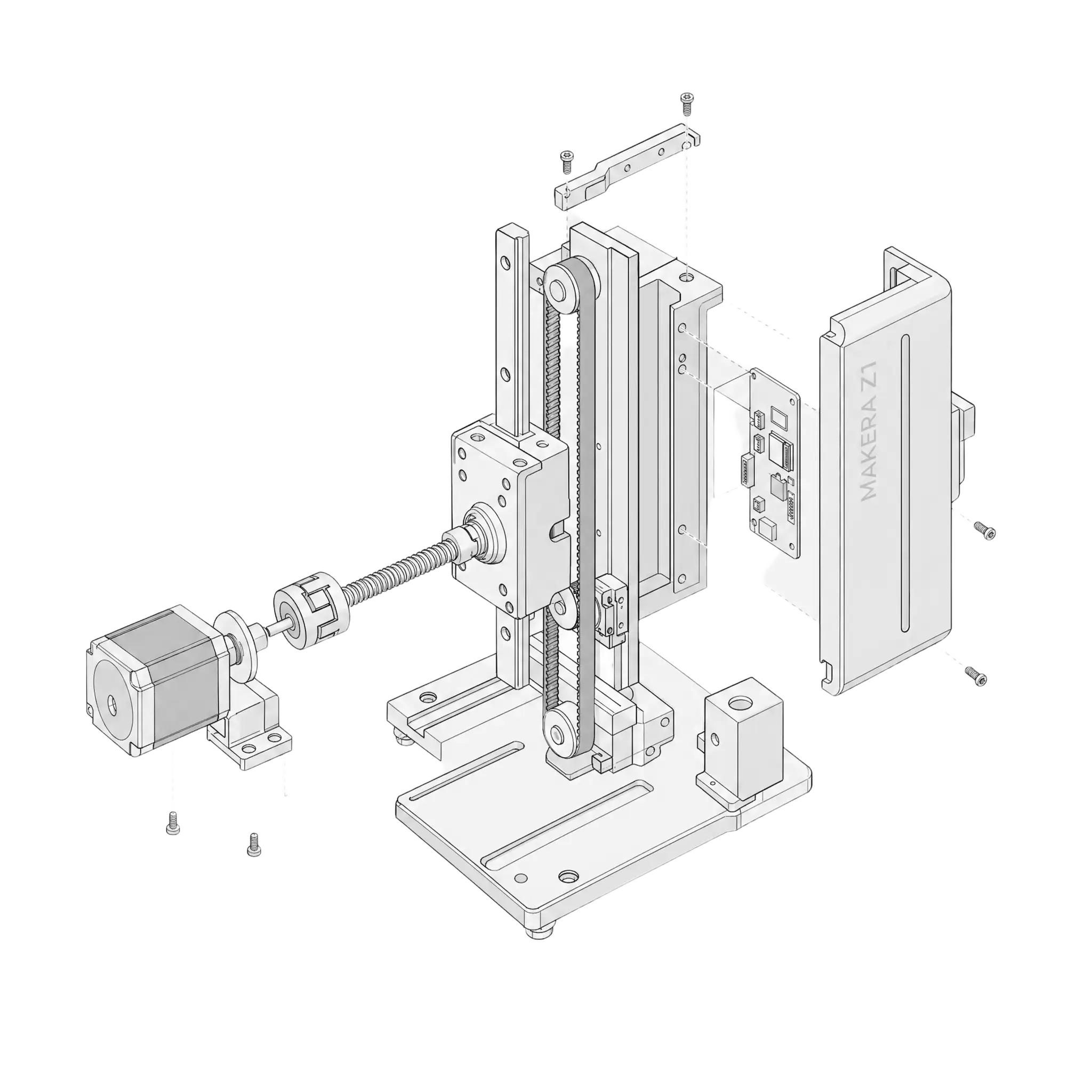
makera z1
CARVEAAIR
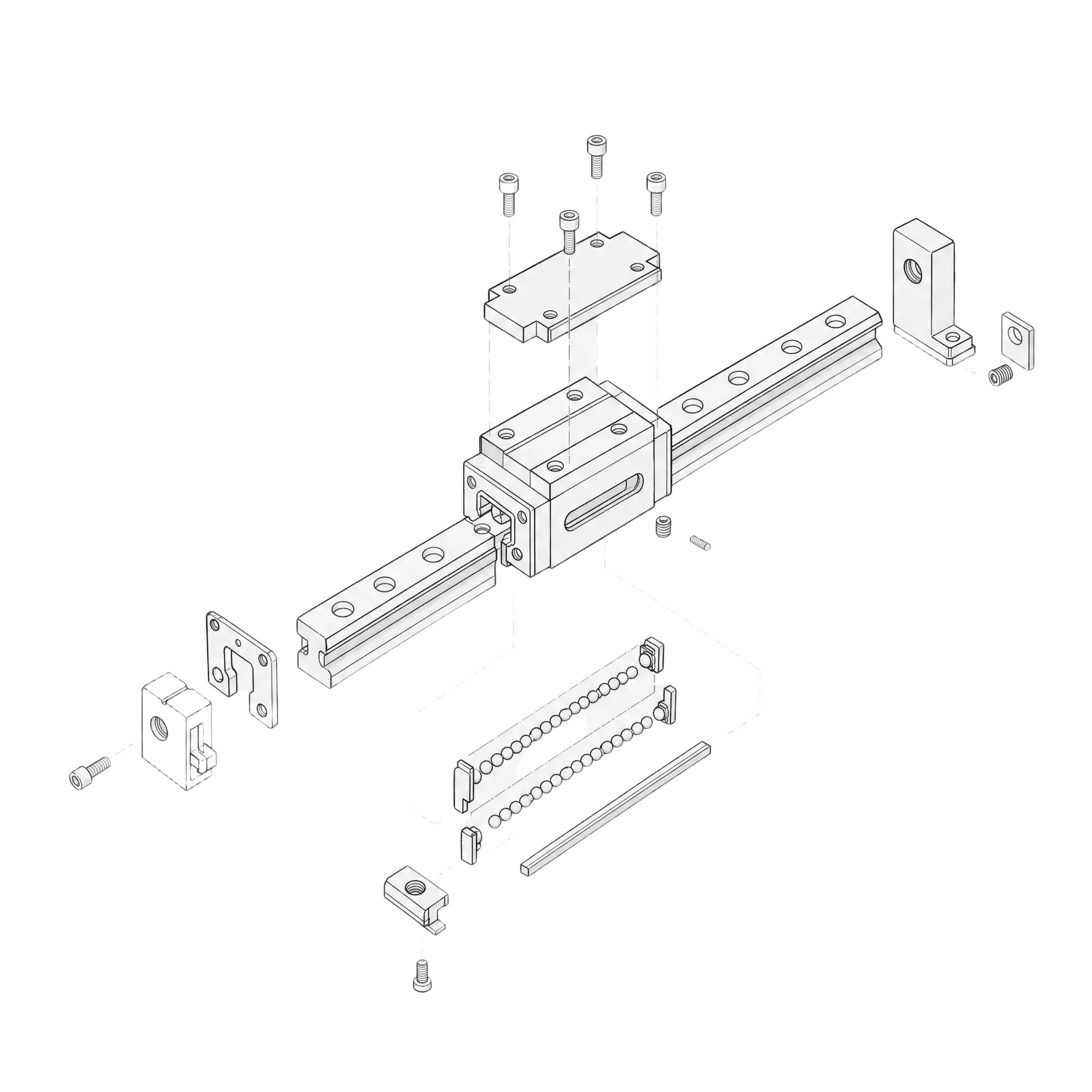
Guide rail system
The guide rail system enables high-precision motion control, guiding the spindle or worktable to move smoothly along a specified axis. An excellent guide rail system can improve overall machine rigidity, reduce vibration, increase repeatability, and directly affect the smoothness of machined surfaces and the long-term stability of the equipment.
Automatic tool changer
The advantage of automatic tool changer lies in its ability to automatically switch tools during machining, reducing downtime and manual operation time, minimizing tool setting errors and human mistakes, and improving machining efficiency, stability, and consistency. For parts requiring multi-stage processing, it allows the equipment to approach automated production.
Automatic dust collection
The automatic dust collection function can simultaneously remove chips and dust during processing, keeping the worktable and guide rail areas cleaner, reducing the impact of dust accumulation on accuracy, heat dissipation and equipment lifespan, while also reducing the risk of operators coming into contact with fine dust and improving the operating environment.
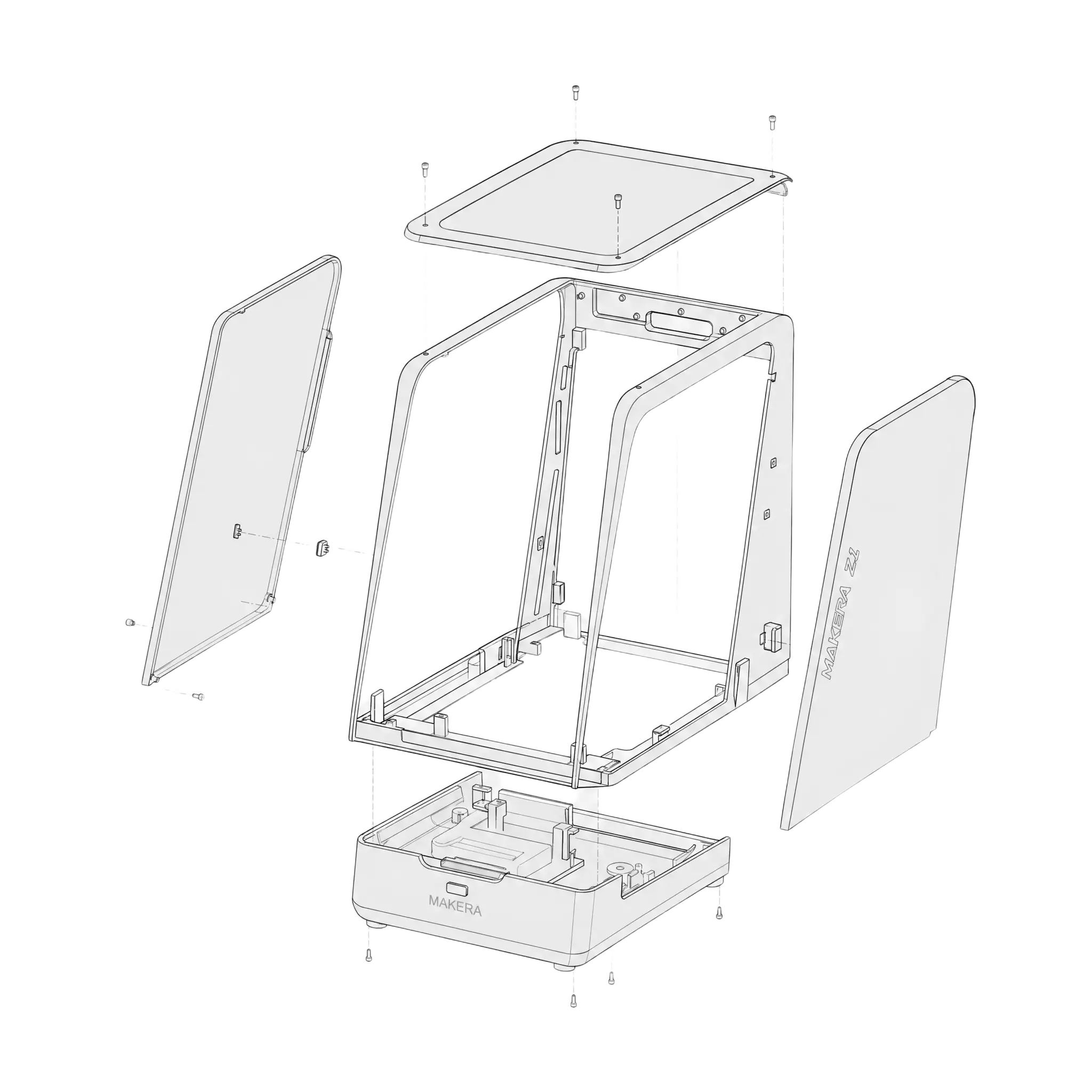
Low noise
Dust covers can significantly reduce noise from motor, spindle, and structural vibrations during processing, minimizing interference in office, home, or educational environments and making the equipment more suitable for use in close-range, long-term scenarios. They also contribute to creating a quiet, professional workspace while meeting the needs for comfort and environmental friendliness in desktop equipment.
aluminum
3-axis
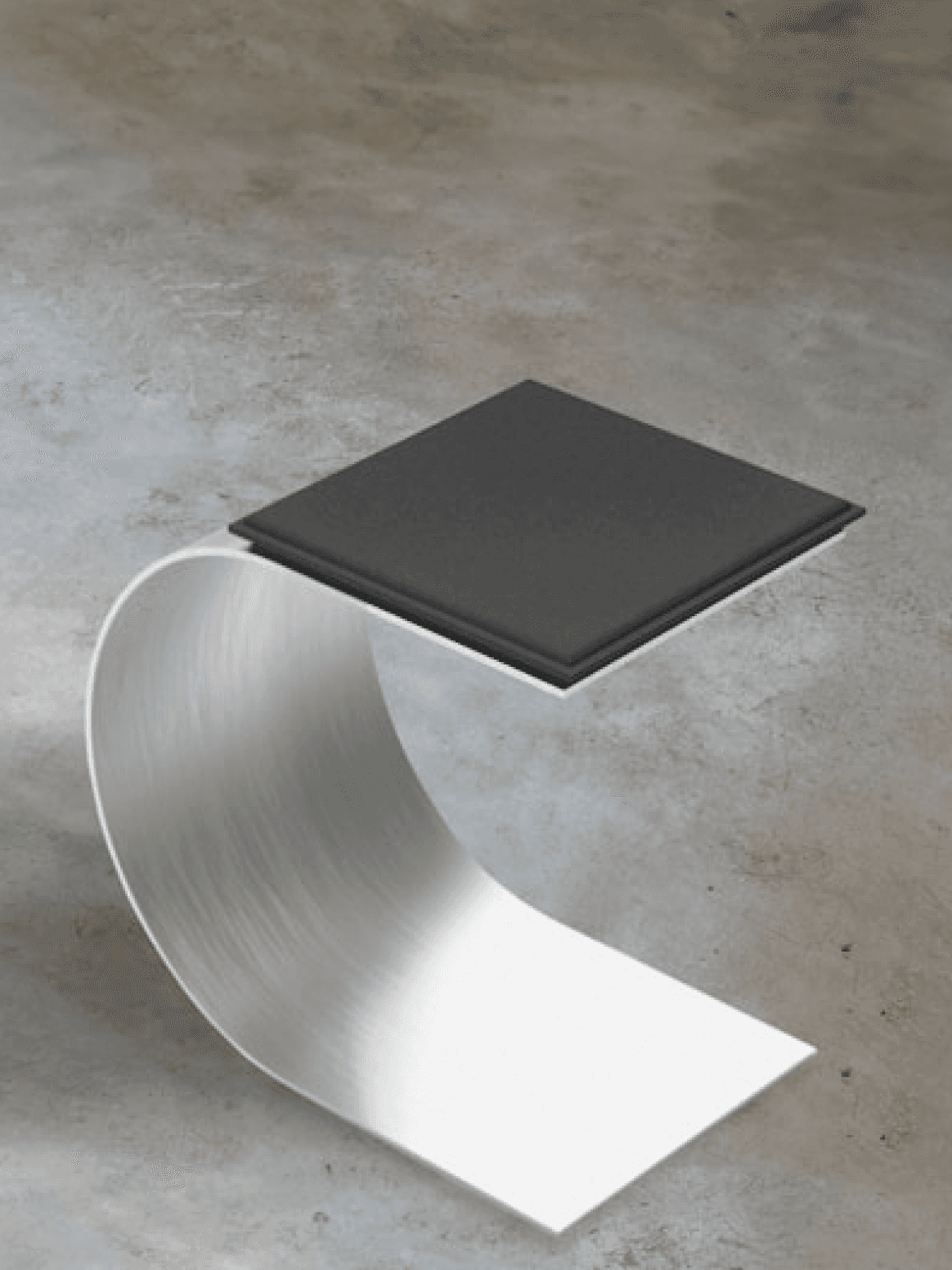
aluminum
4-axis
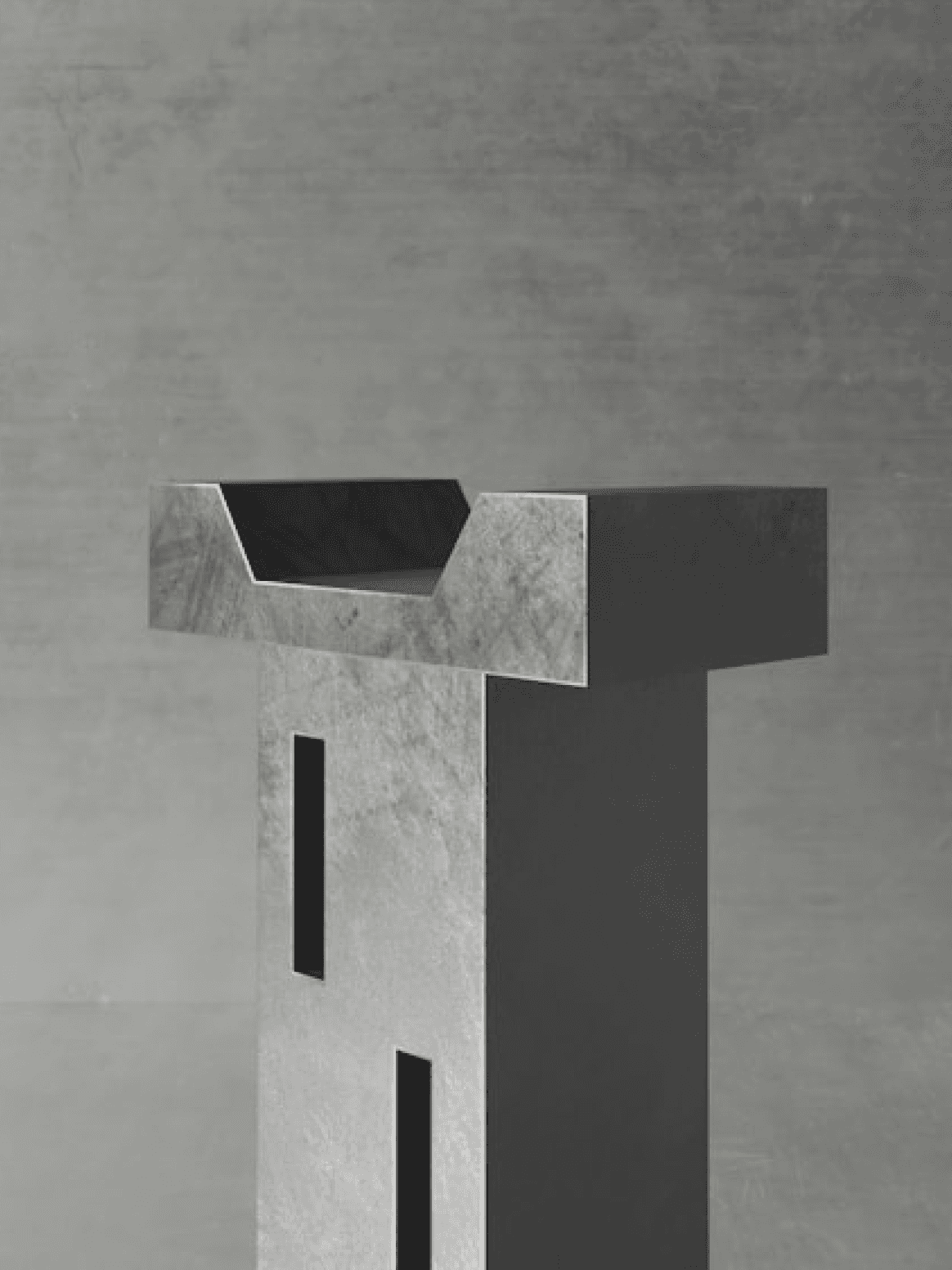
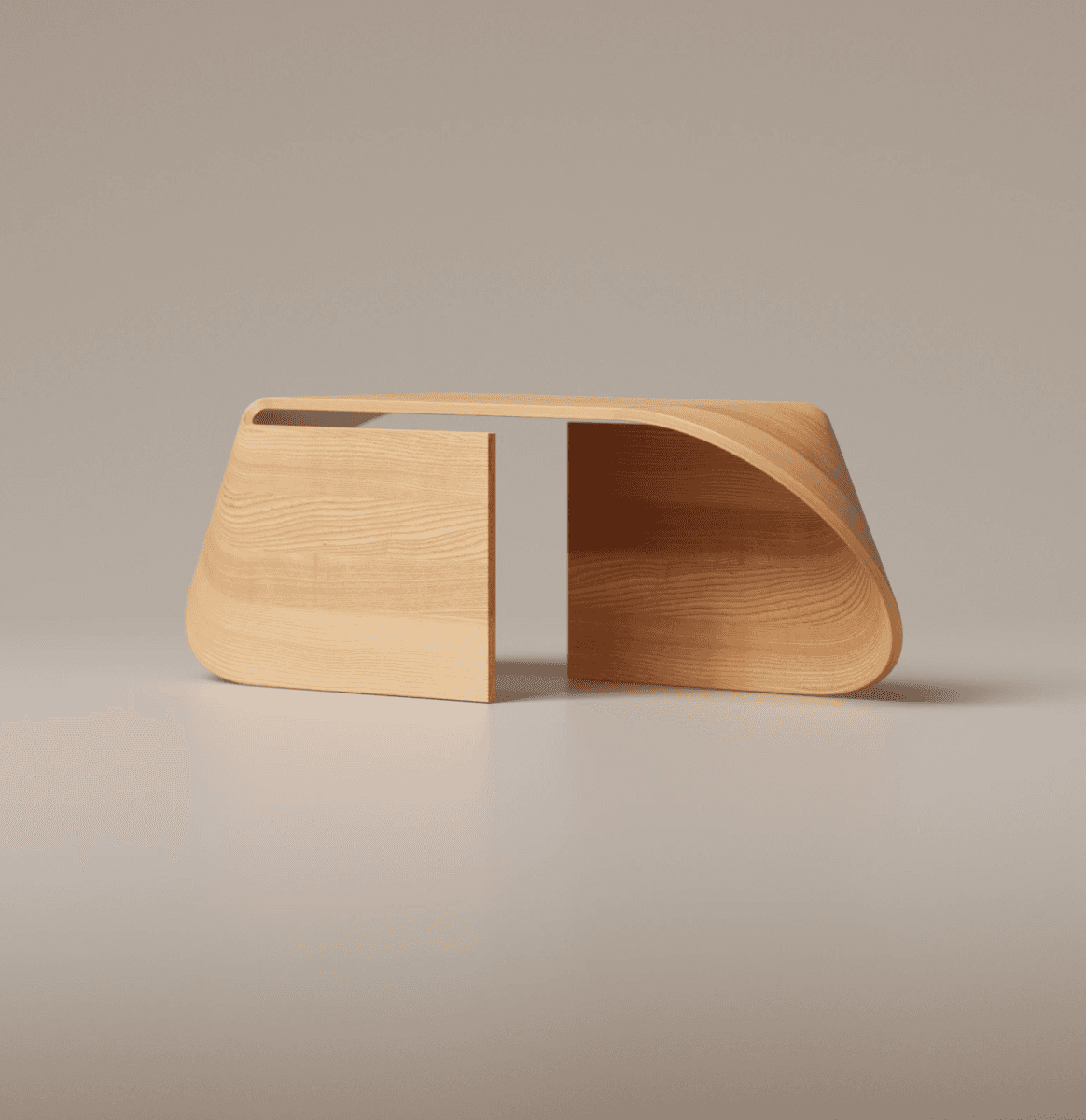
hardwood
4-axis
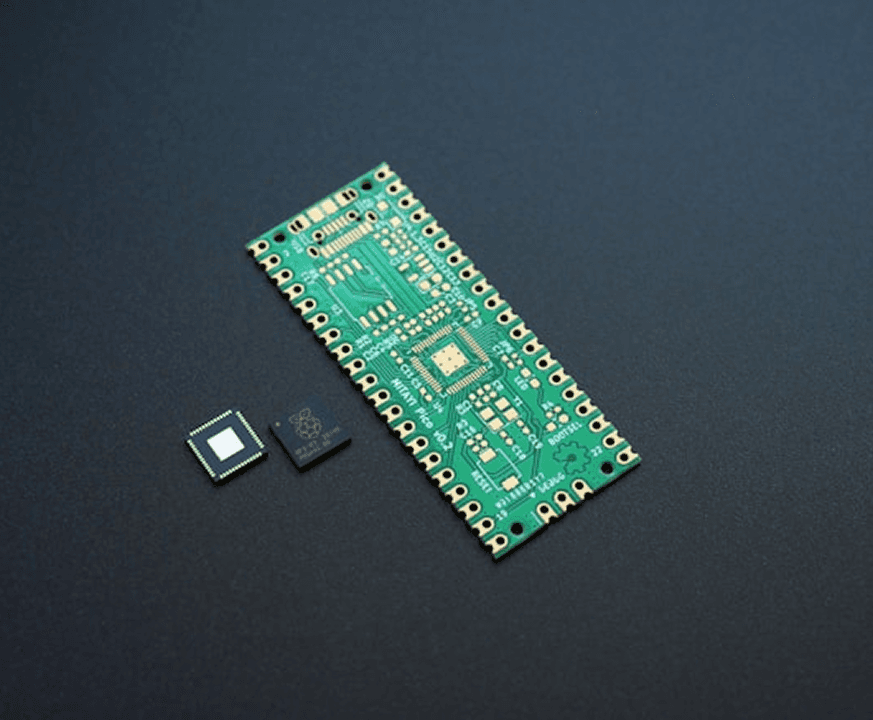
PCB
3-axis
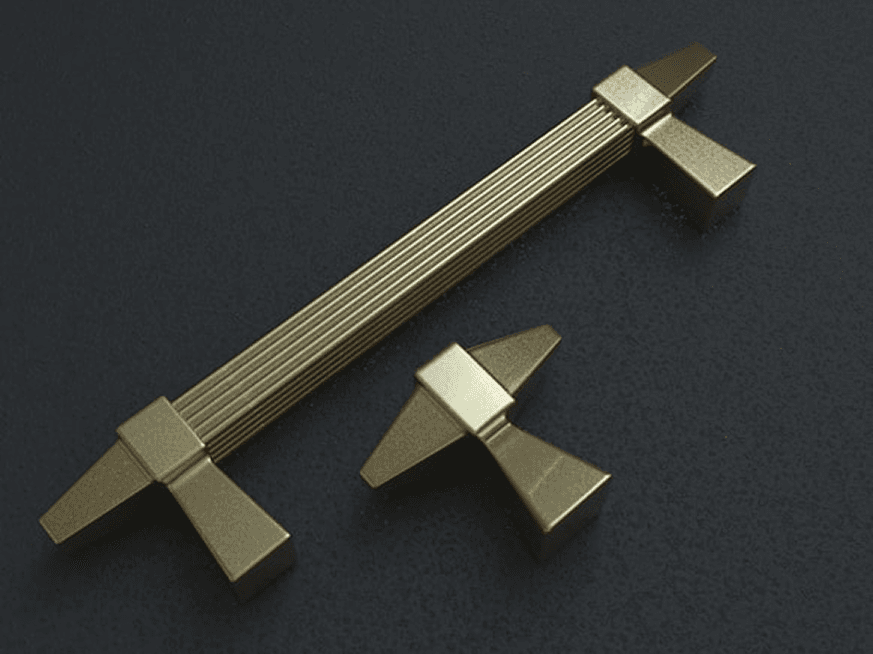
brass
3-axis
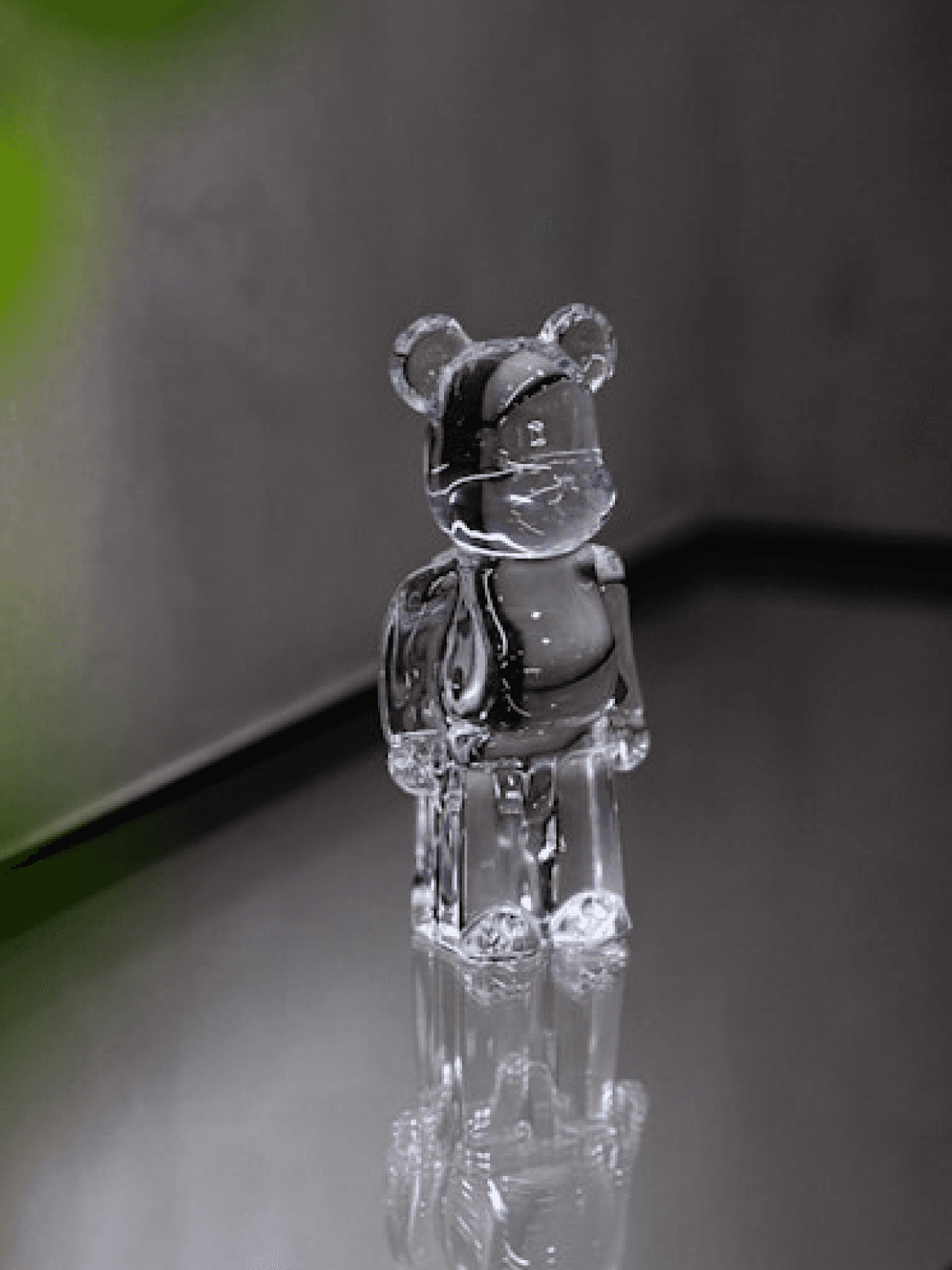
Acrylic
4-axis
Various raw materials
What can CNC do?
Various raw materials
Various raw materials

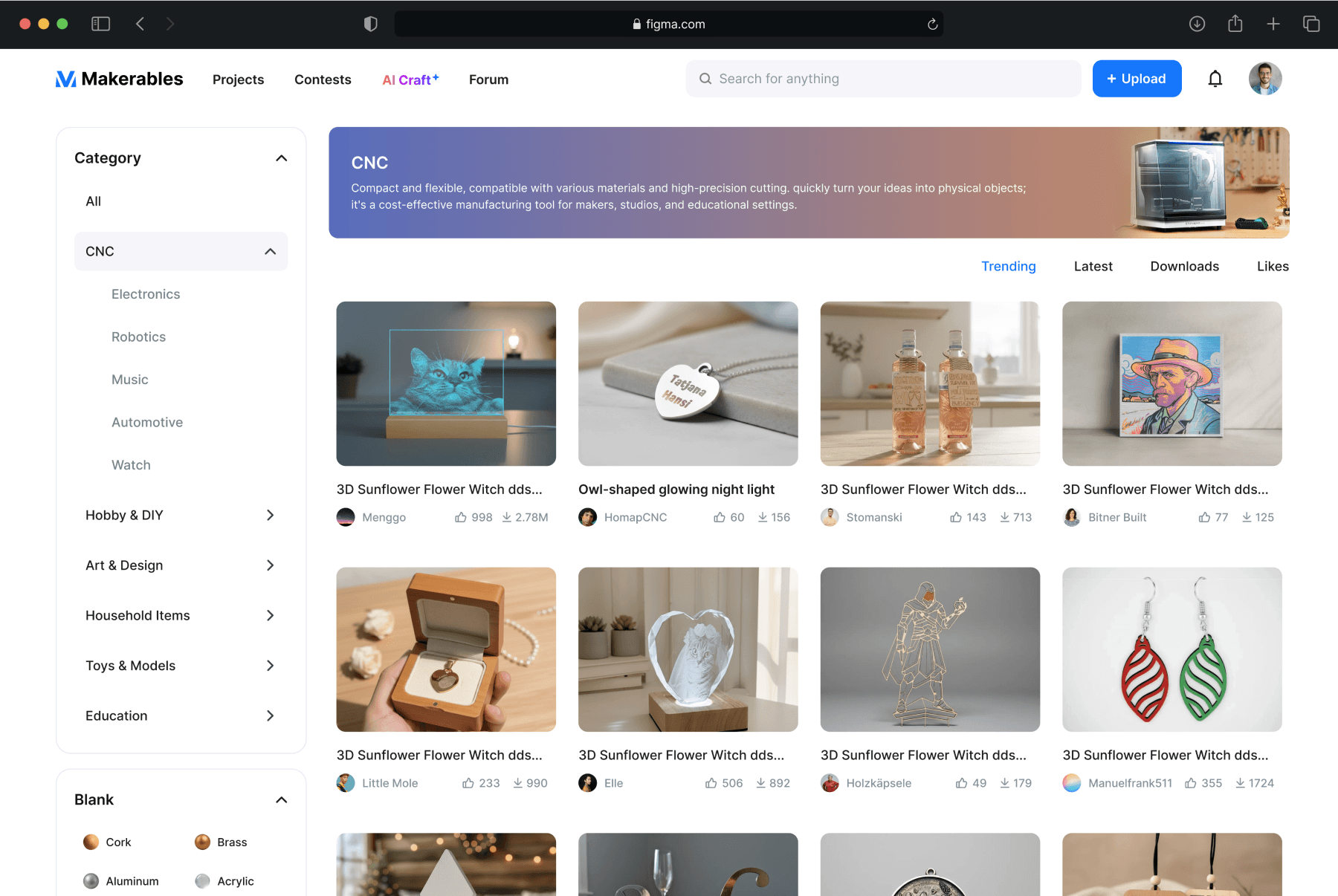
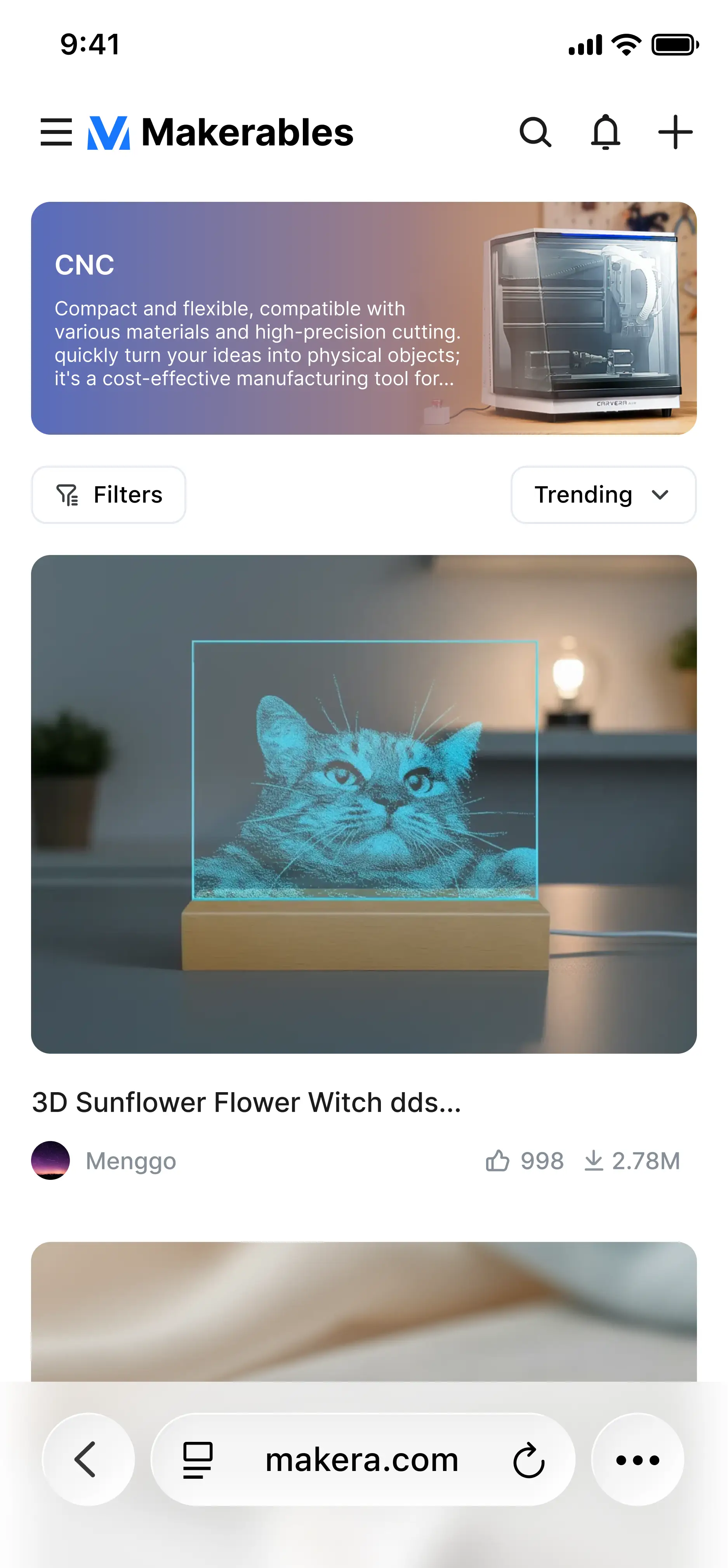
Download your favorite CNC project files.
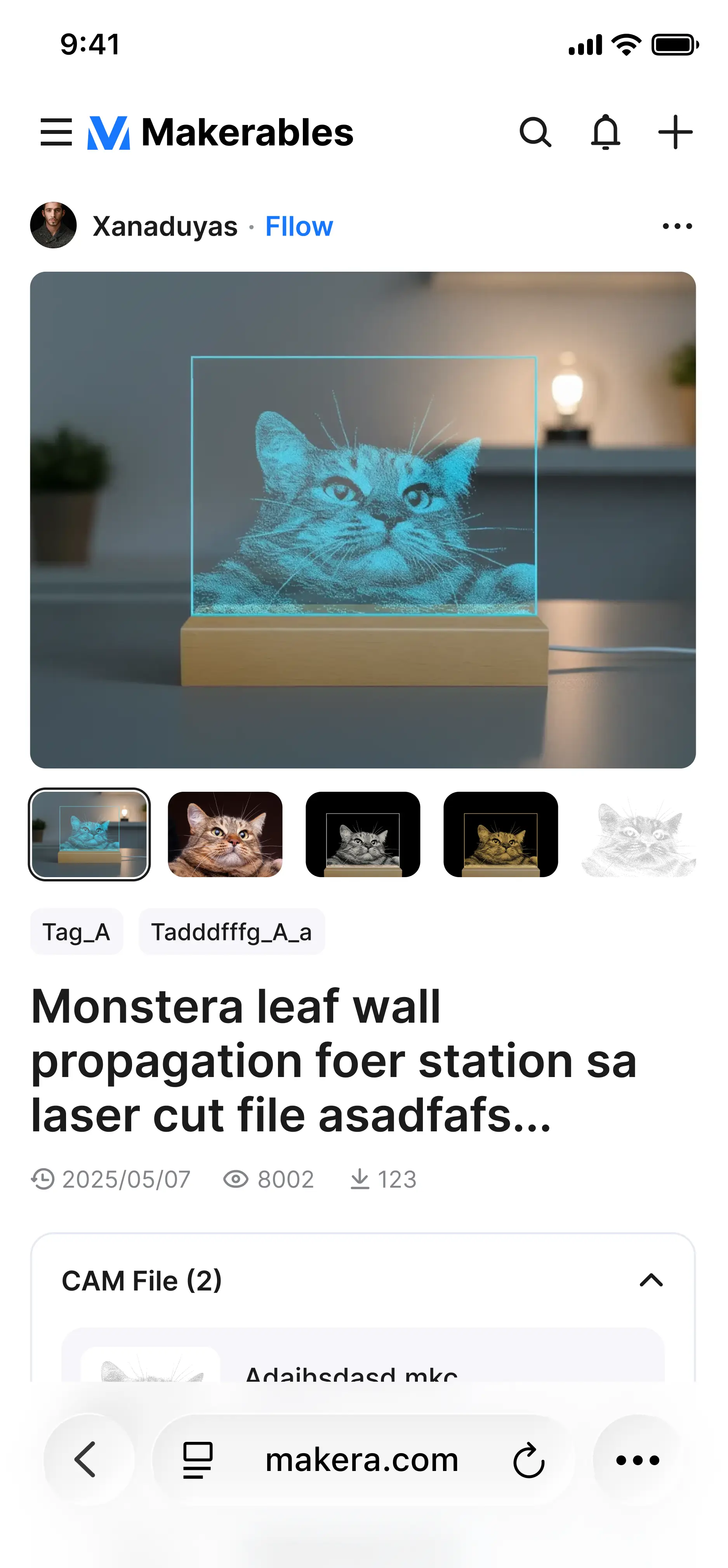
Browse different CNC machining projects online, interact with projects you like, and import NC or MKC files from that project into MakeaStudio for copying and processing.

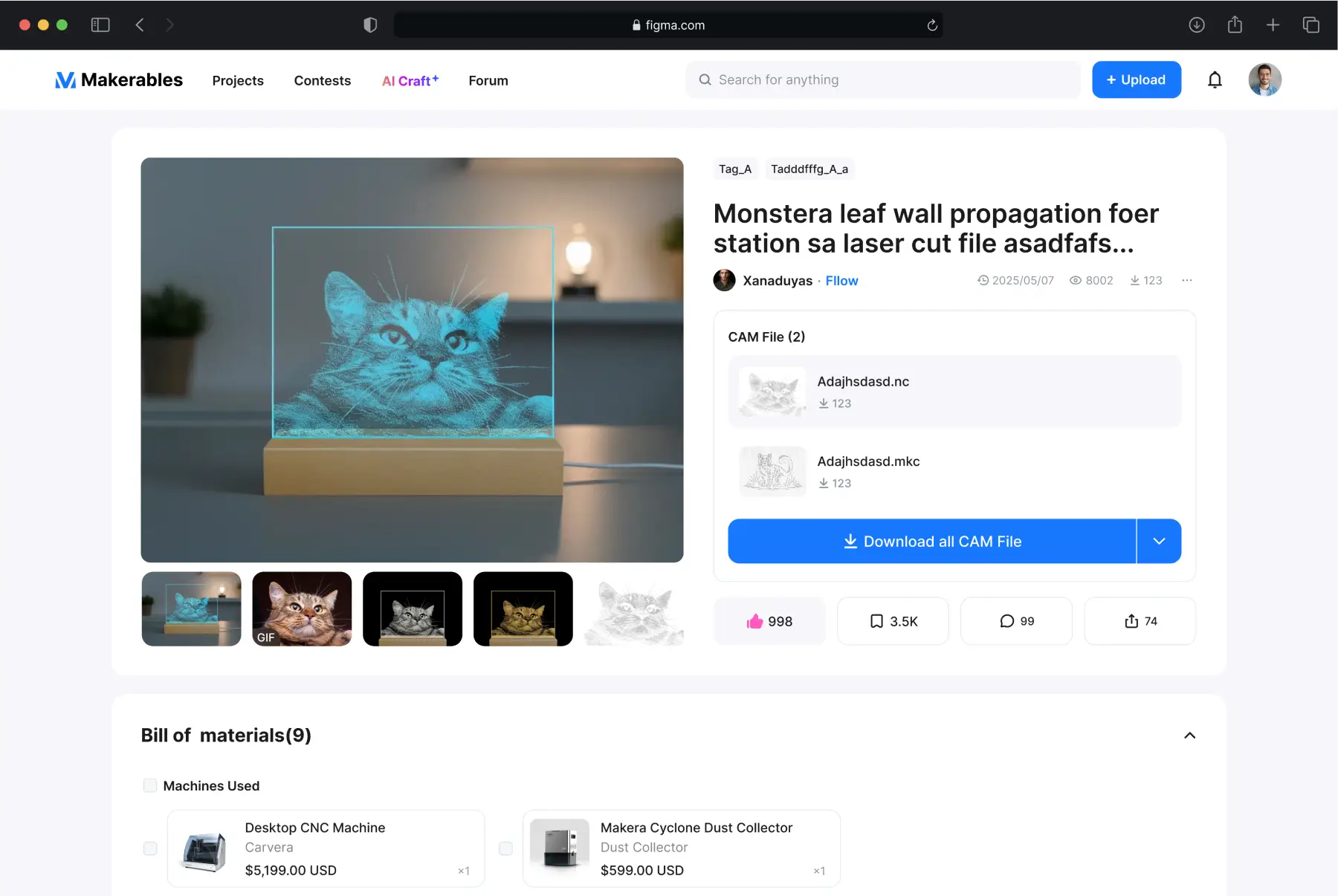

Share your creative work to the community and earn points.
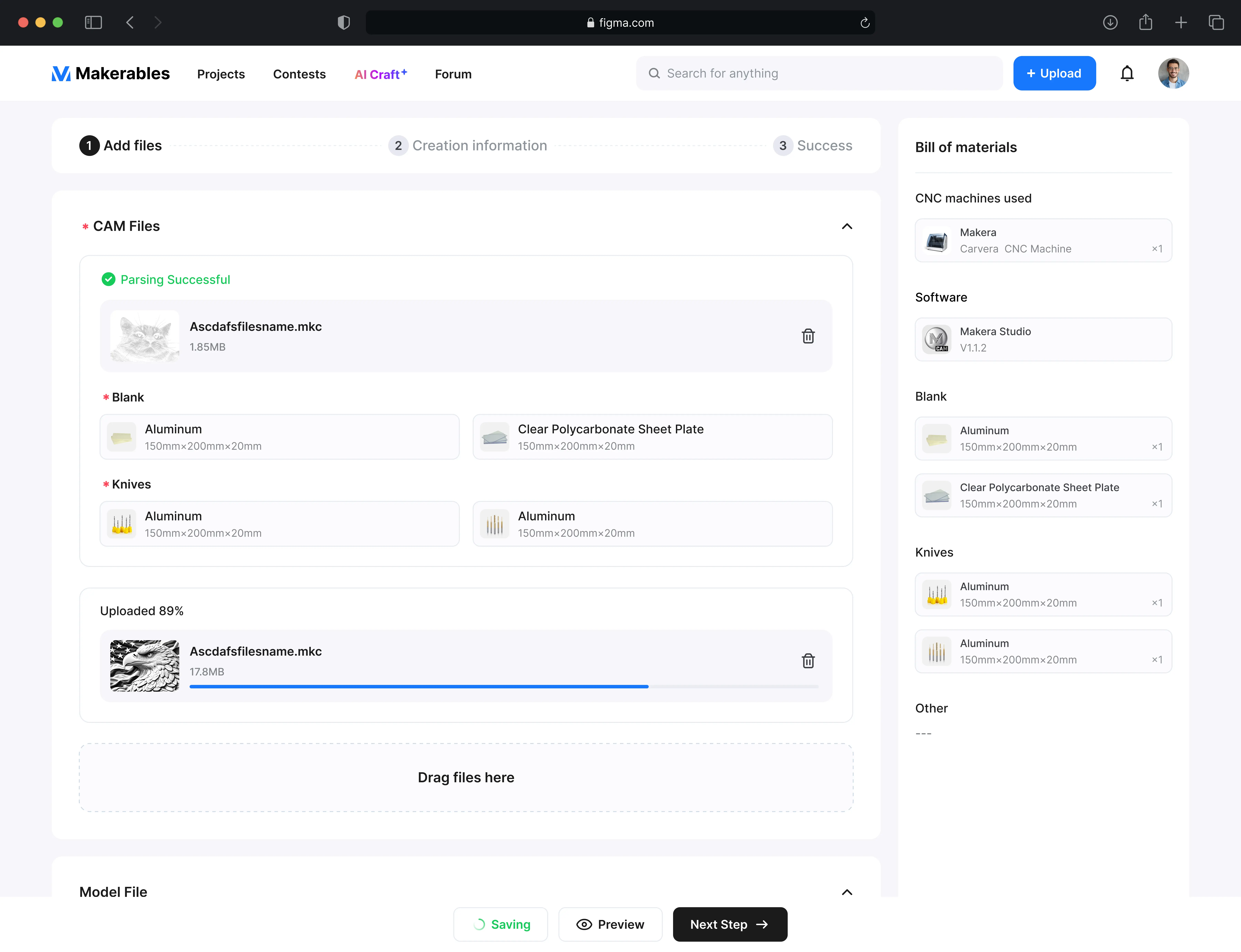
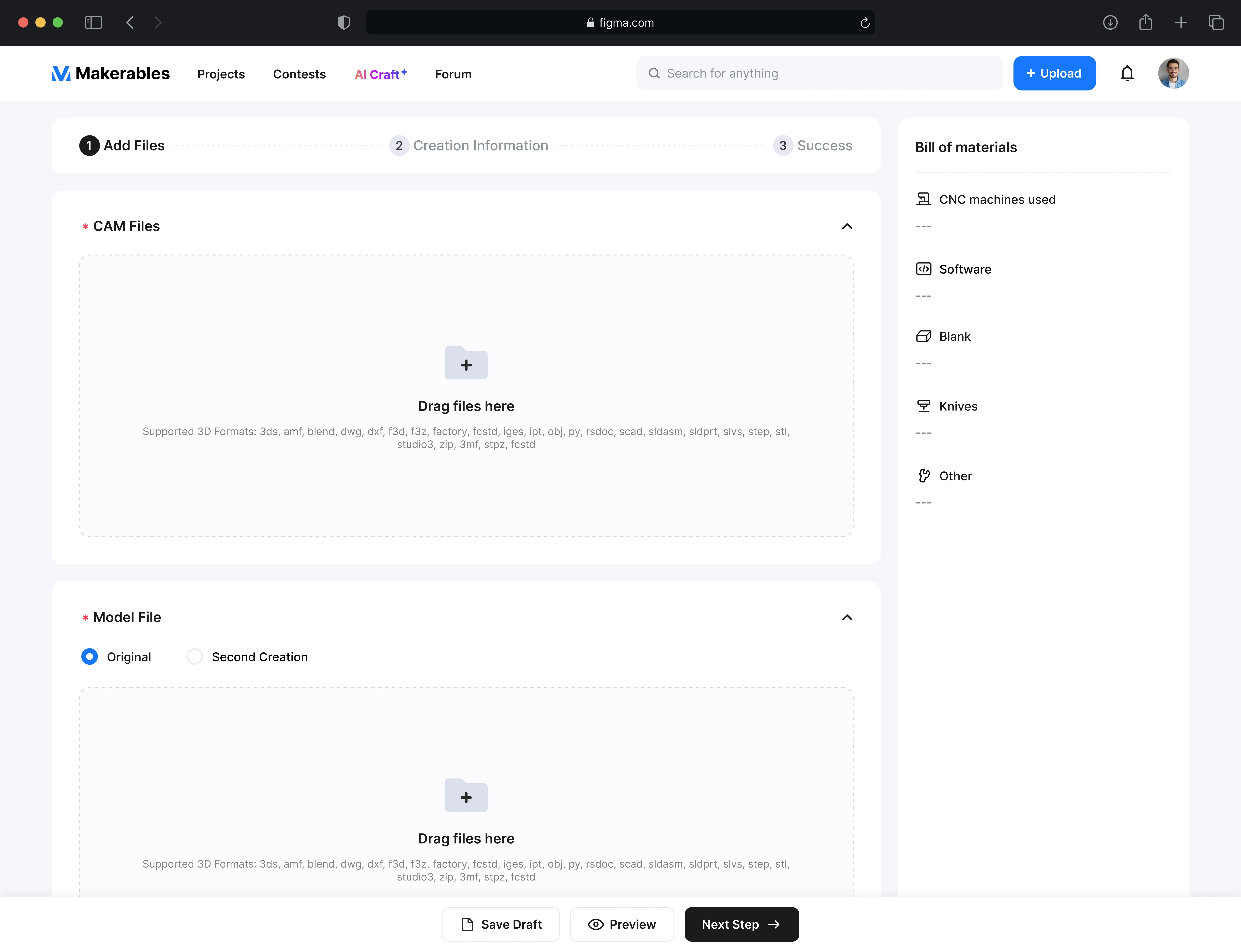
Please add your CAM file, NC file, and model file. We will parse out the tools and blanks used in the CAM file. After successful upload, your project will be visible and usable by other users.

Relief
generation
3D
generation
Image
generation
Imagine
Sketch
Experience AI tools and quickly create models
In Makera you can create your own AI models and also download and use models generated by others
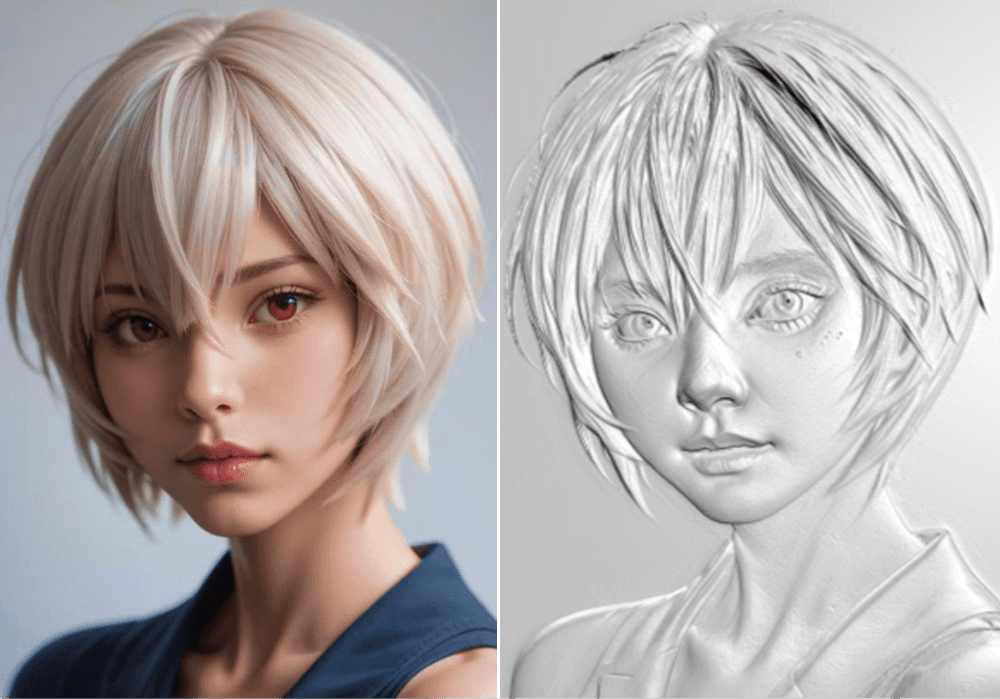
Relief generation


Image generation
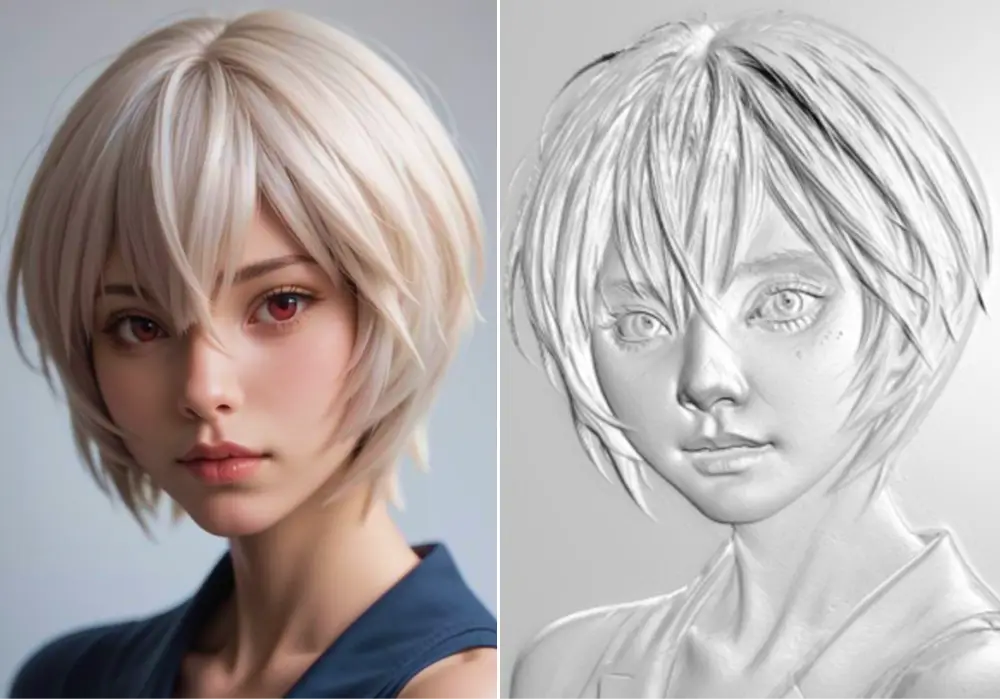

3D generation
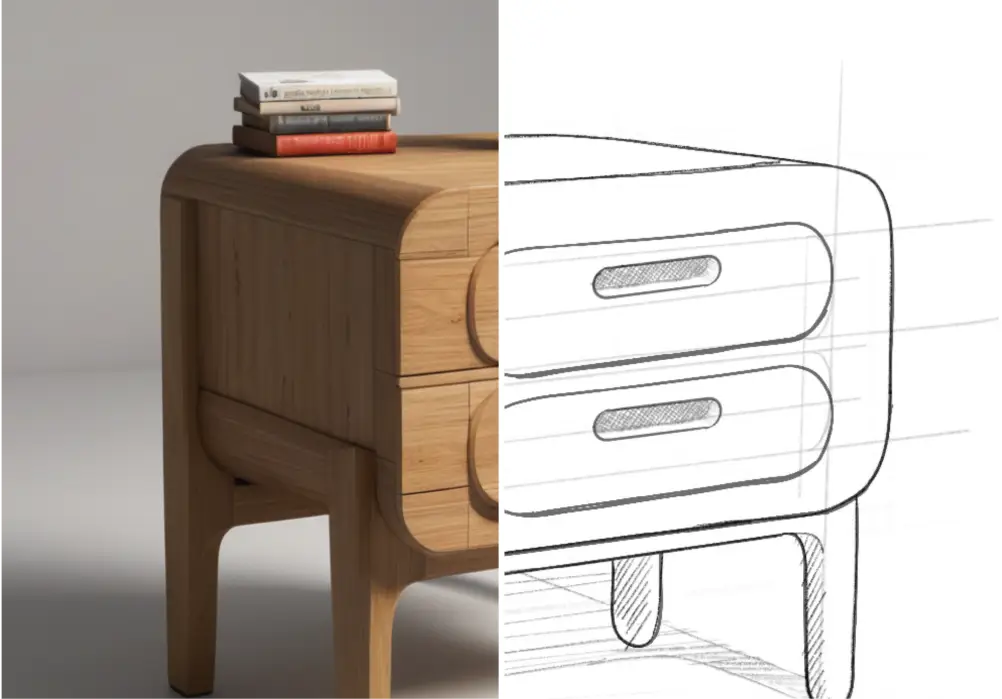
sketch generation
Supplier Matching
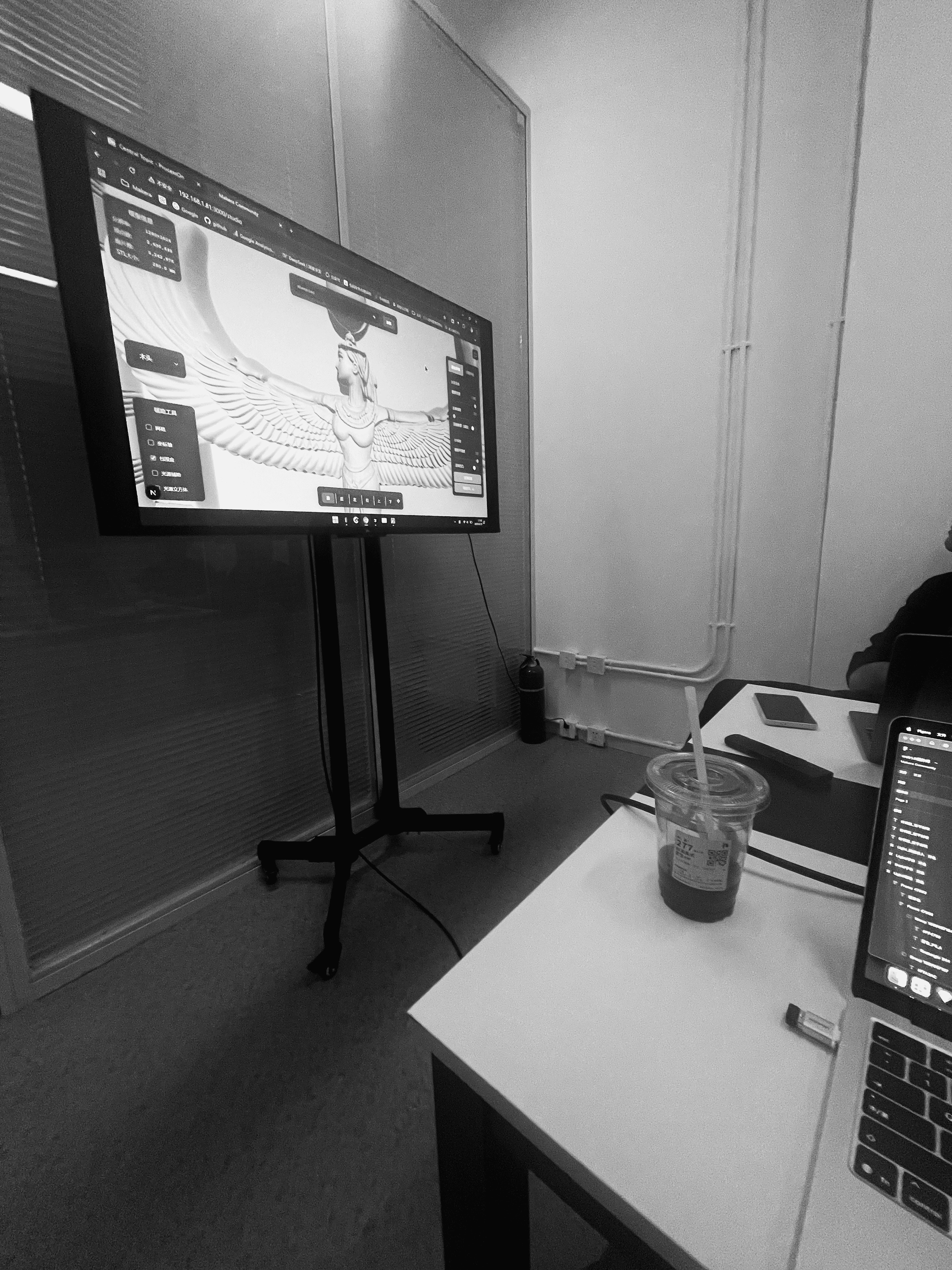
API Meeting

Import the generated model into MakeaStudio for toolpath design and control equipment processing. Prepare the blank, and then turn your idea into a unique craft.
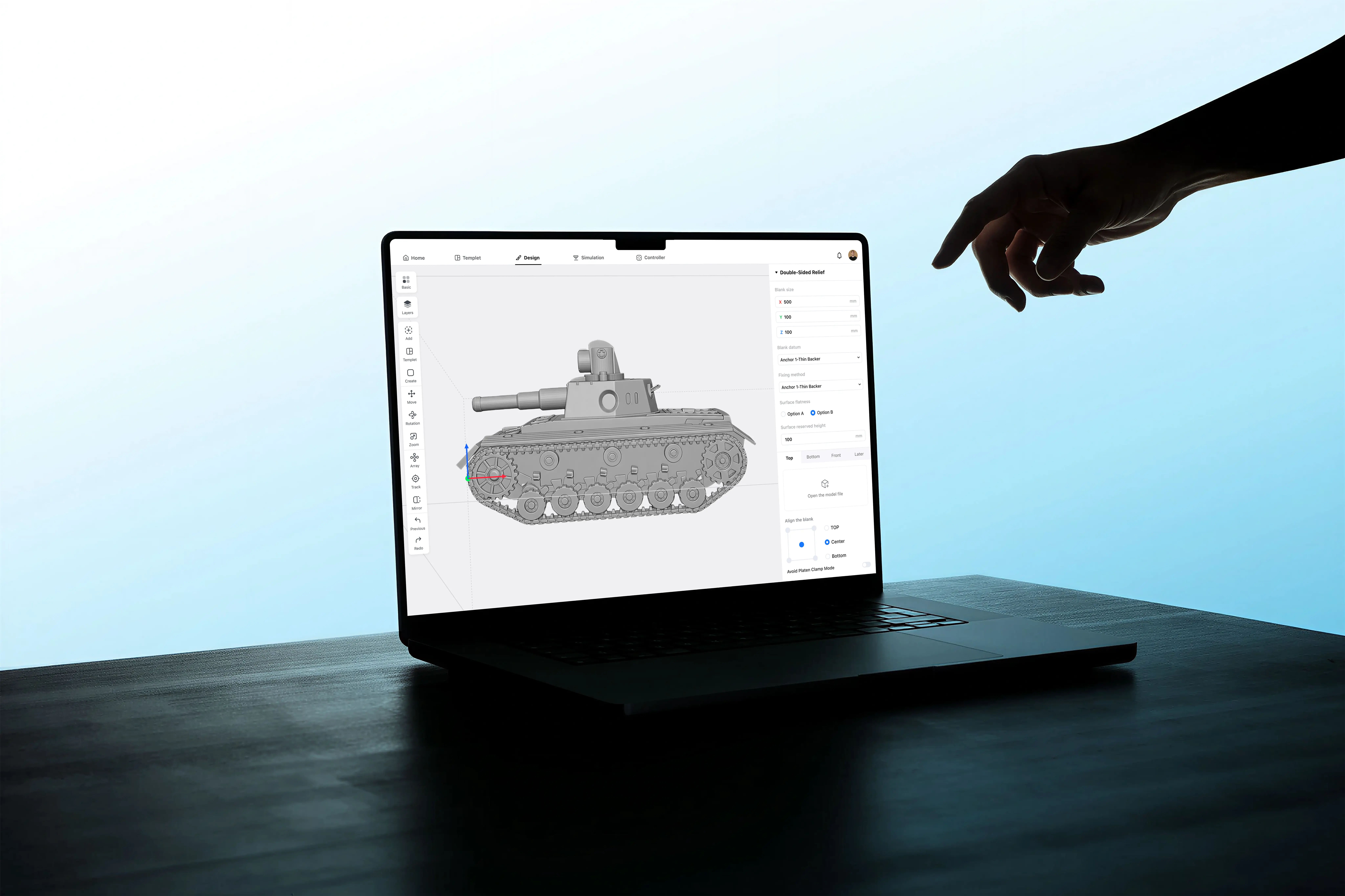
Processing Cases
Processing
American Exhibition
01
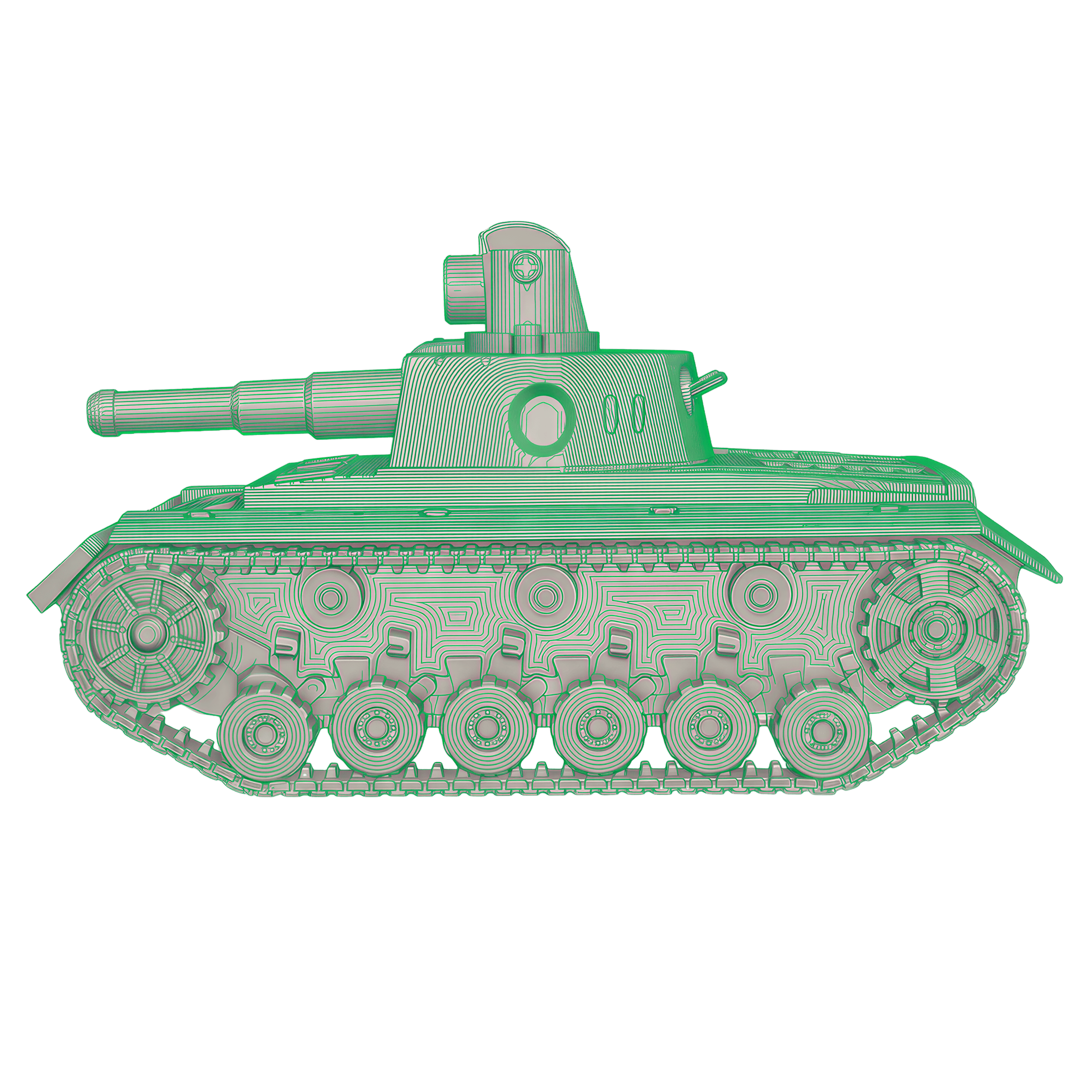
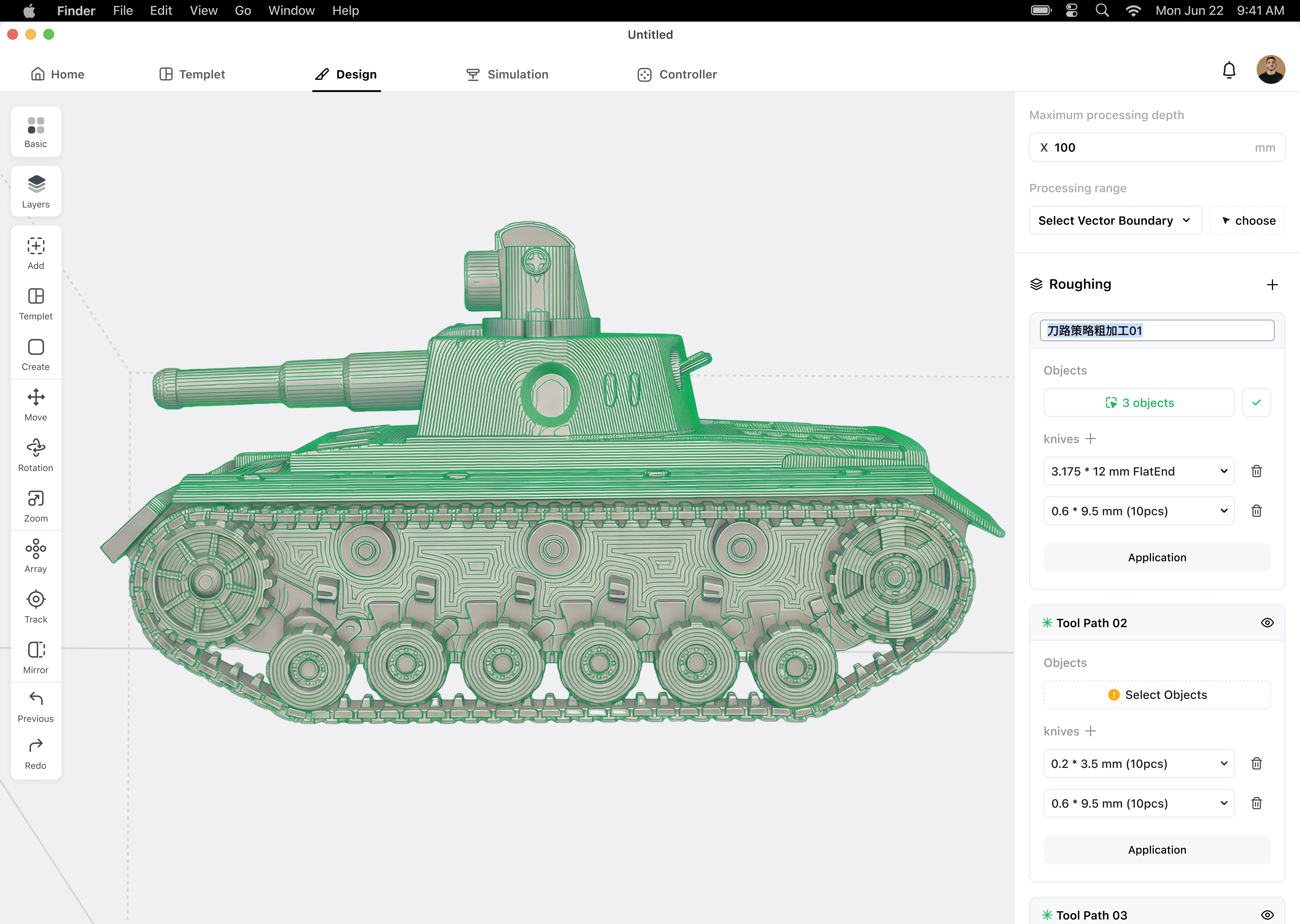
Toolpath design
02
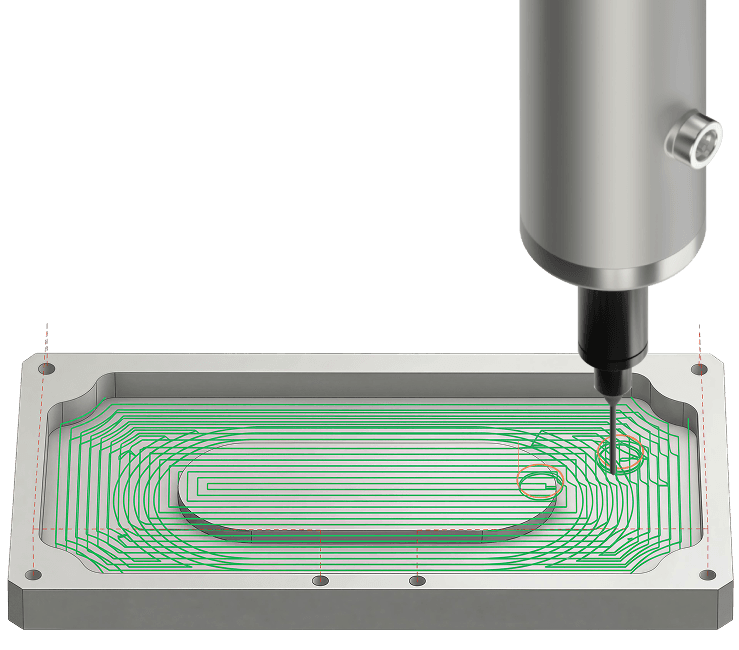
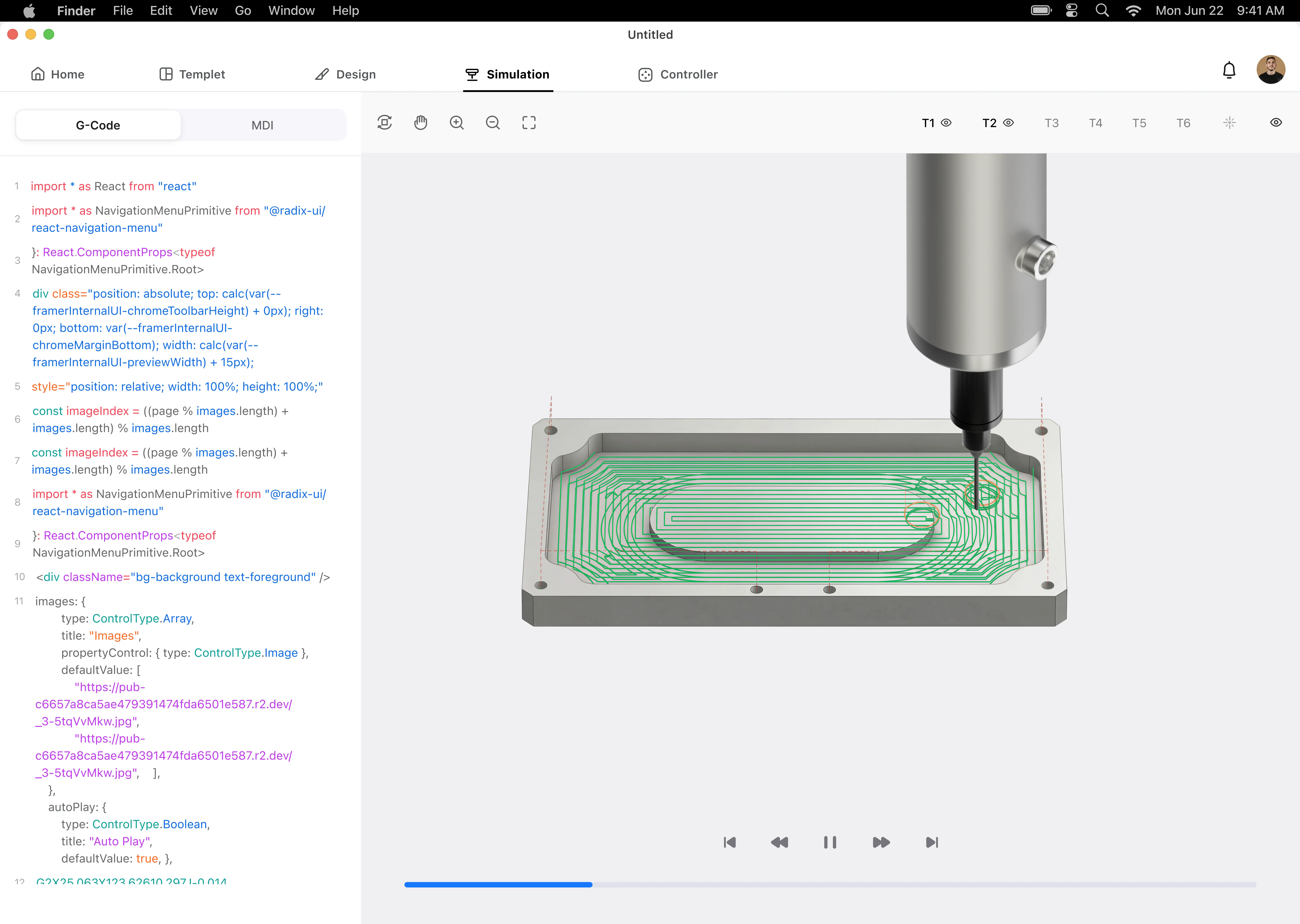
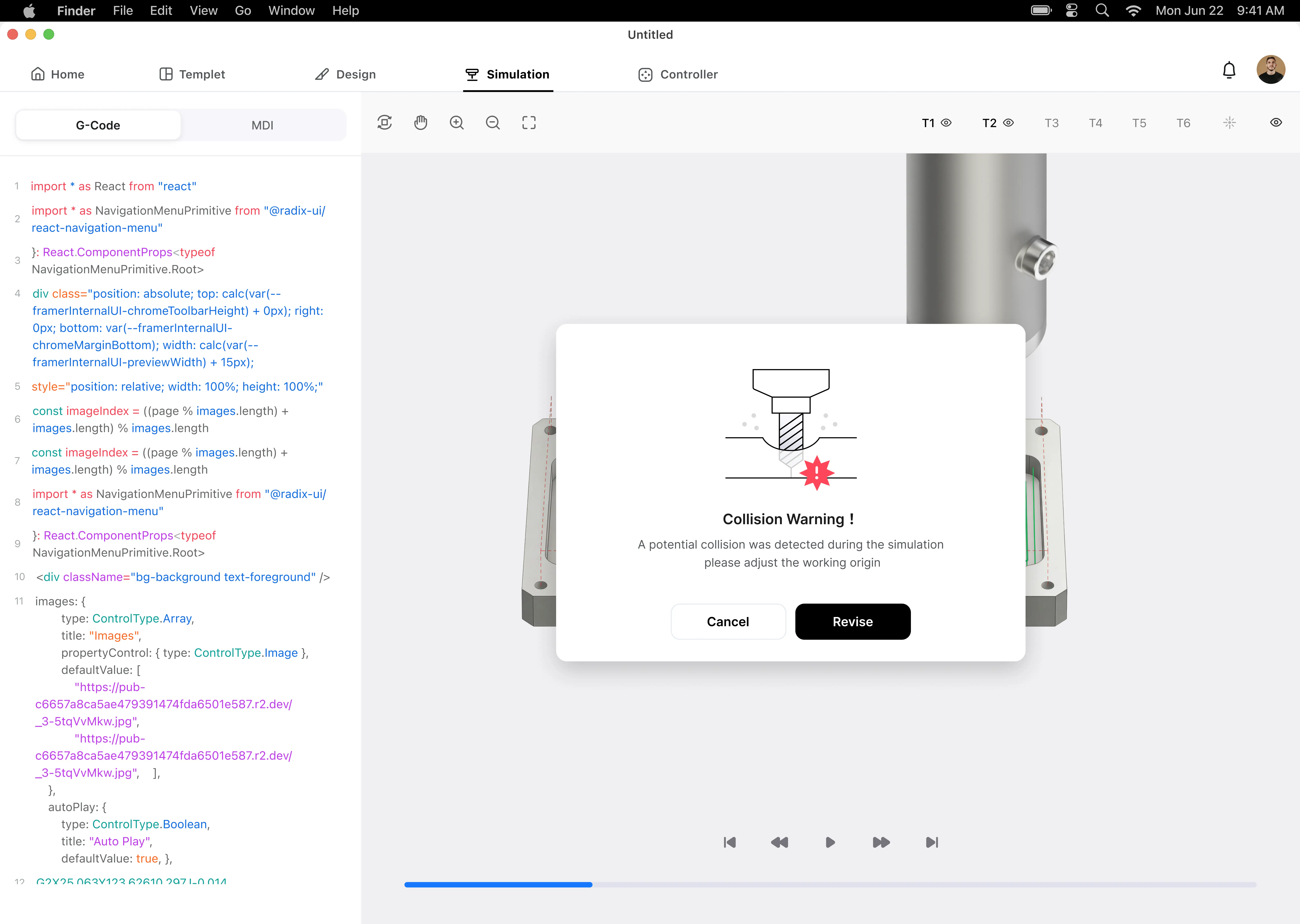
Simulation
03
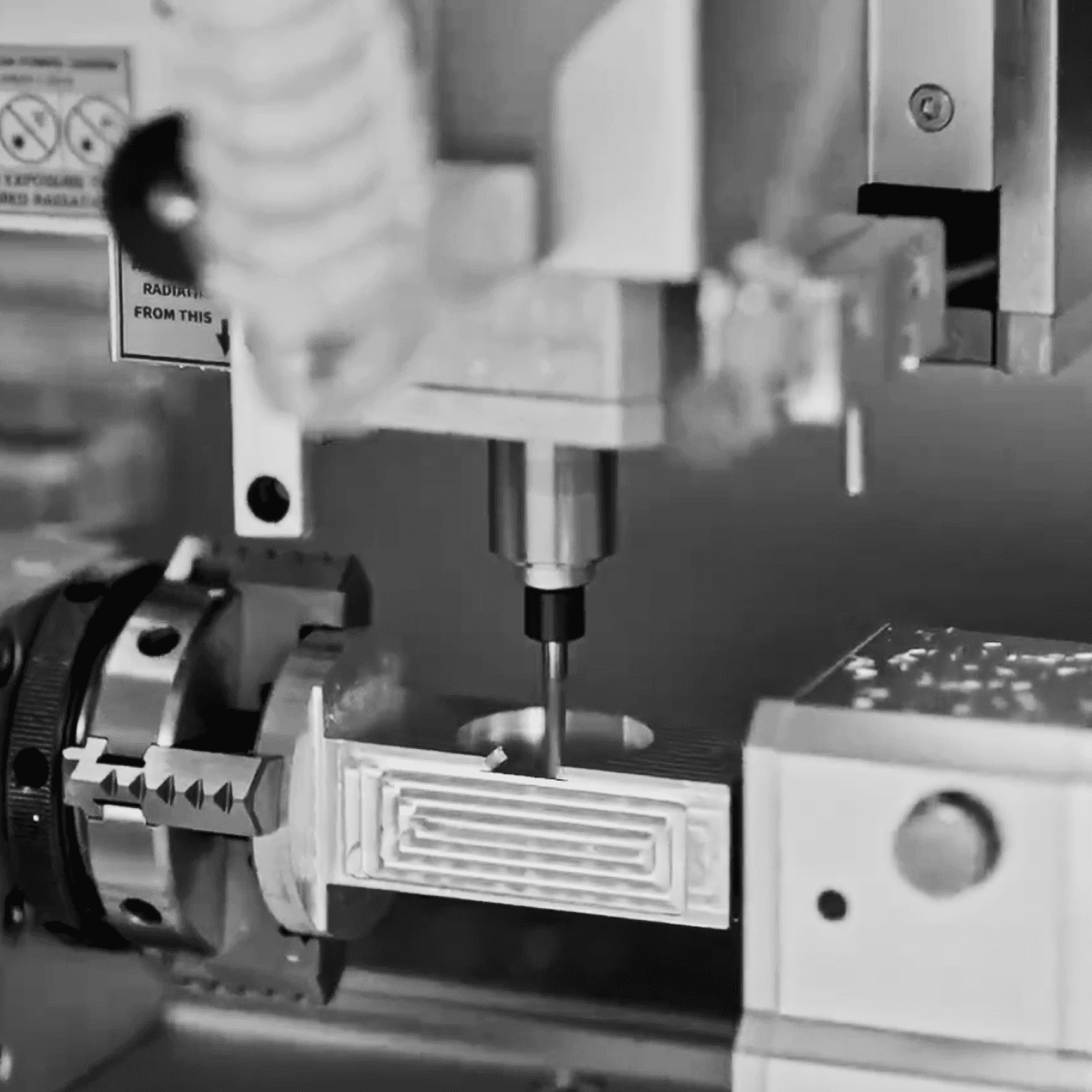
Processing monitoring
04
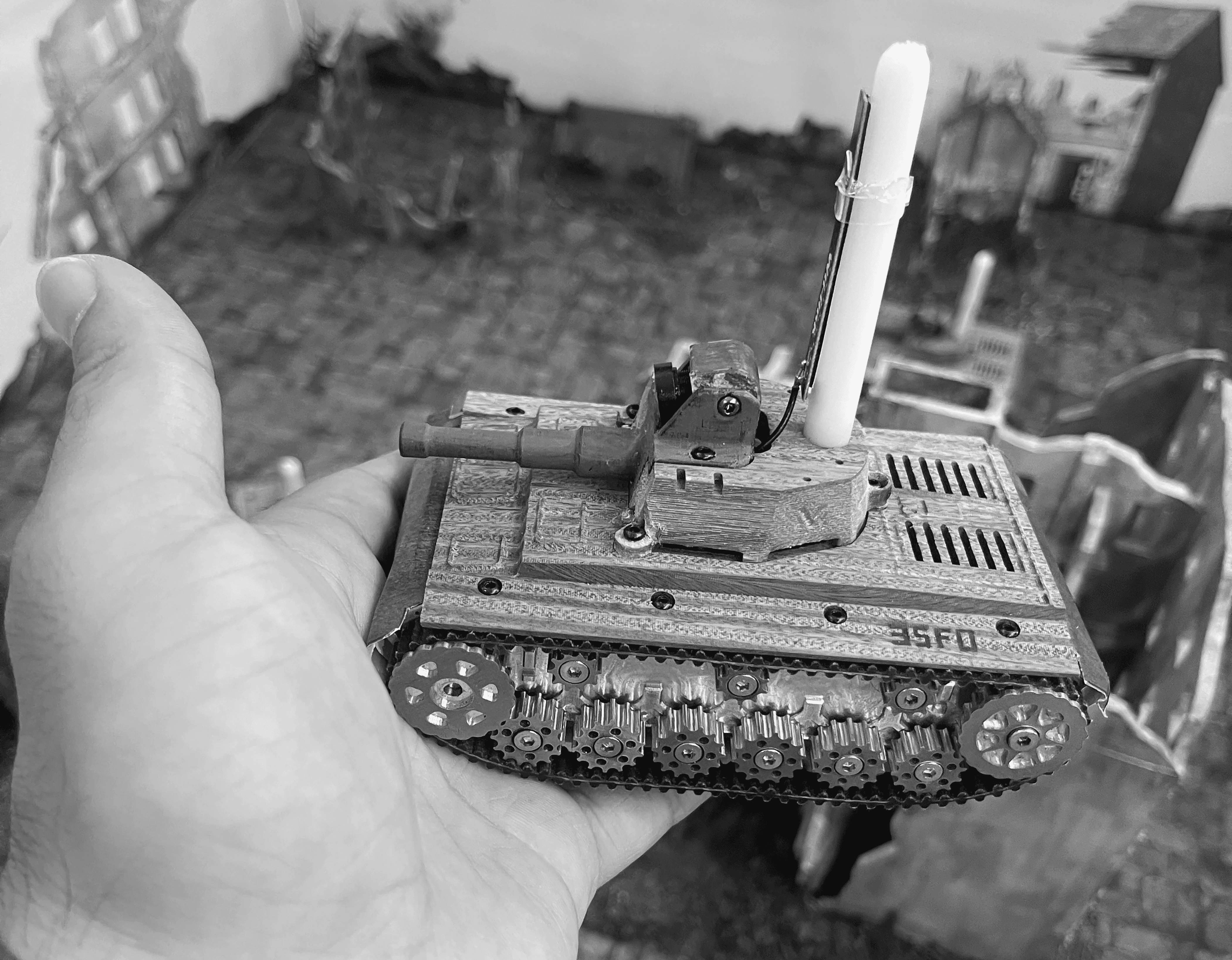
Finished product
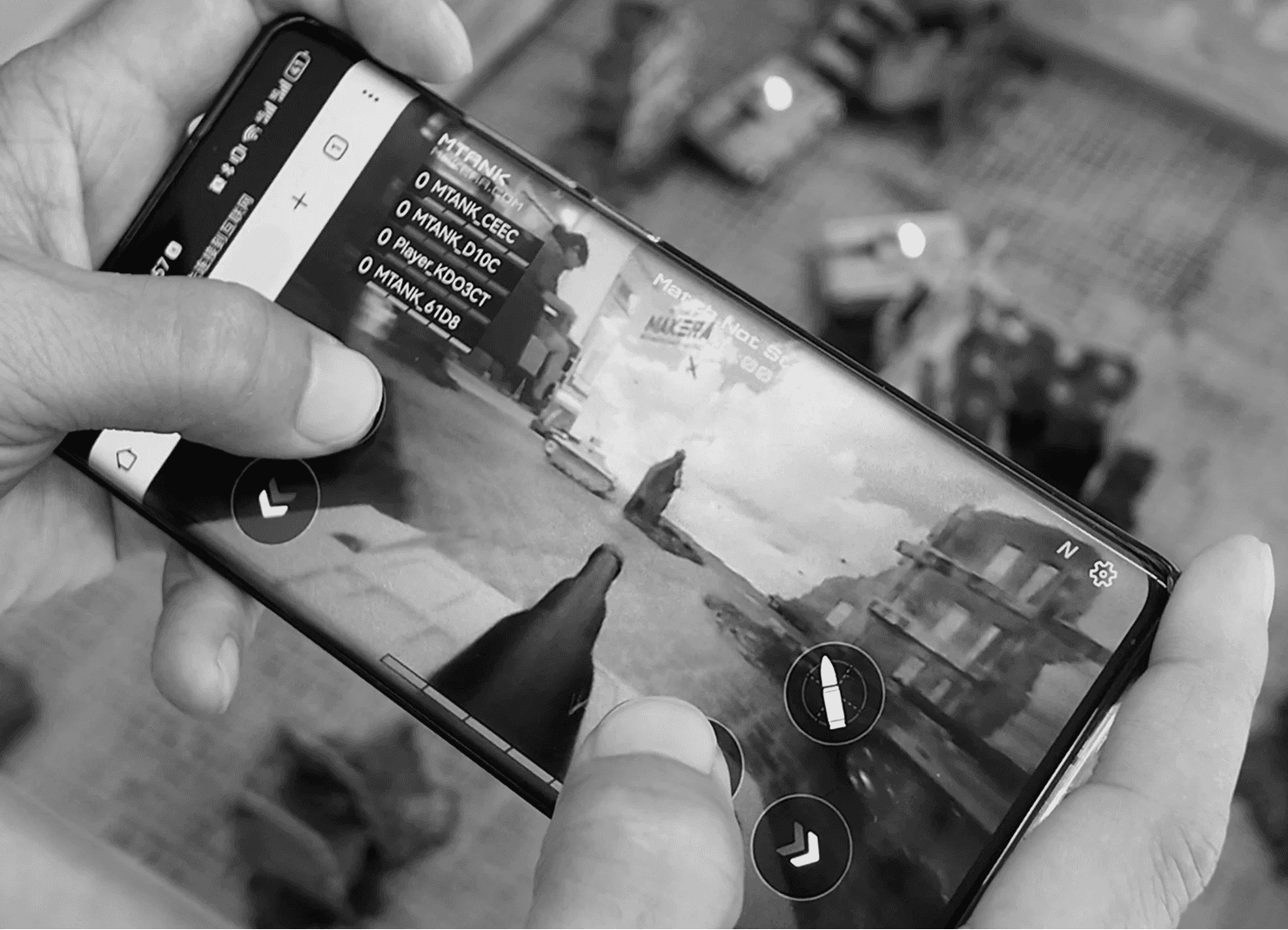
25.07.20
USA.Hall A, booth D.1
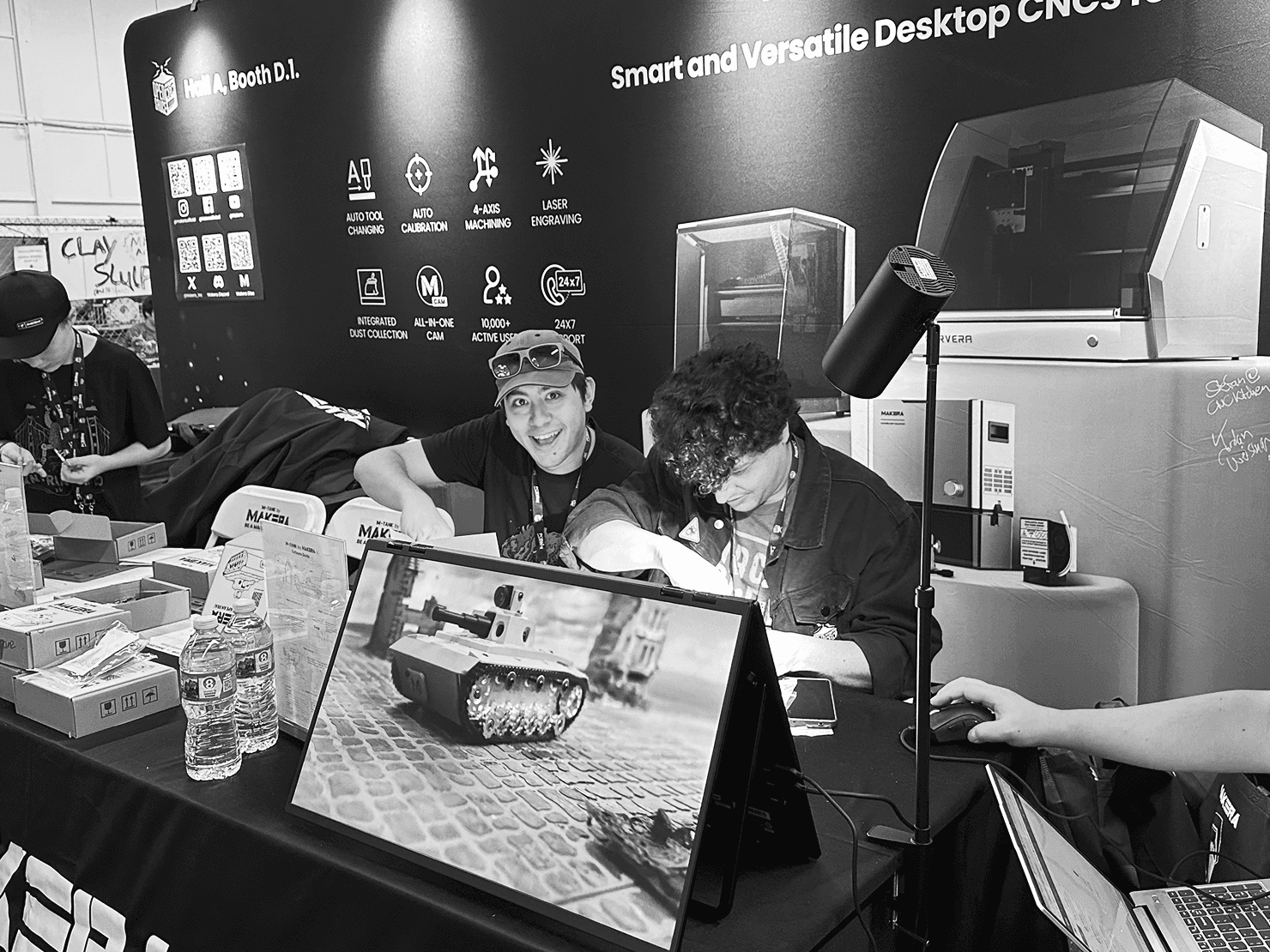
25.07.20
USA.Hall A, booth D.1
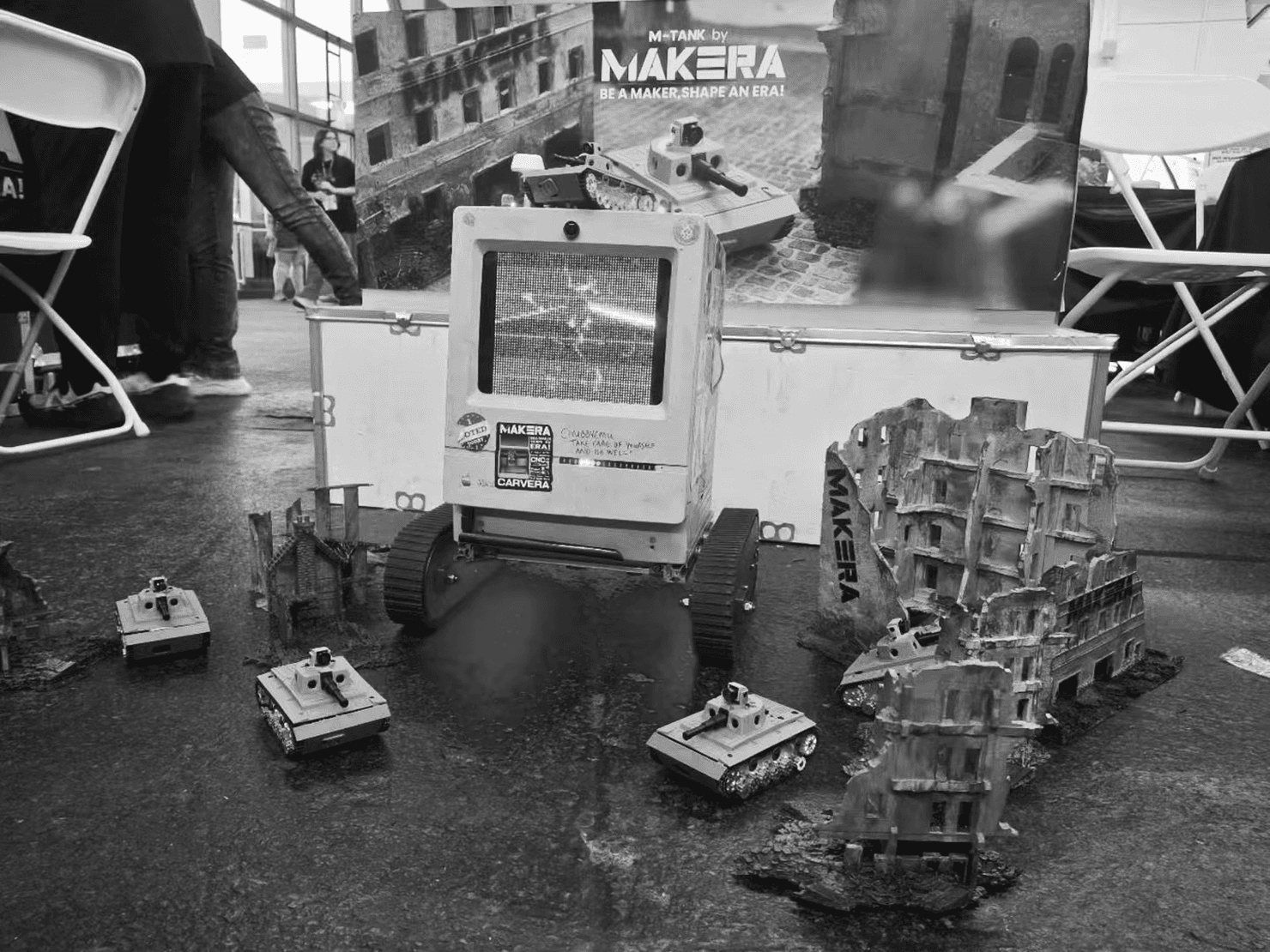
25.07.20
USA.Hall A, booth D.1
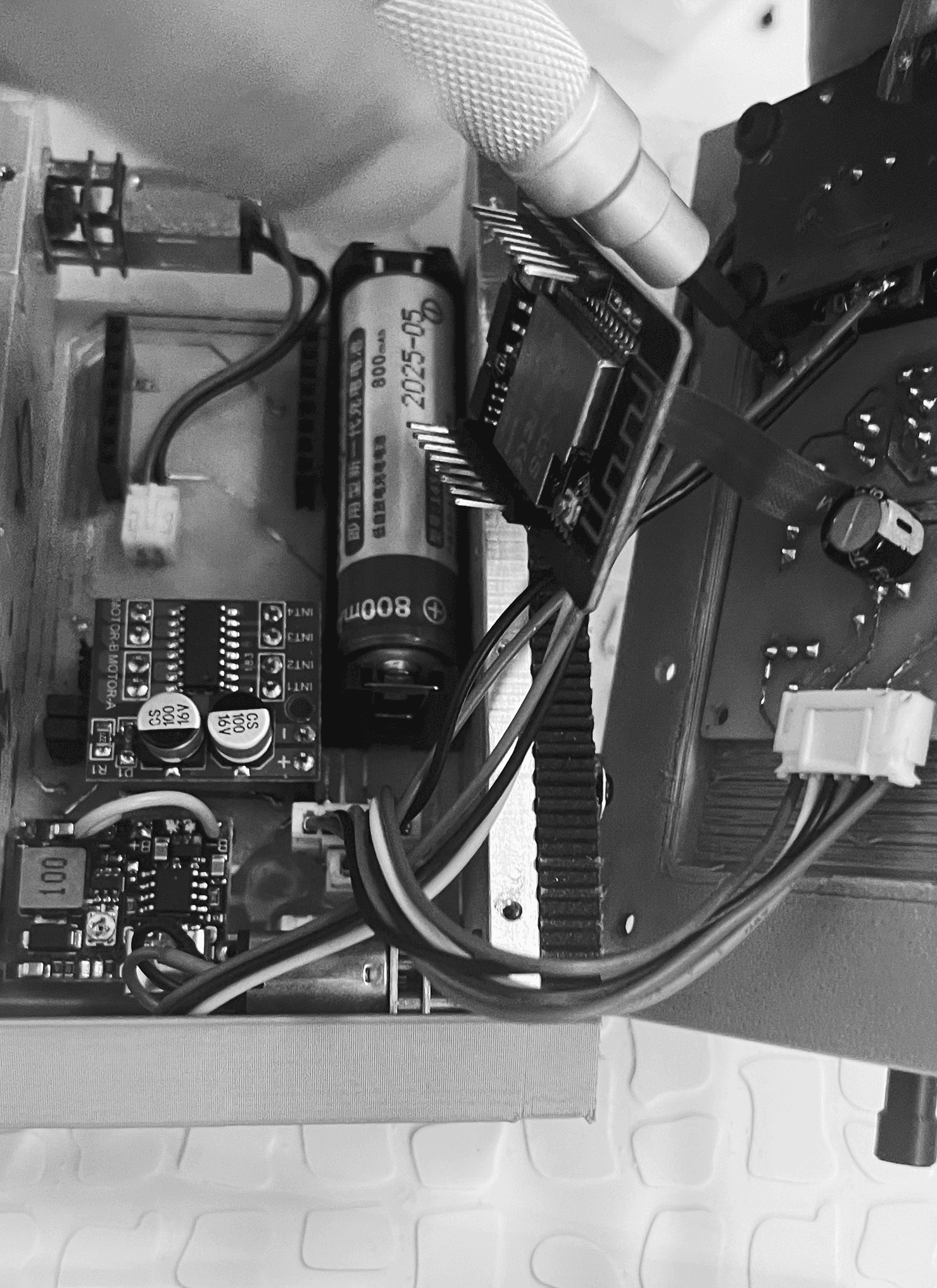
25.07.17
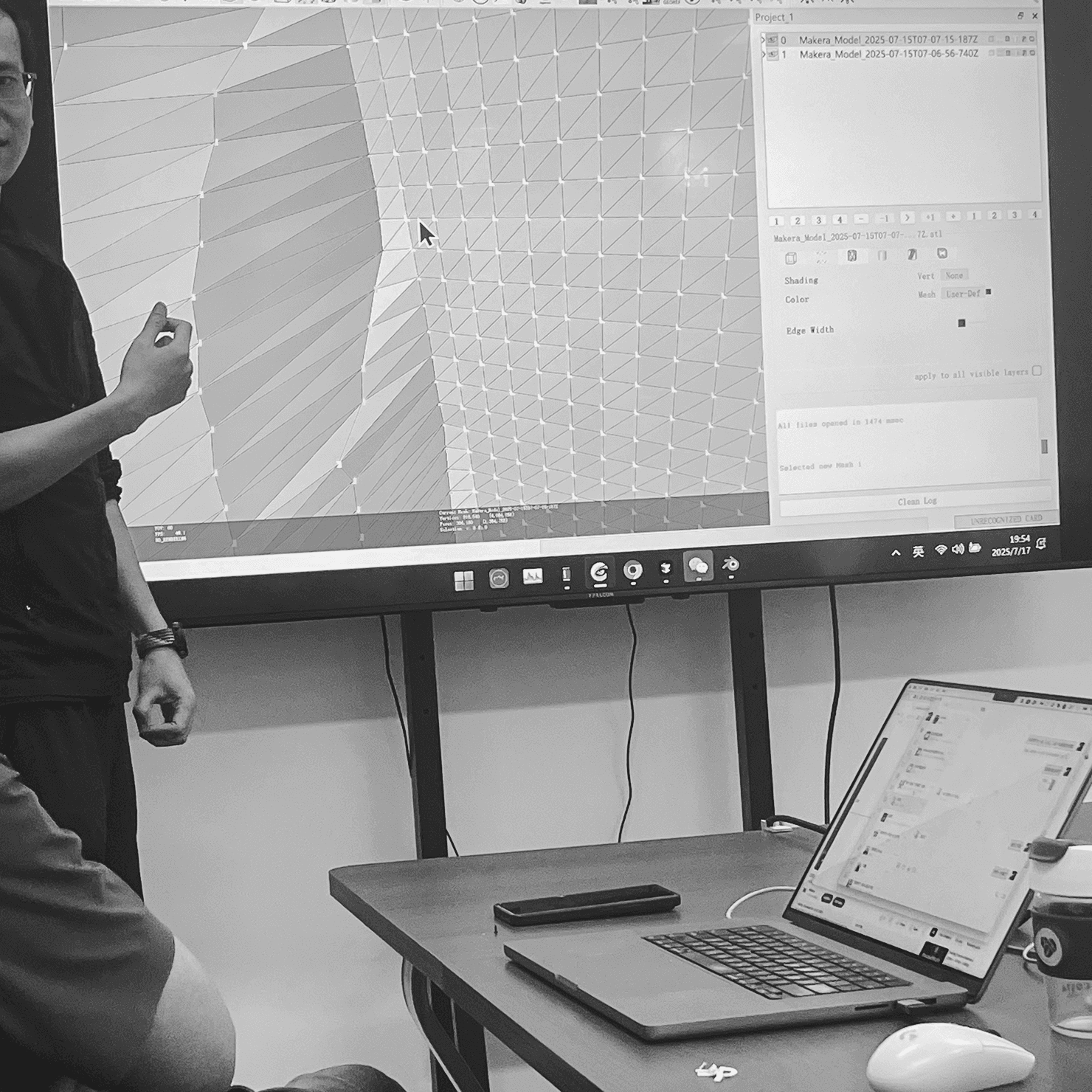
CAM software survey

Pioenx
2022
© 2026 All Rights Reserved