Social networking was a crucial foundation for Inke Live's early transformation from a live-streaming platform to a broader entertainment business. This business has long been interdependent with the live-streaming business, providing value to both the platform and its users. The business is primarily comprised of three main scenarios: "People Nearby," "Speed Dating," and "Nearby Moments."
MAKERA
wEB DESIGN
©2025
What’s desktop CNC ?
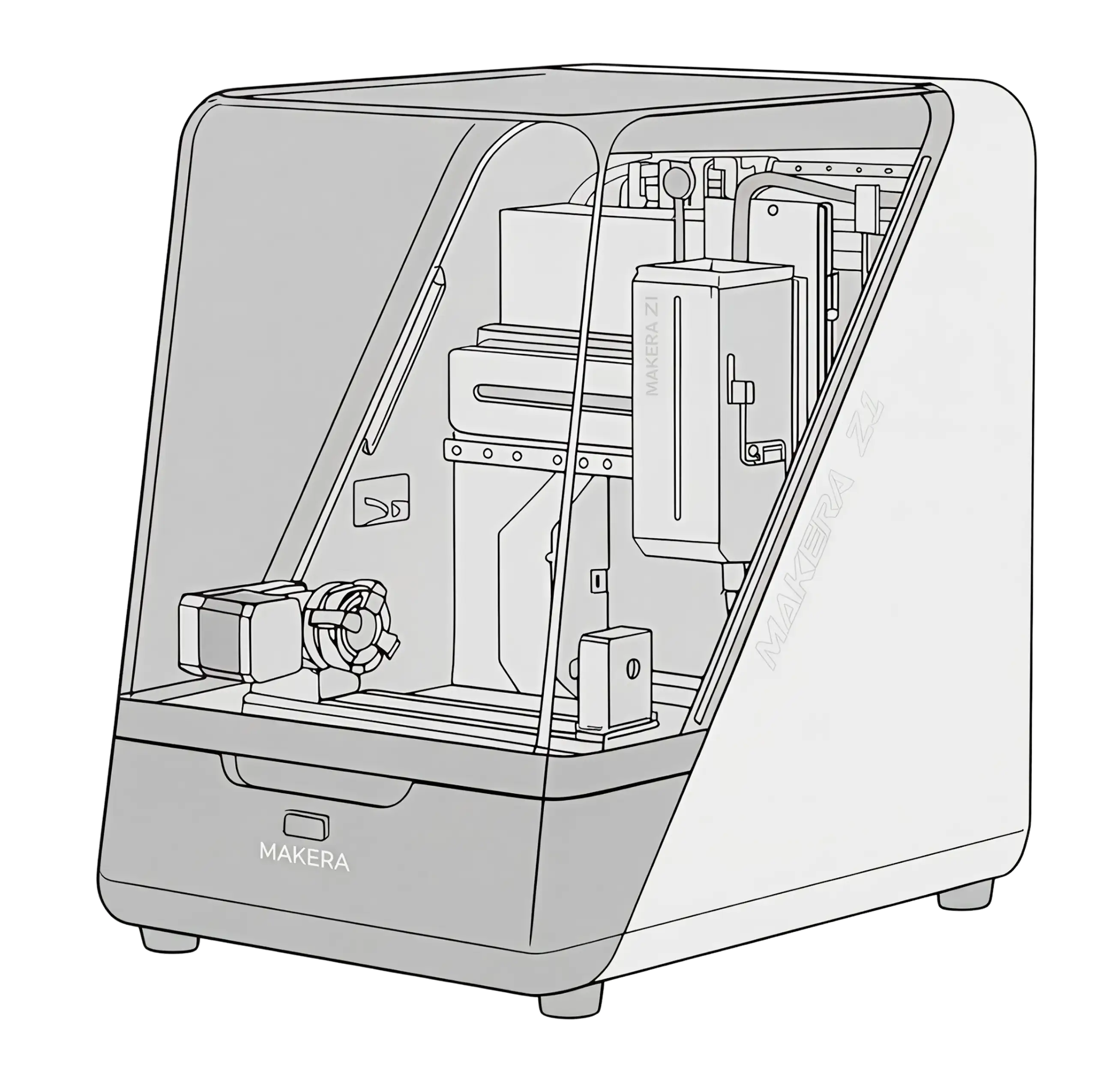
Desktop CNC machine tools are miniaturized and simplified versions of traditional workshop industrial milling/engraving machines, making them suitable for desktop production while retaining high machining accuracy and material adaptability. They are suitable for makers, design verification, prototyping designers, K-12 education, and DIY enthusiasts for rapid prototyping, engraving, PCB manufacturing, and small-batch customization.
[Carvera]
[MakeraZ1]
[CarveaAir]
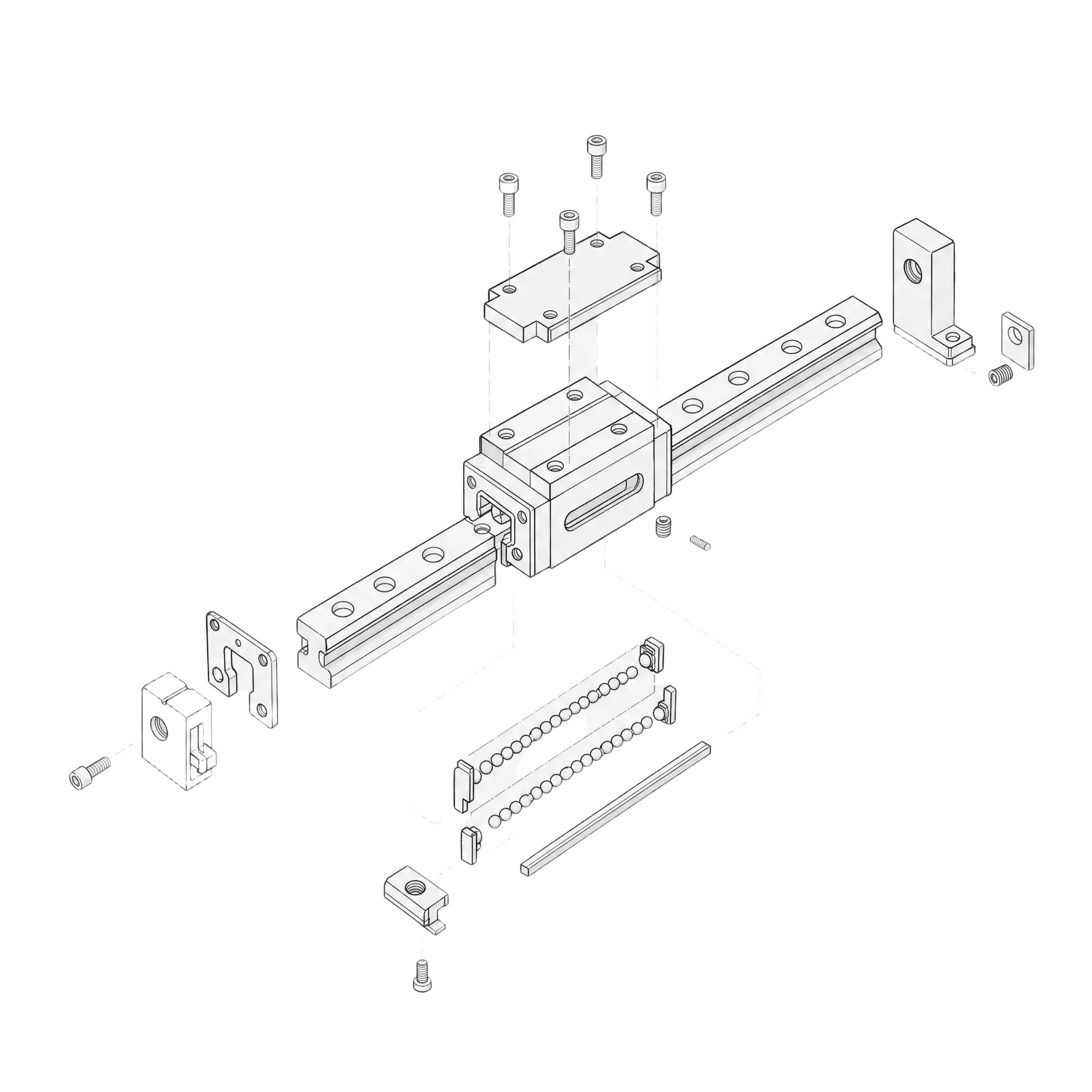
Guide rail system
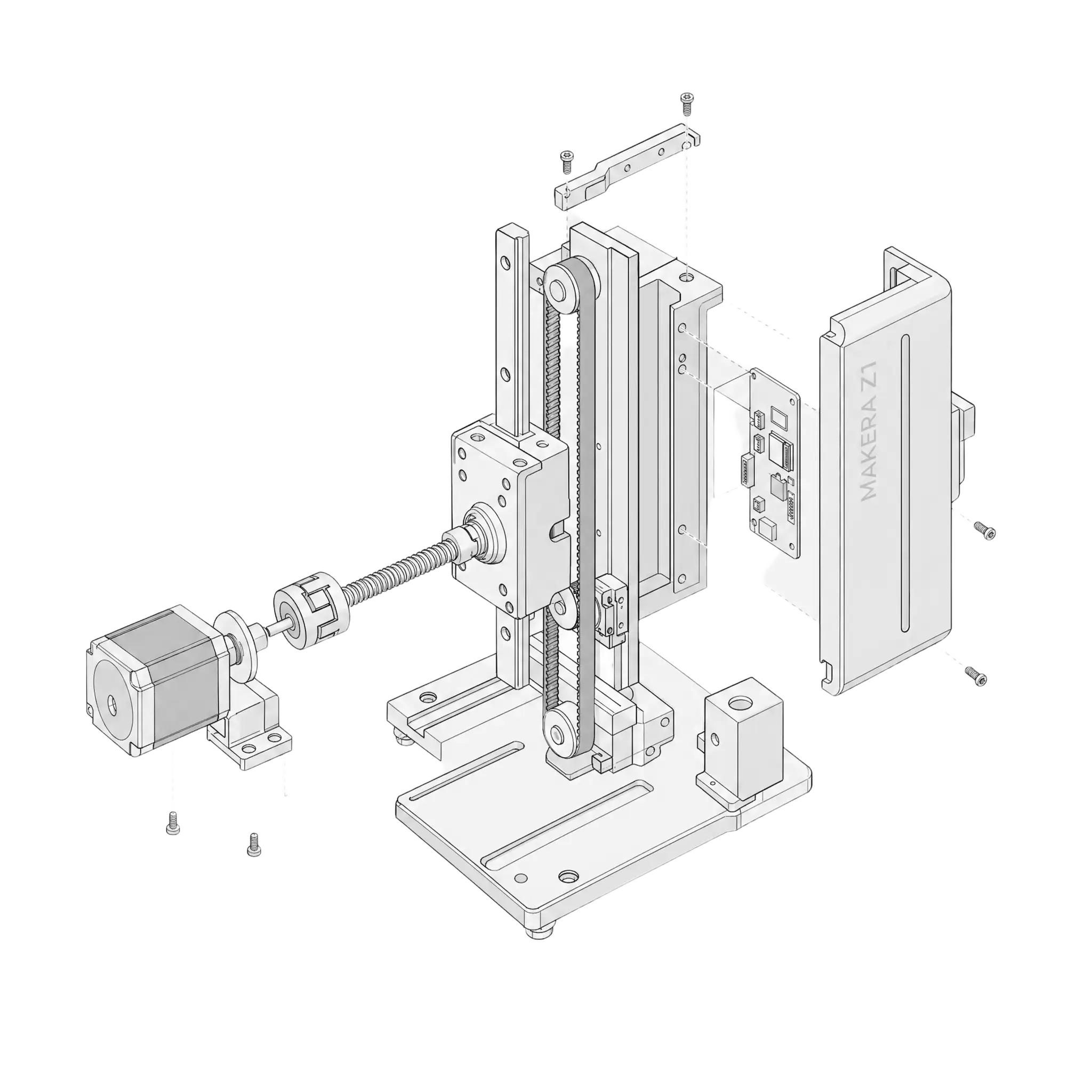
The guide rail system enables high-precision motion control, guiding the spindle or worktable to move smoothly along a specified axis. An excellent guide rail system can improve overall machine rigidity, reduce vibration, increase repeatability, and directly affect the smoothness of machined surfaces and the long-term stability of the equipment.
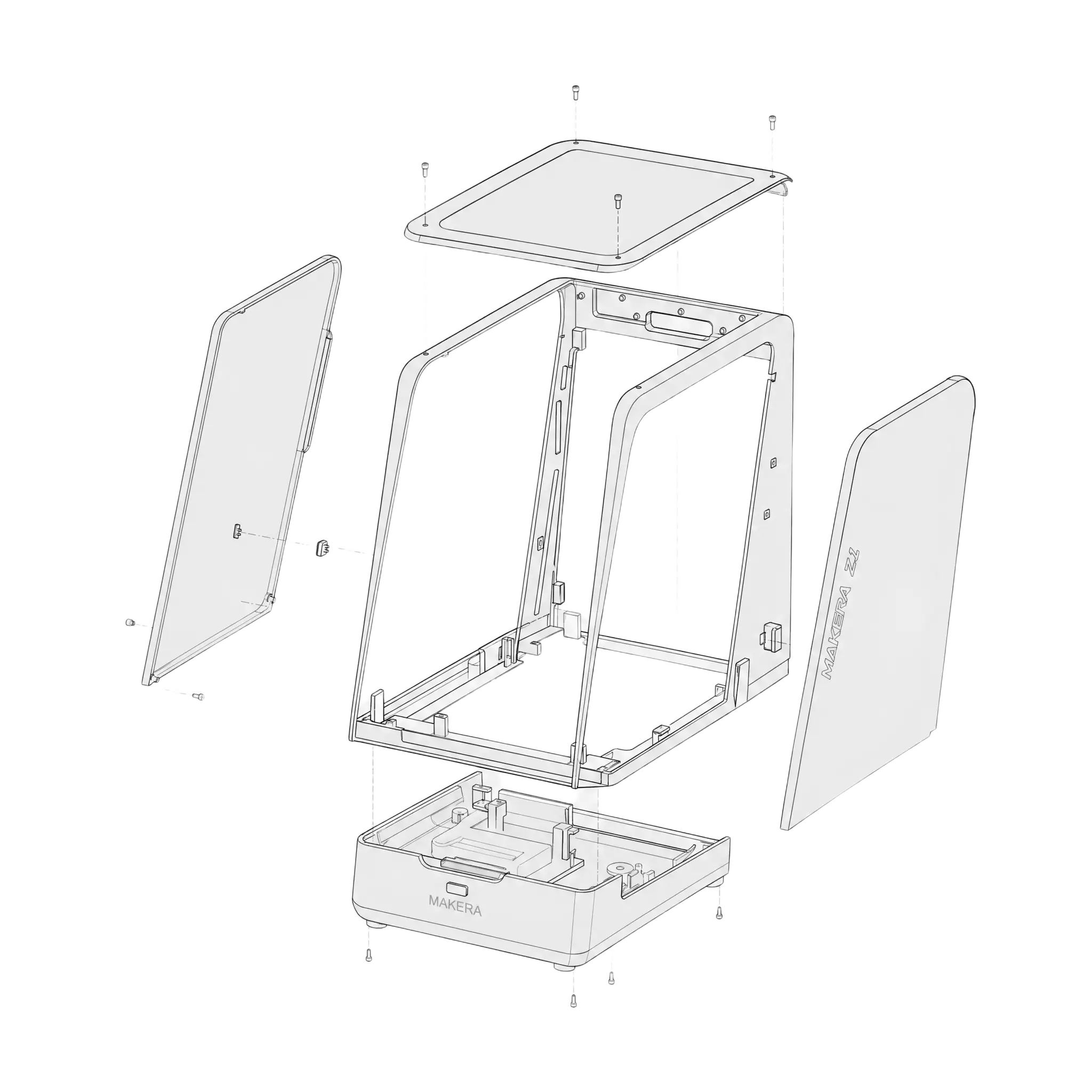
chassis
Its compact design allows desktop CNC machines to balance space efficiency and ease of use. It not only saves space but also makes the equipment easier to move, install, and maintain, making it particularly suitable for personal creations, small studios, educational demonstrations, and small-batch precision machining scenarios.
motor drive
The motor drive system of a desktop CNC machine is the core of achieving precise motion control. By efficiently driving the motors of each axis, it ensures stable operation of the equipment during high-speed, low-speed, and complex path machining, thereby improving positioning accuracy, machining efficiency, and overall reliability.
Confirmed payment [Total target: HK$776,800]
$11,957,702
supporter
8,059
Community
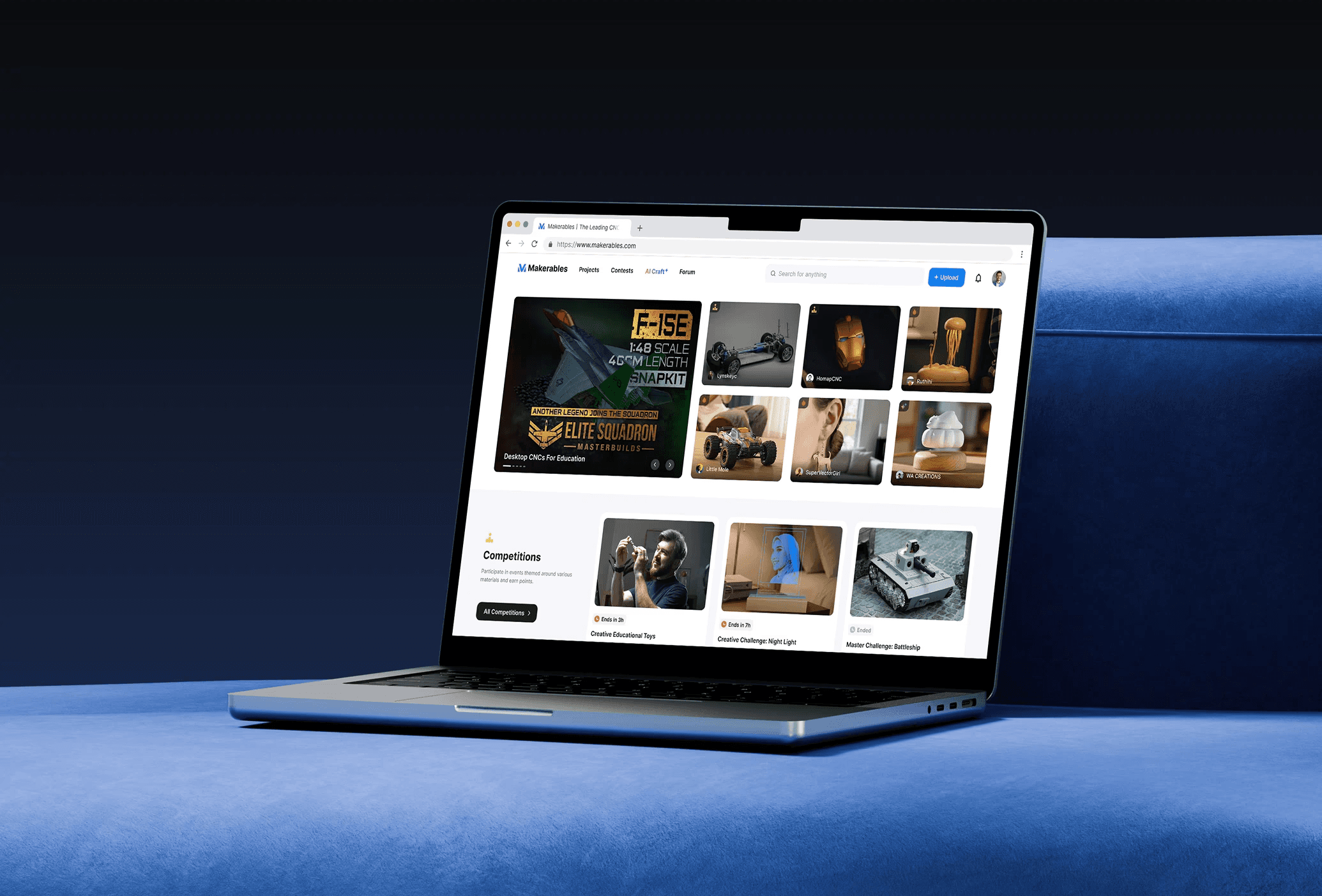
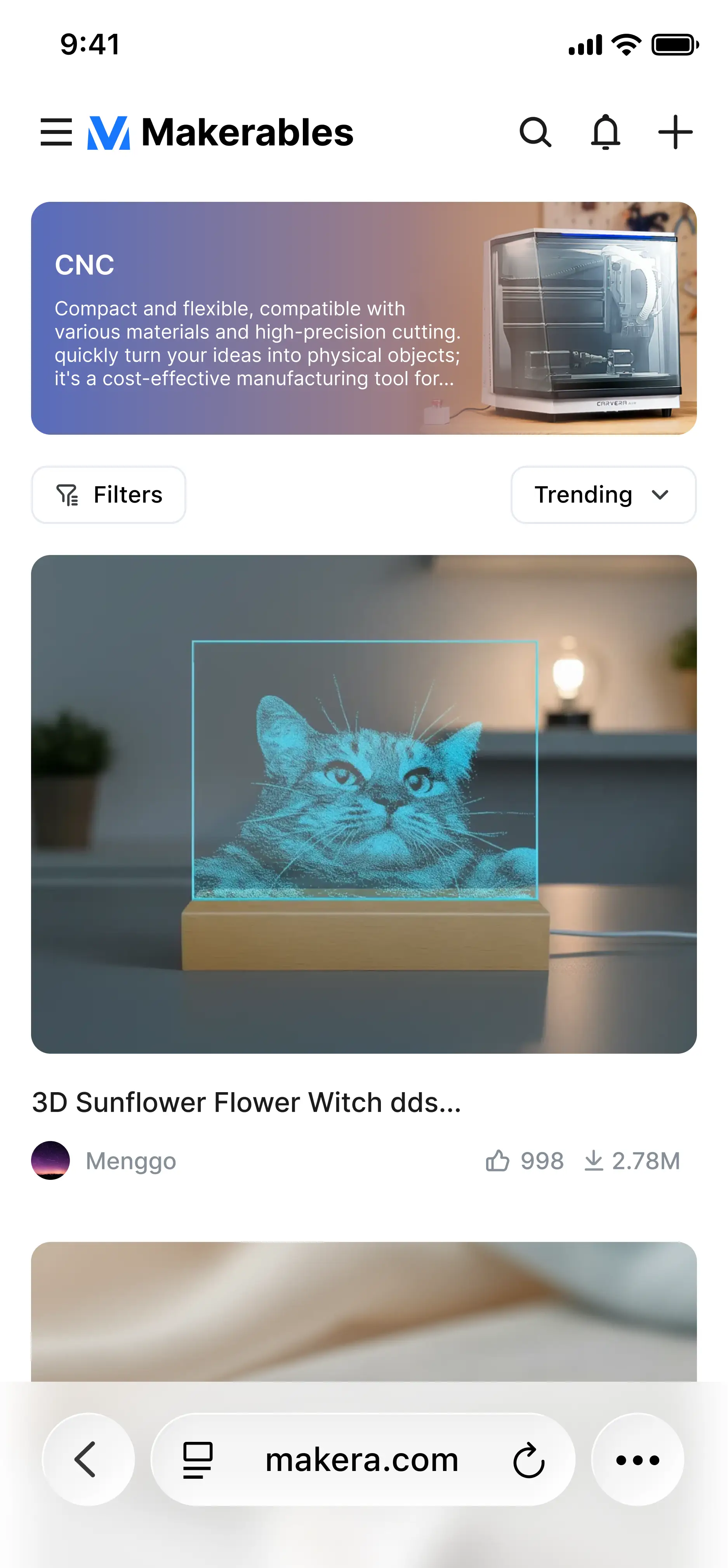
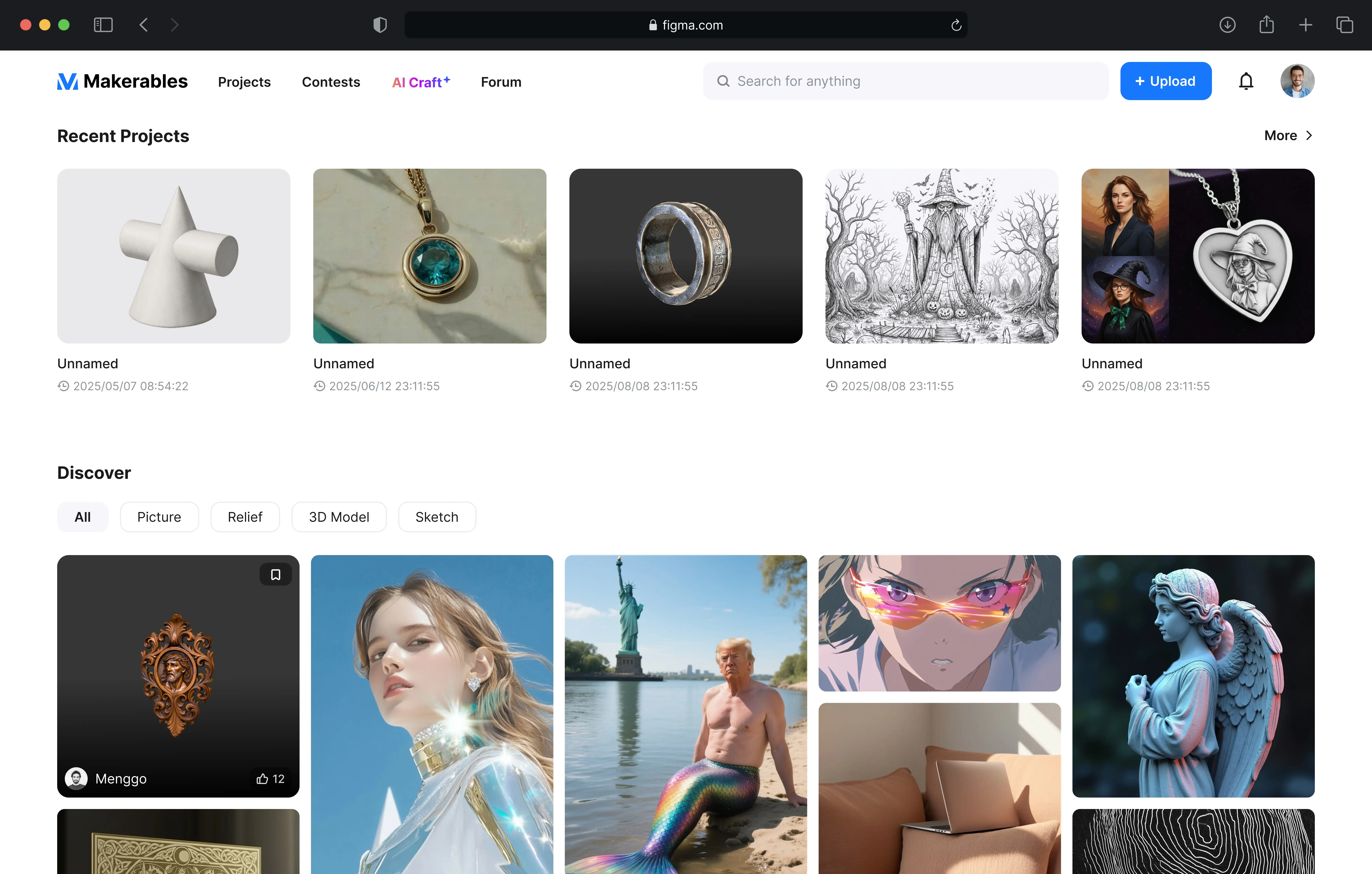
Browse, use, and create processing cases; interact with your favorite cases; and import community platform projects into MaketaStudio with one click.
cam
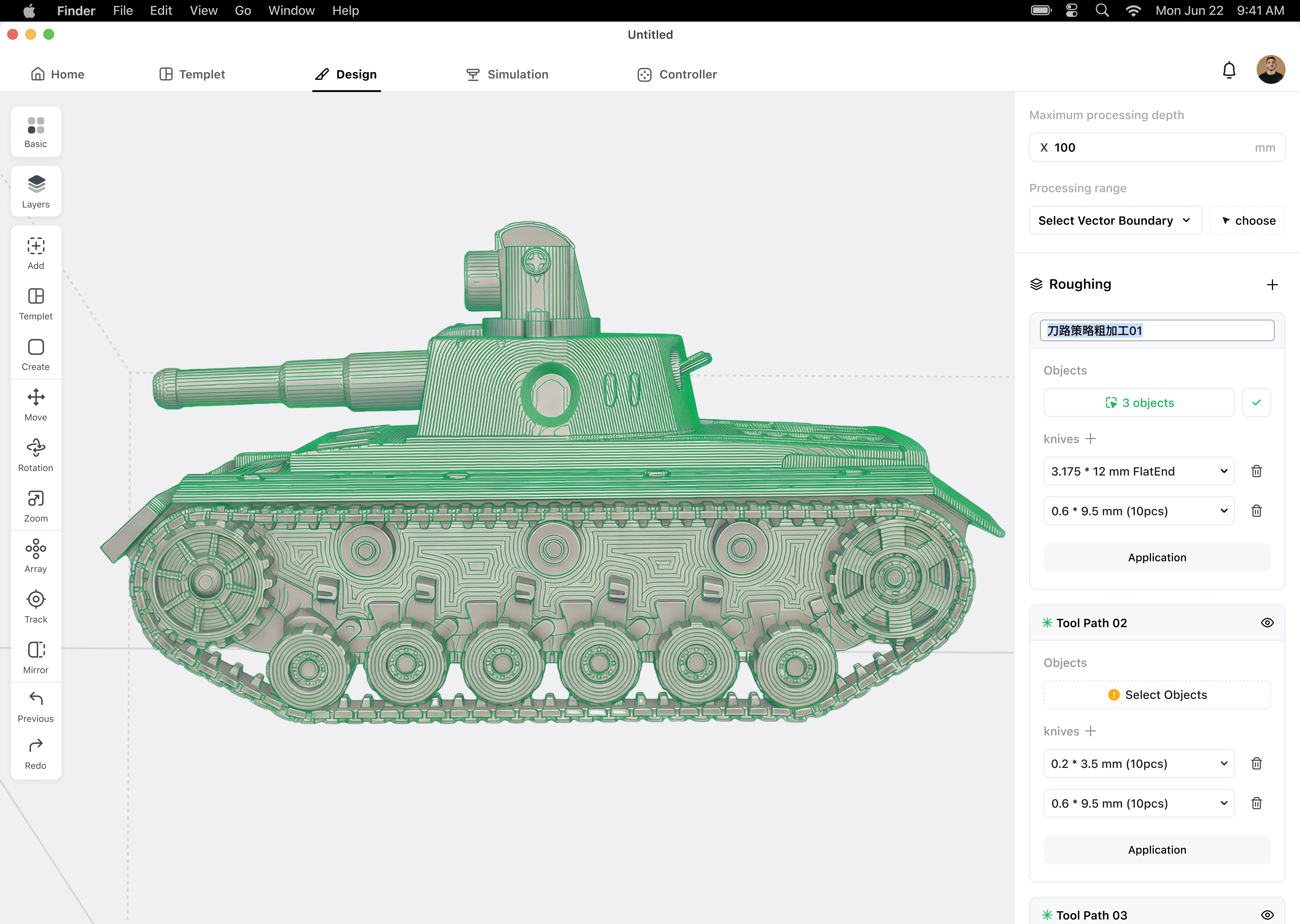
Import your model file, define your toolpath strategy, and CAM software can help you generate the toolpath design, then export your NC file.
Controller
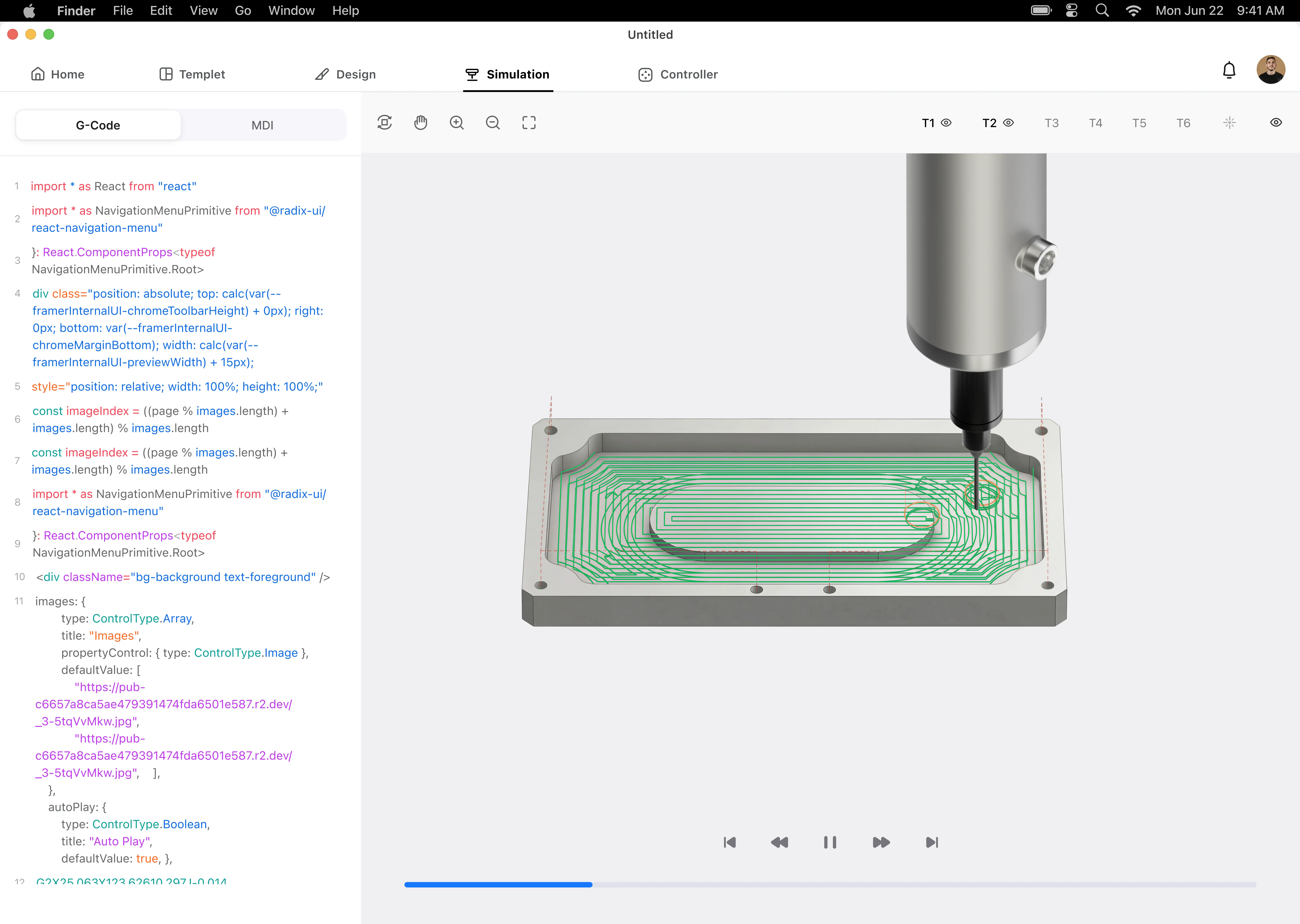
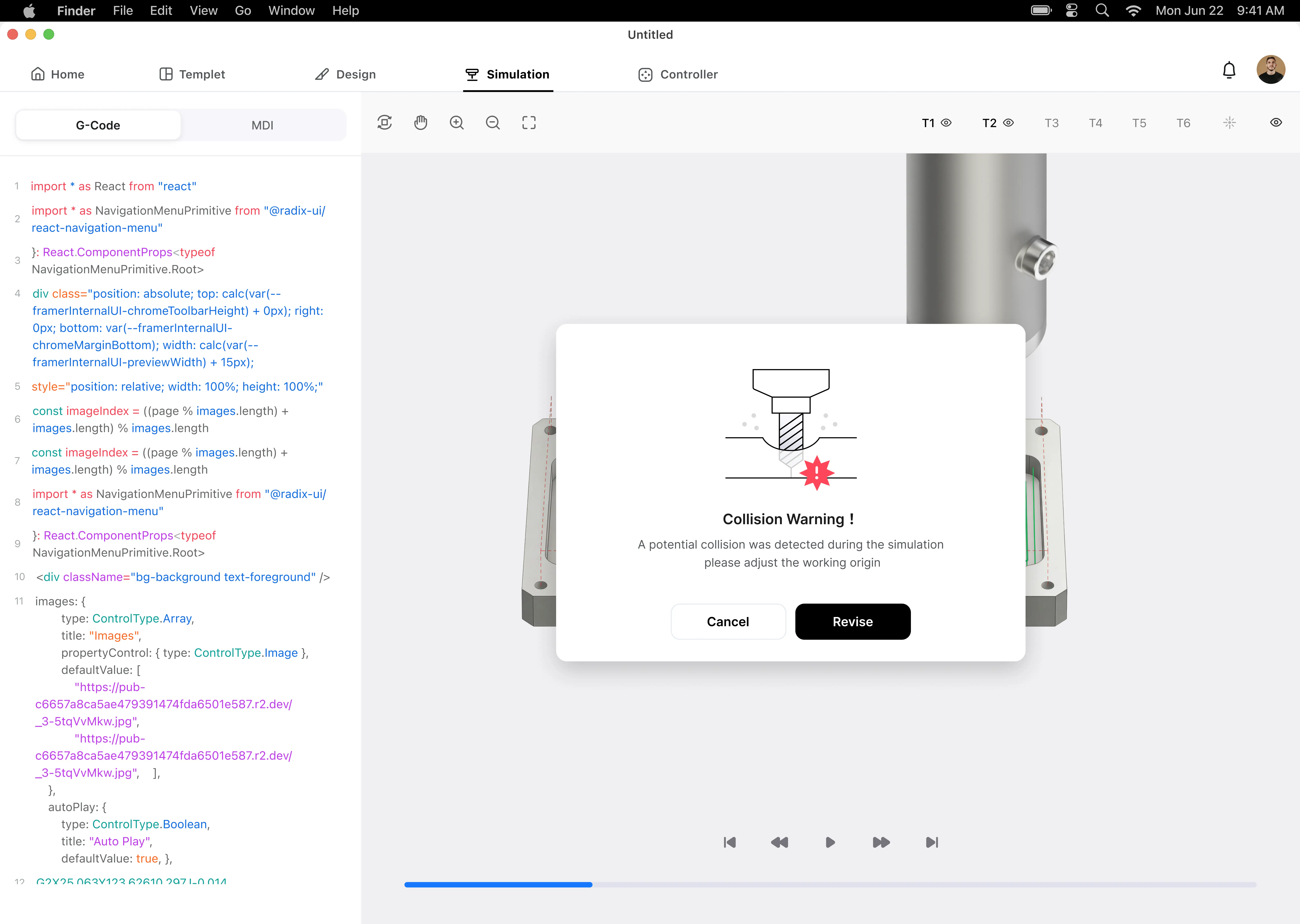
Control the machine's operation, set parameters, upload your NC files to the machine, and preview the G-code and machining process.
Online store
Purchase any consumables needed for CNC machining here, including but not limited to blanks, cutting tools, machine parts, etc.
What can CNC do?
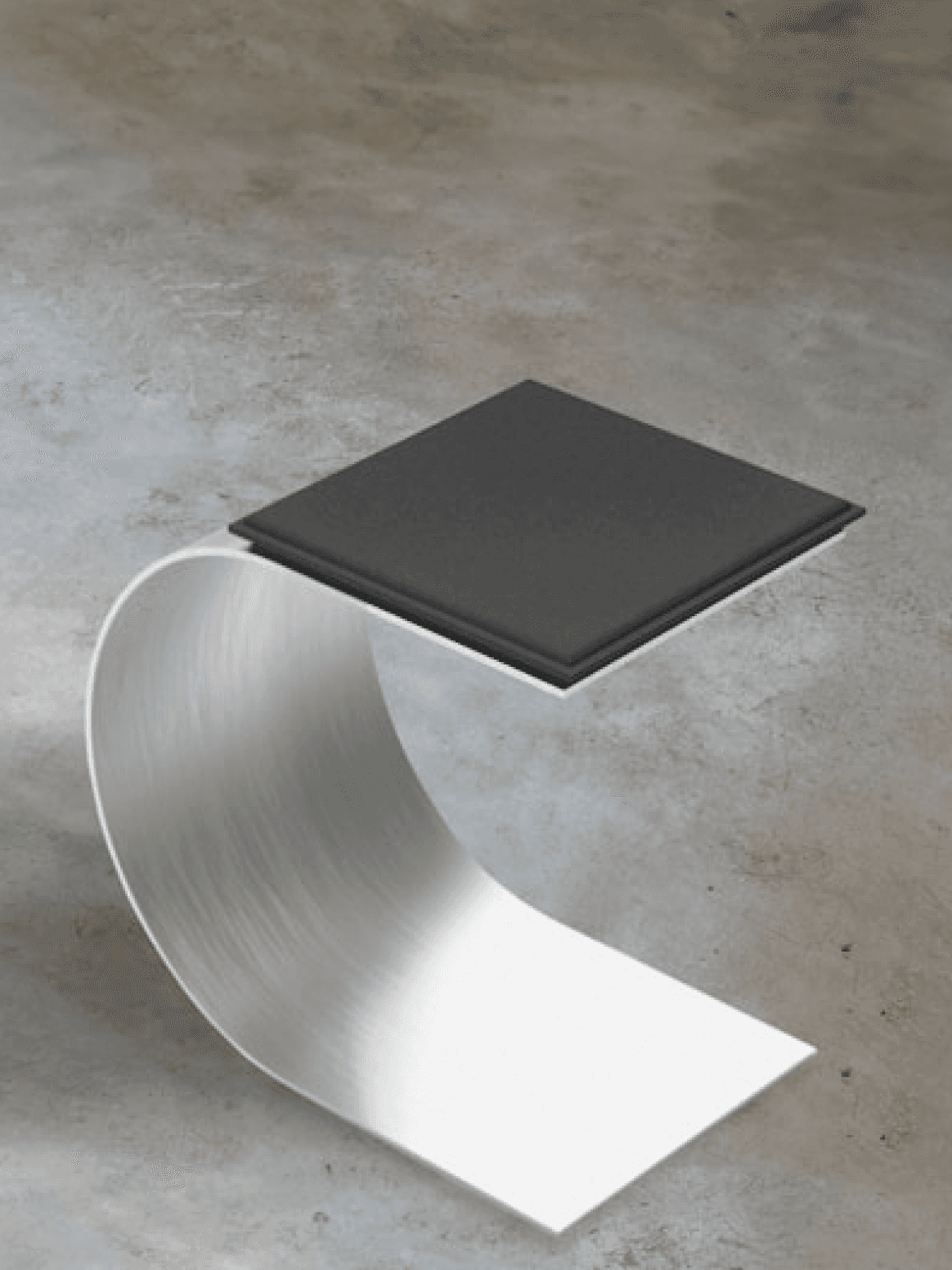
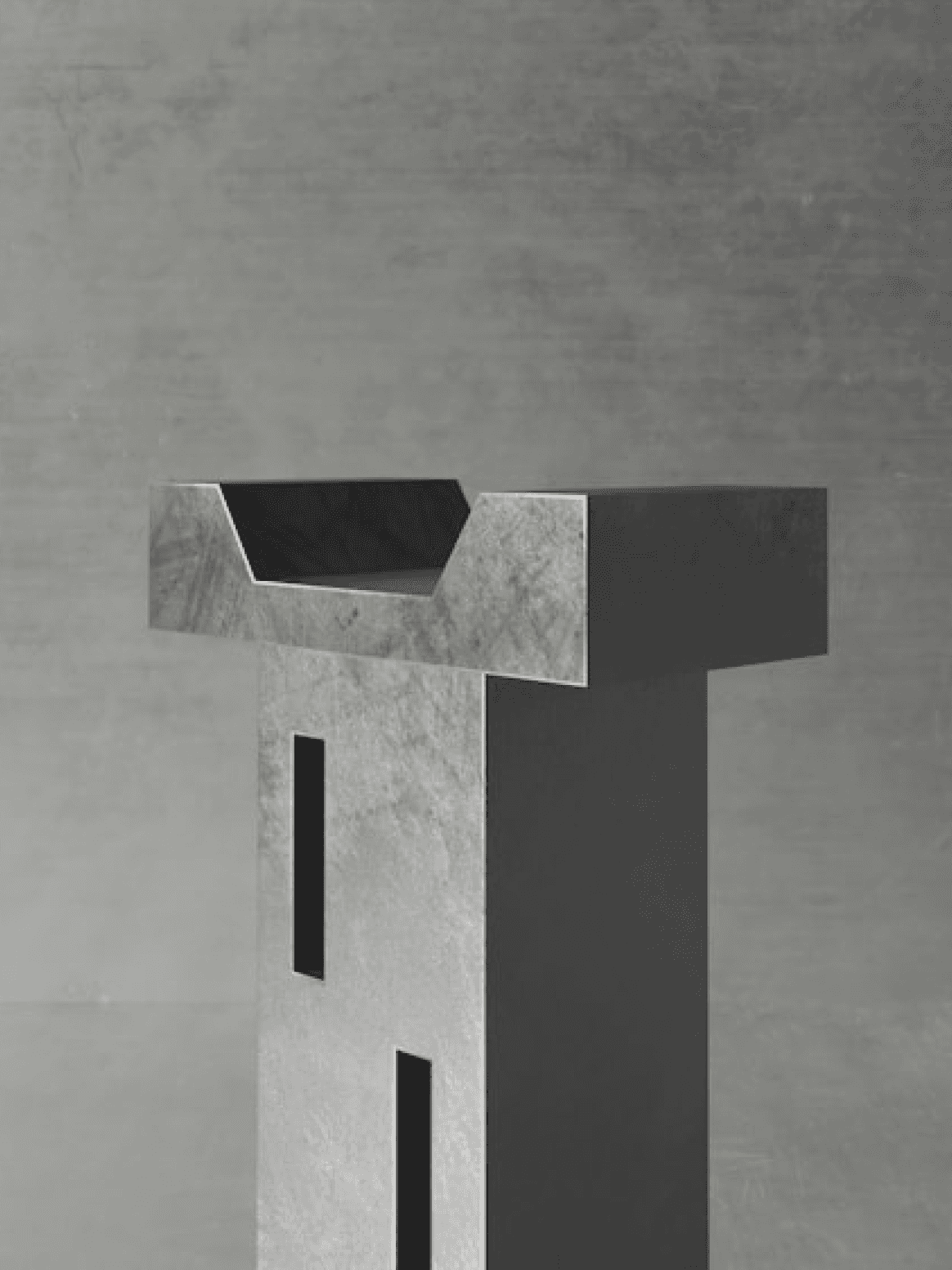
Whether you're a maker, a DIY enthusiast, or simply enjoy making things yourself, a desktop CNC machine is an excellent tool for you. It can help you manufacture anything practical and aesthetically pleasing.
aluminum
3-axis
aluminum
4-axis
hardwood
4-axis
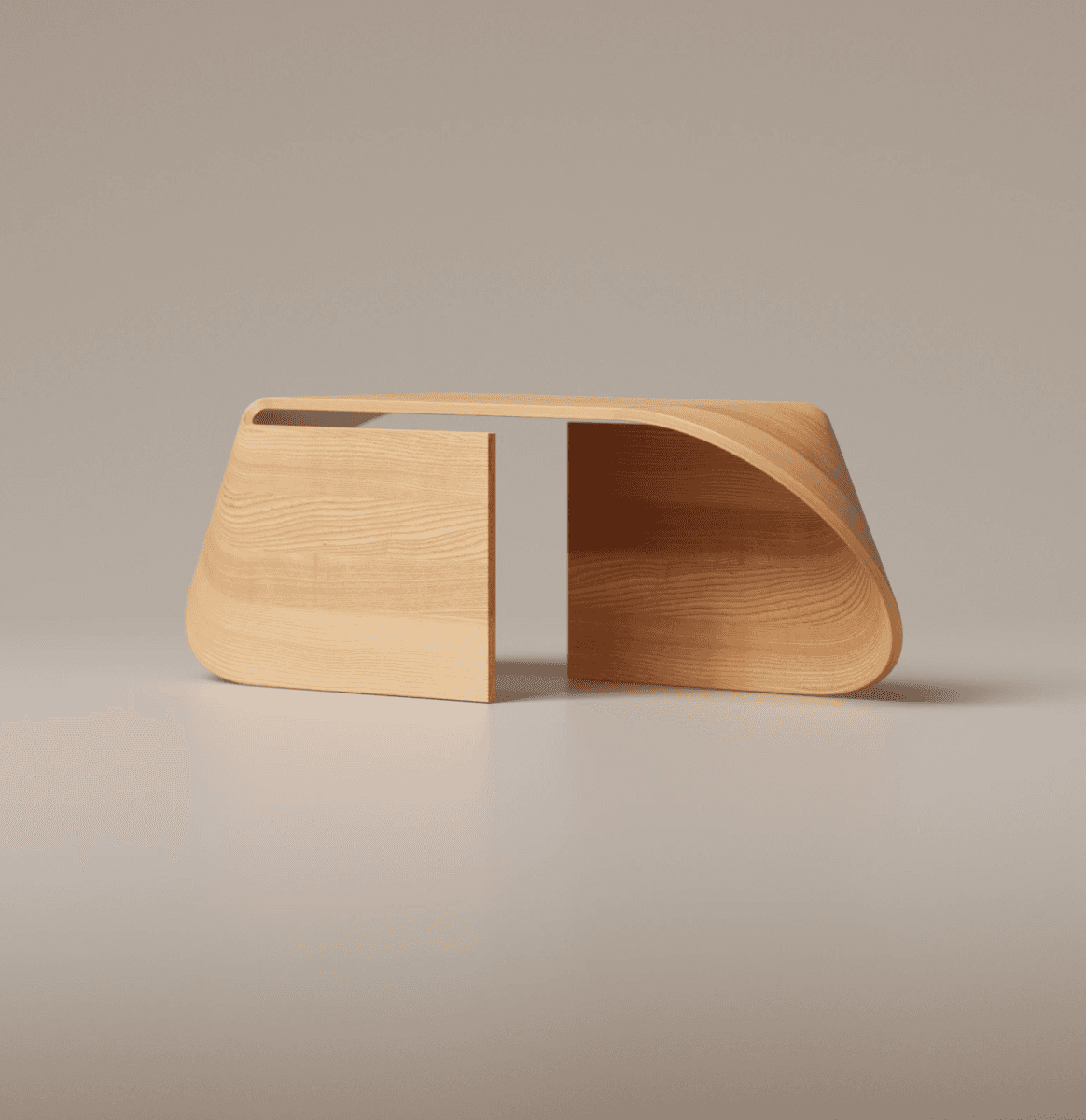
aluminum
3-axis
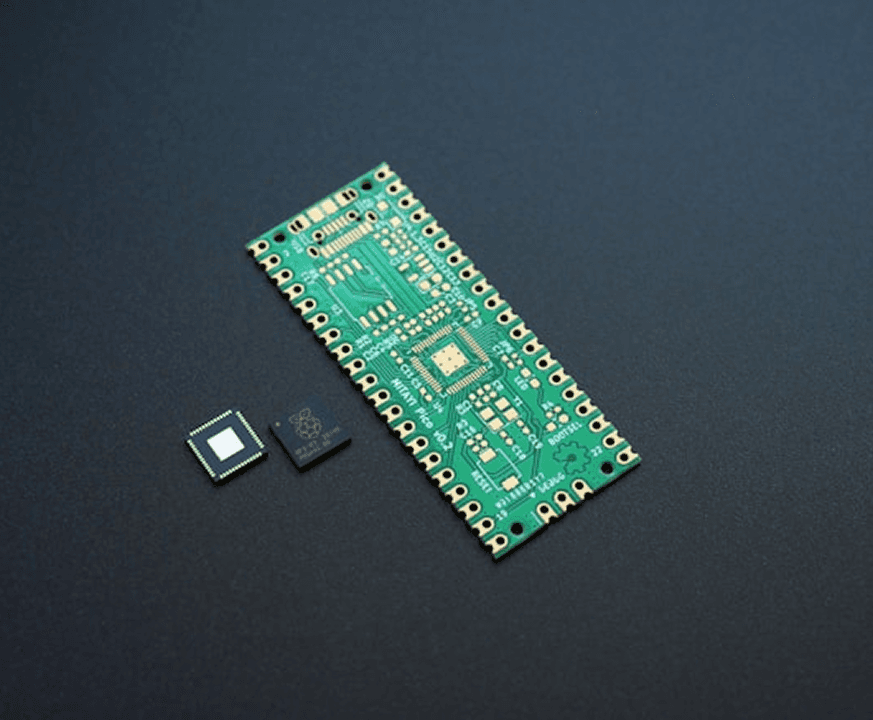
aluminum
3-axis
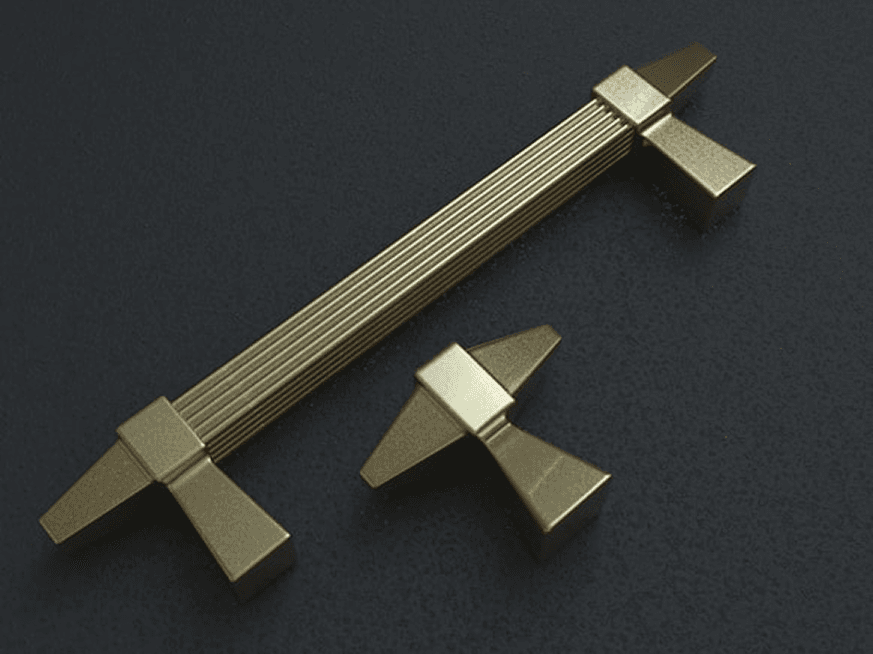
aluminum
4-axis
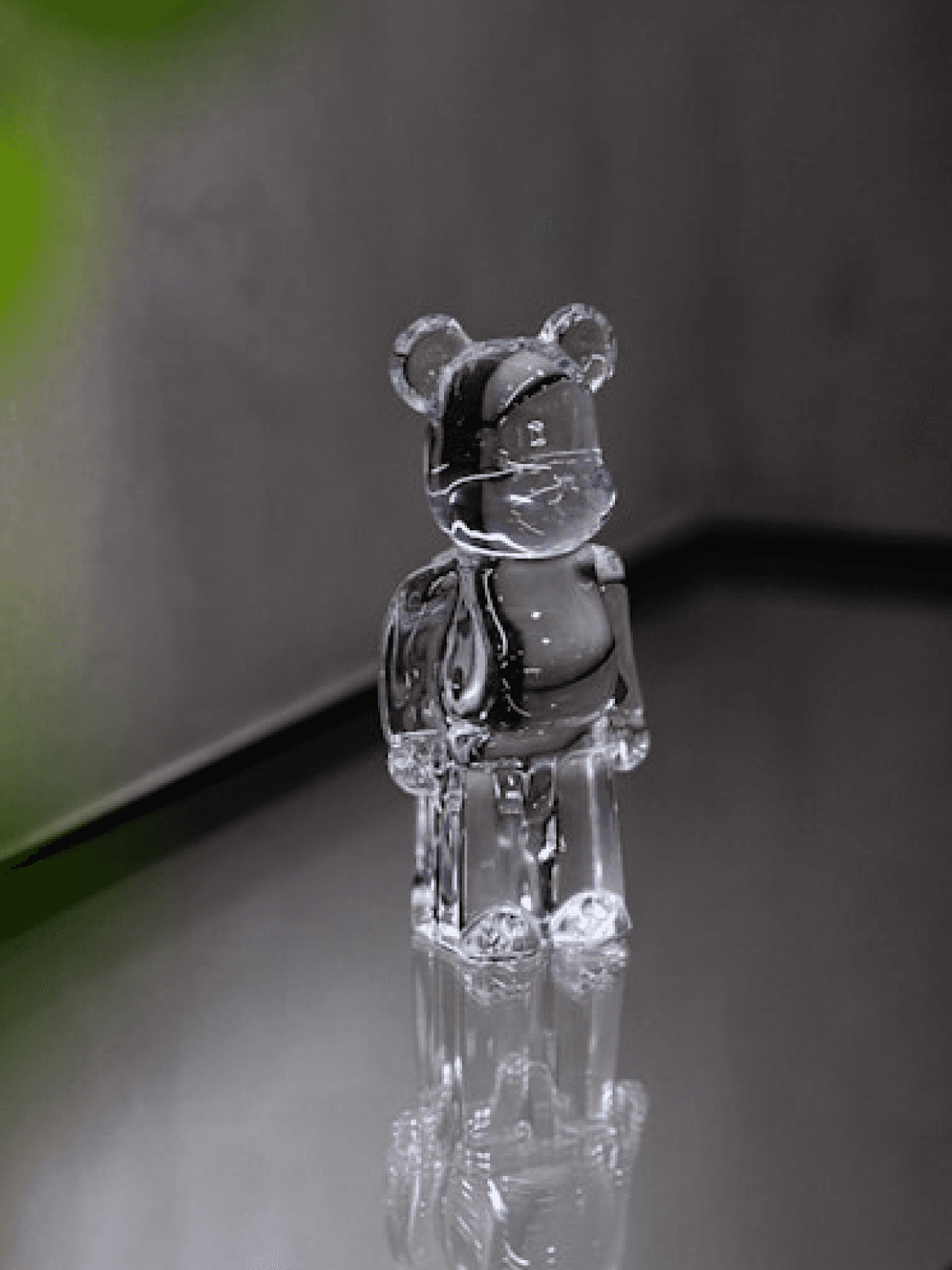
Various raw materials
Various raw materials
Various raw materials
Various raw materials
01
Community
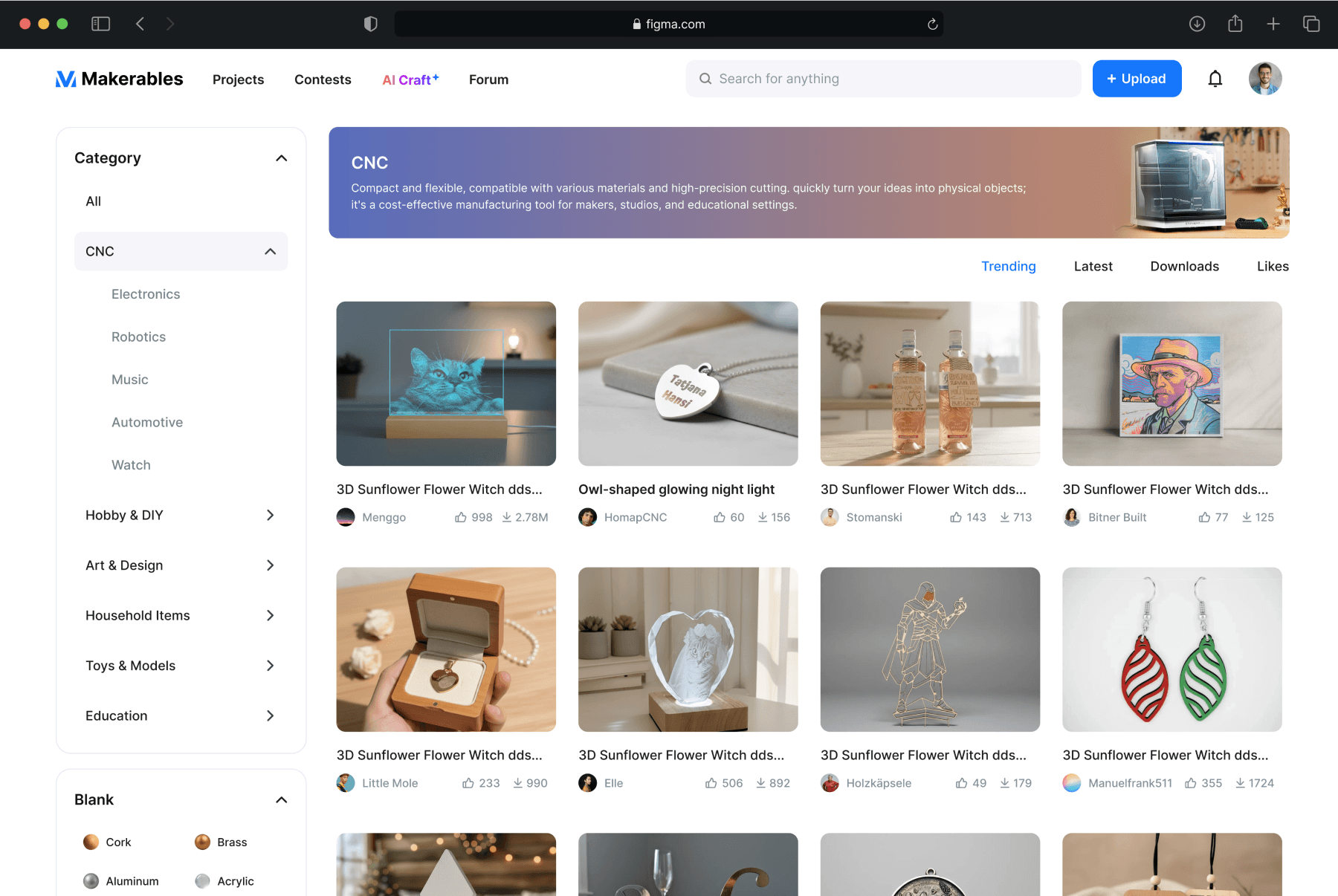
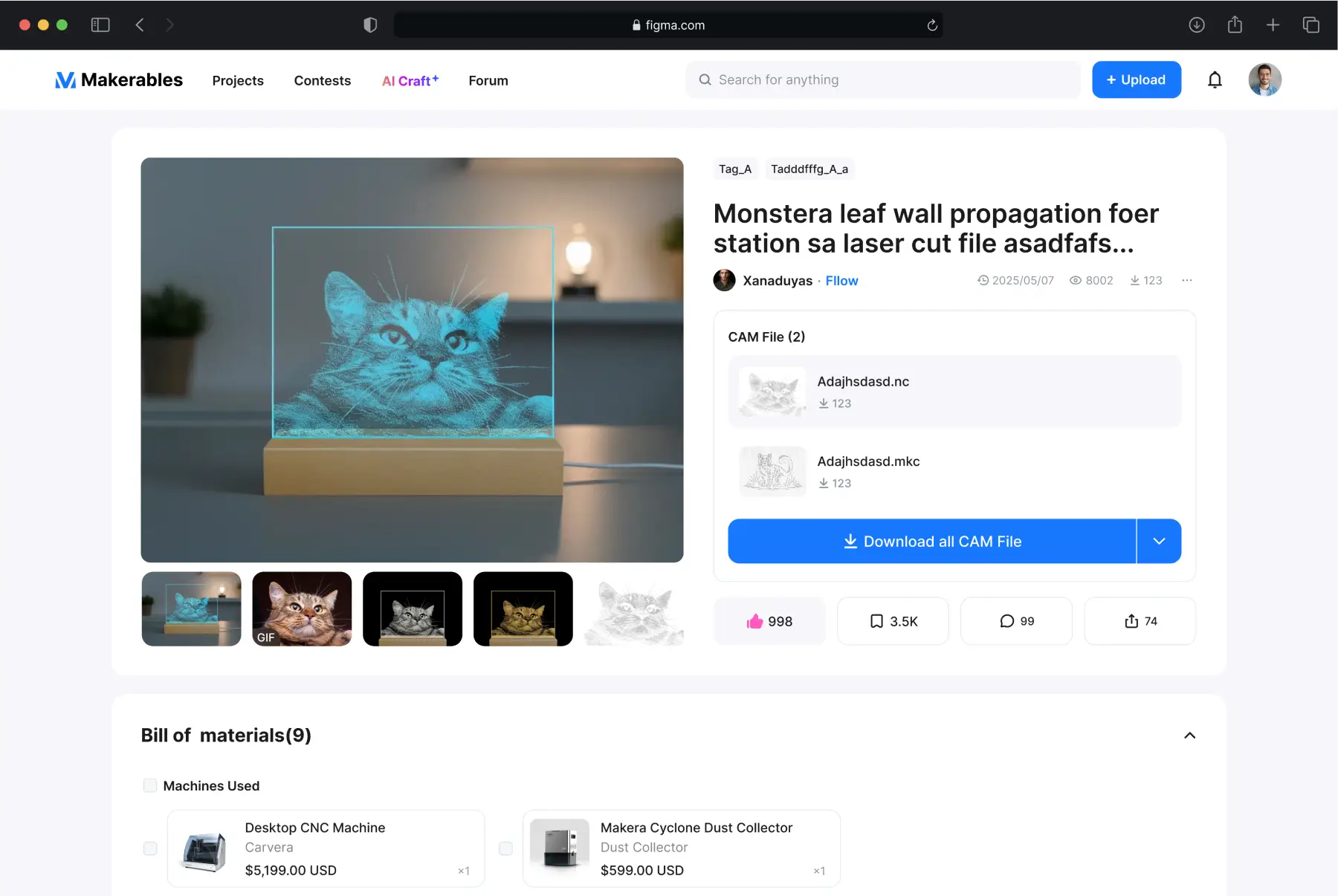
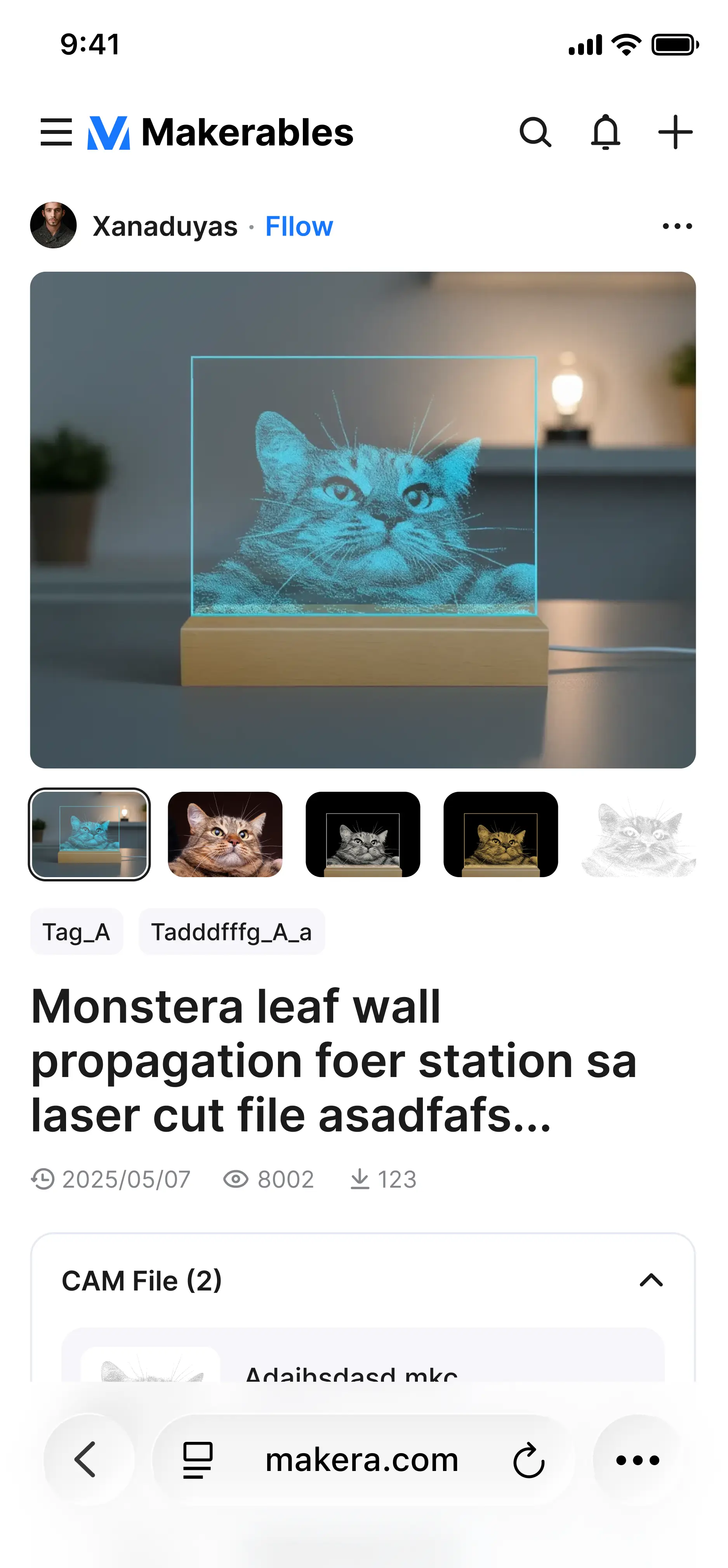
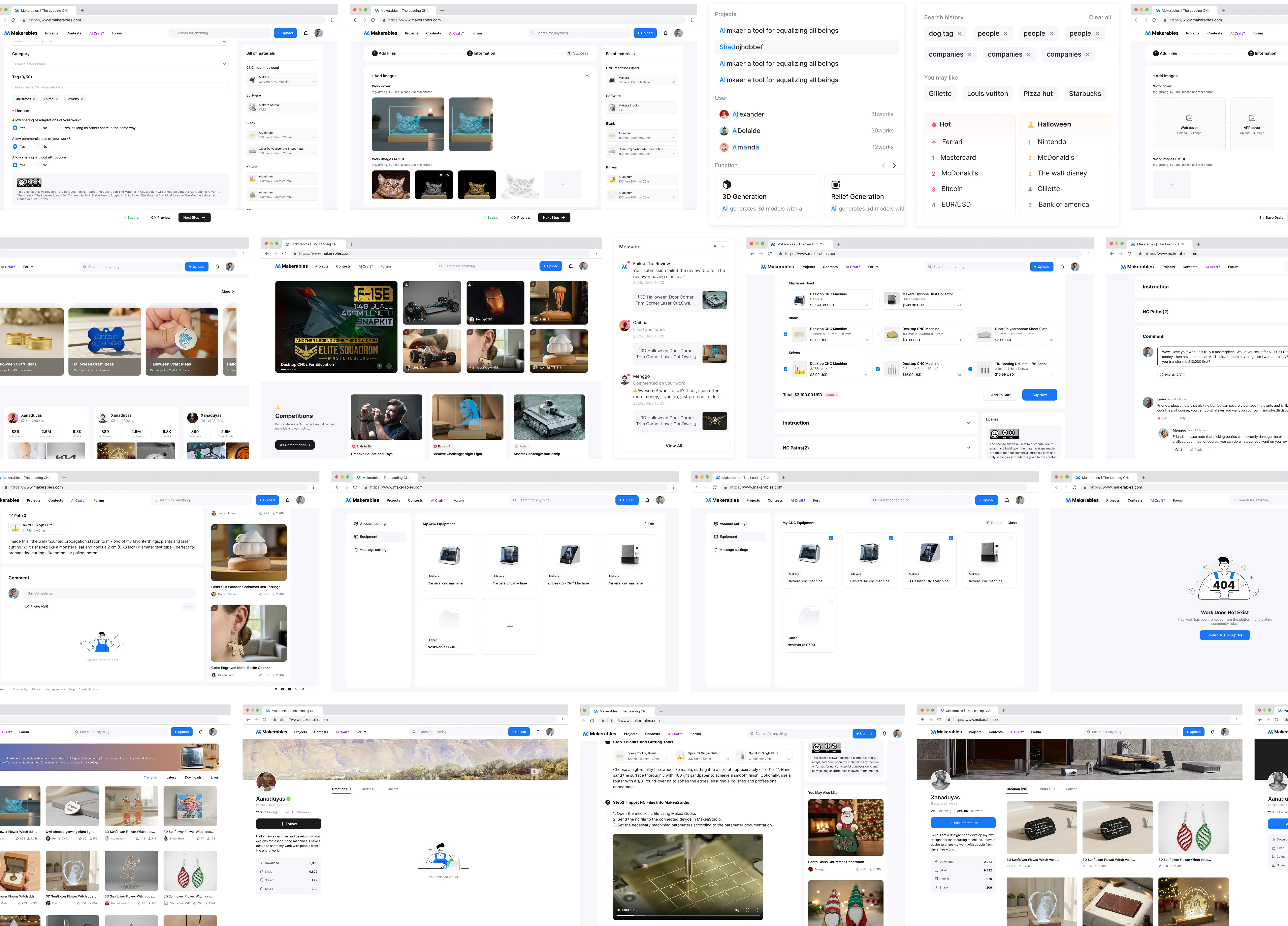
Your creative projects are published in the Co-creation Community. The Co-creation Community aims to provide users with a space to exchange and share CNC projects, where users can publish, browse, or download CNC project files.
02
AI-generated
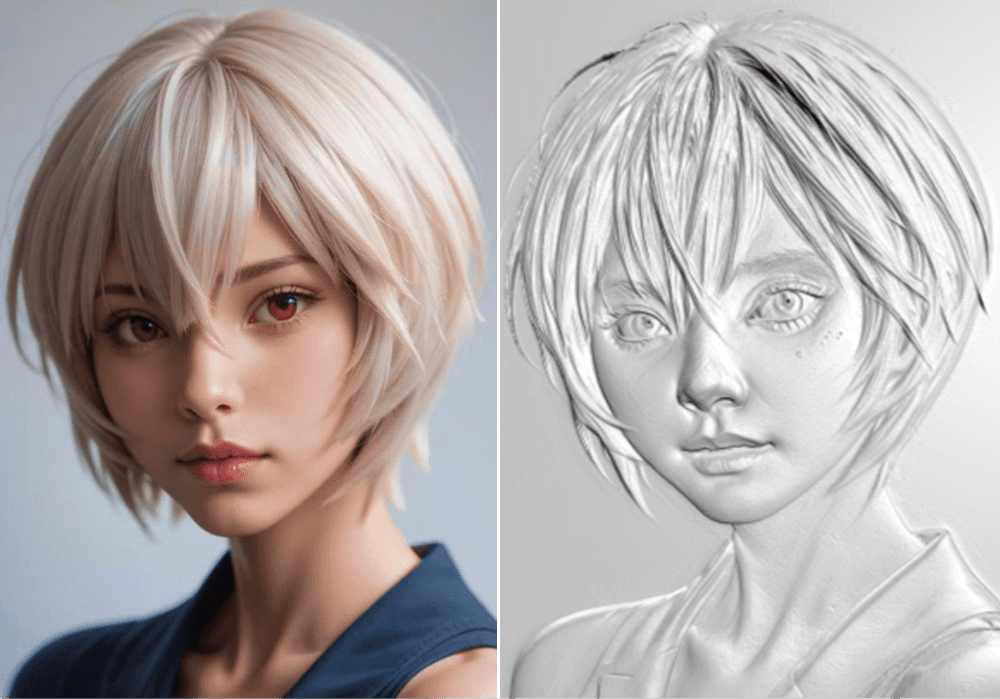
AI caft integrates depth map generation, relief model generation, 3D model generation, and image generation capabilities, allowing users to generate model ideas and lowering the modeling threshold of traditional processing.
03
MakeraStudio
The original CAM standalone client was responsible for toolpath strategy and design, while the Controller was responsible for controlling the CNC equipment. Now, both software programs have been merged into MakeaStudio, and licensed project files within the community can be imported into MakeaStudio with one click for toolpath design and machining control.

User Role:
Content Consumer

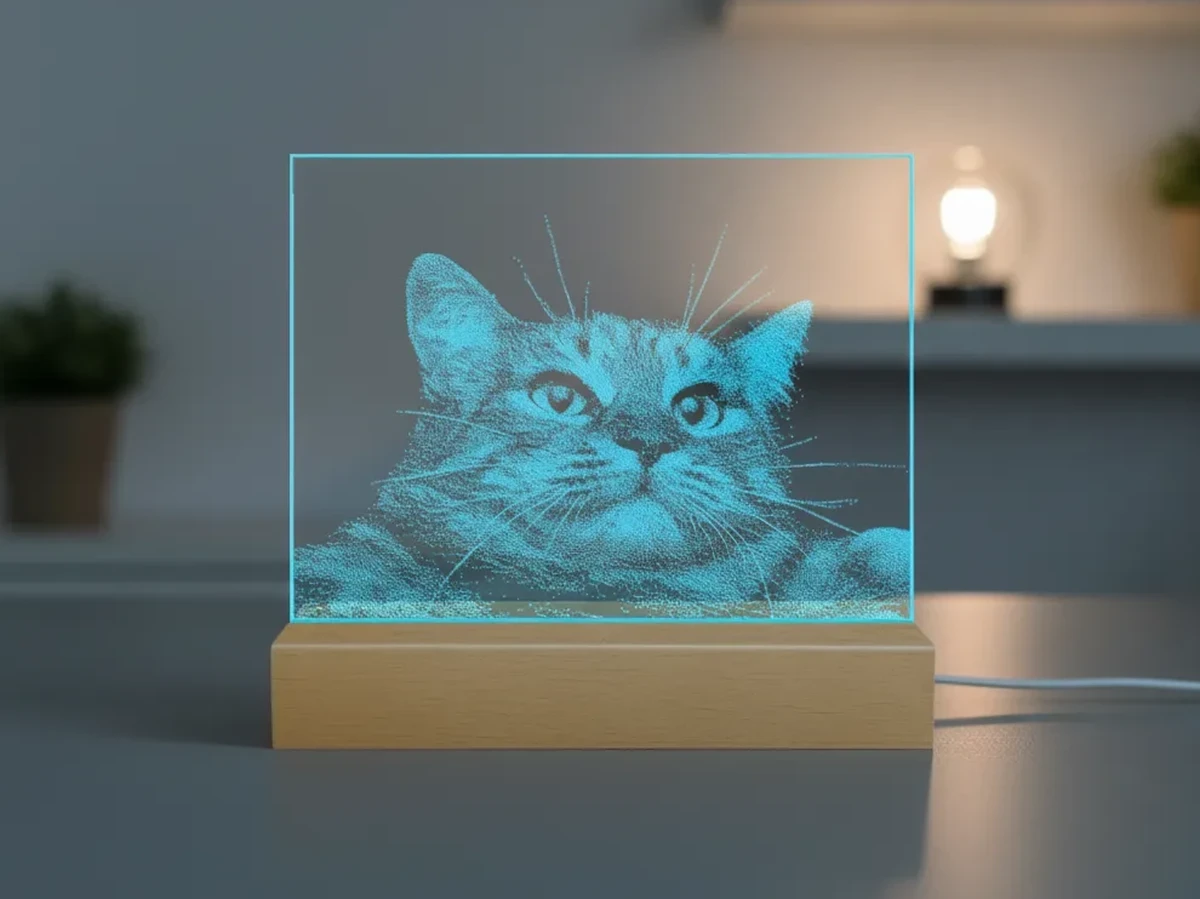
Browse different CNC machining projects online, interact with projects you like, and import NC or MKC files from that project into MakeaStudio for copying and processing.
CNC Project
[ page ]
Project users

User Role:
Content Provider
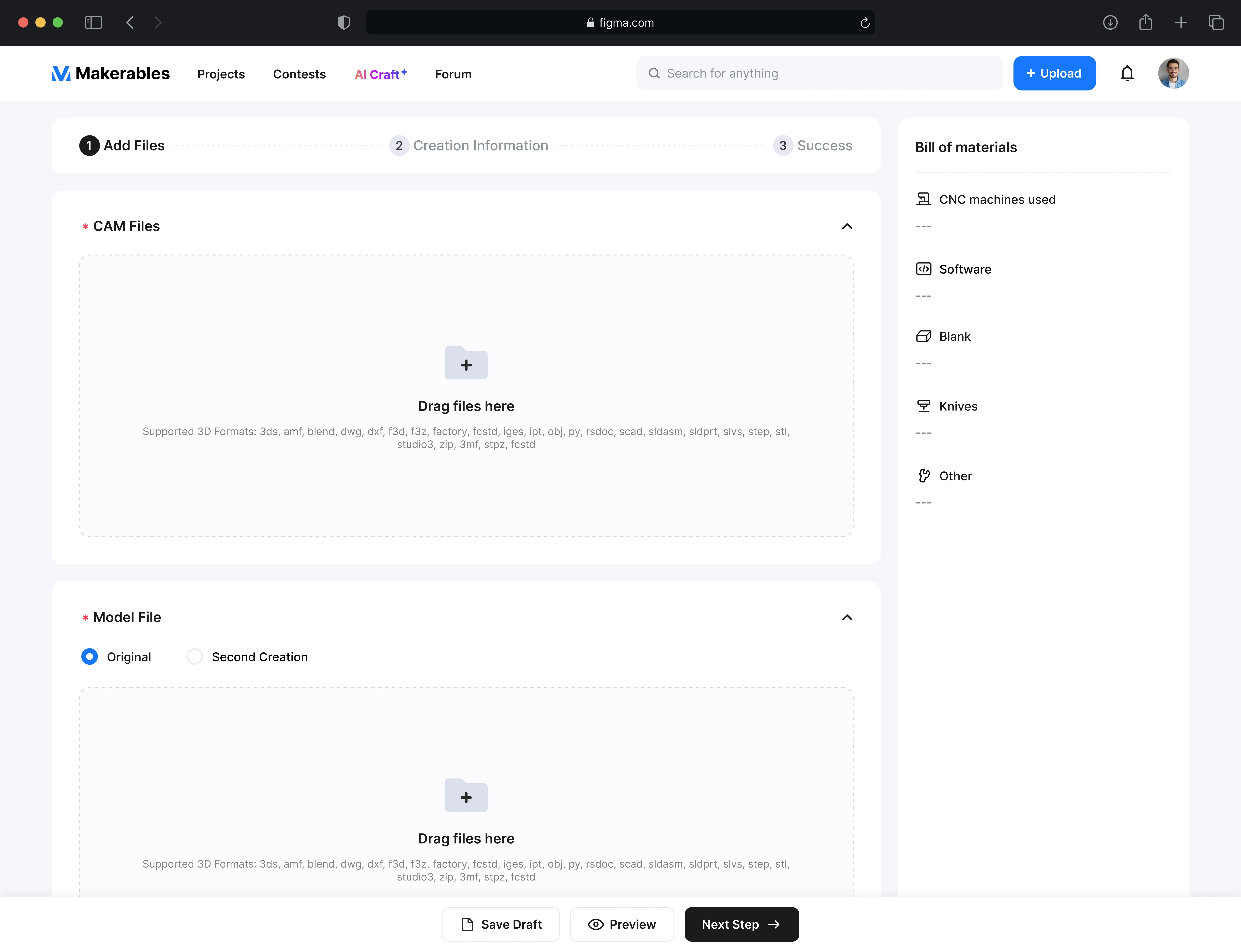
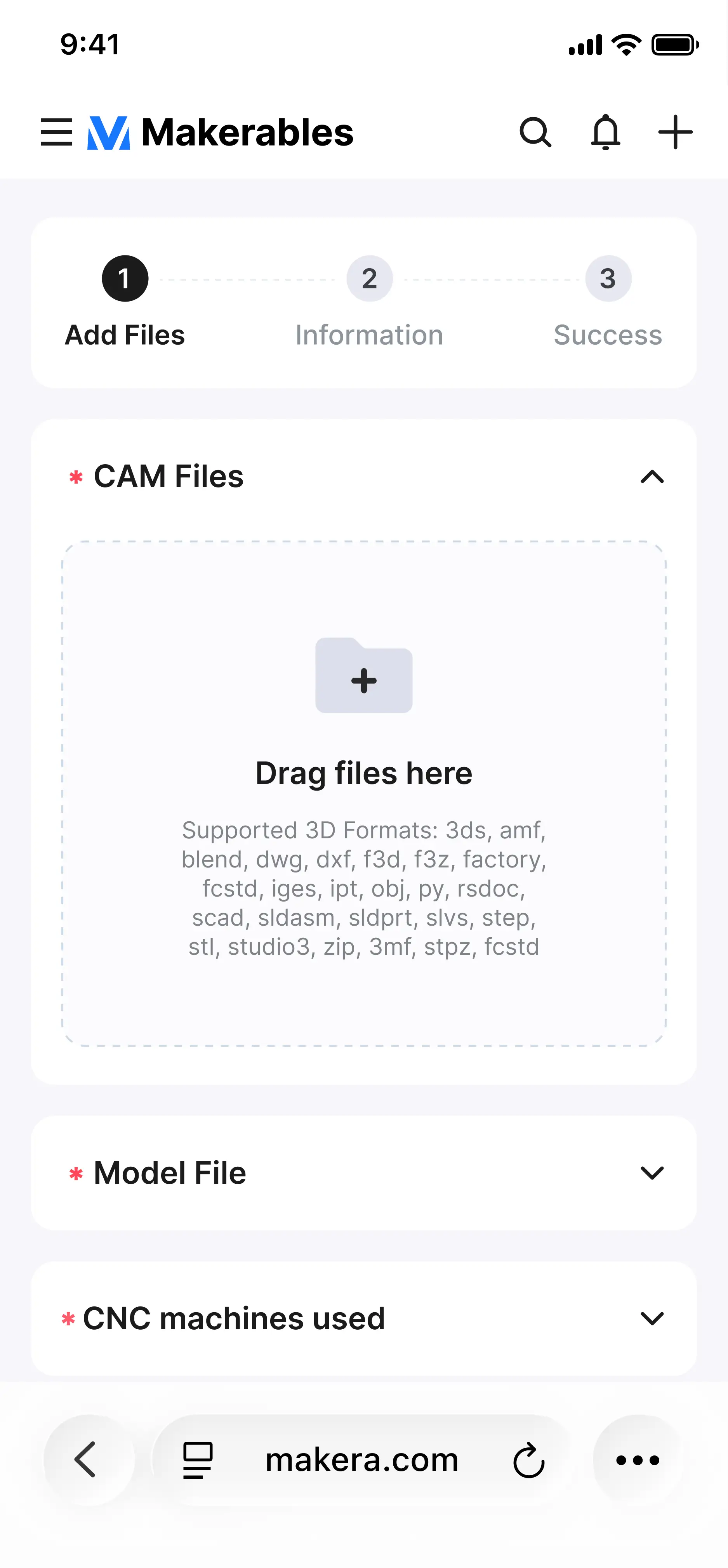
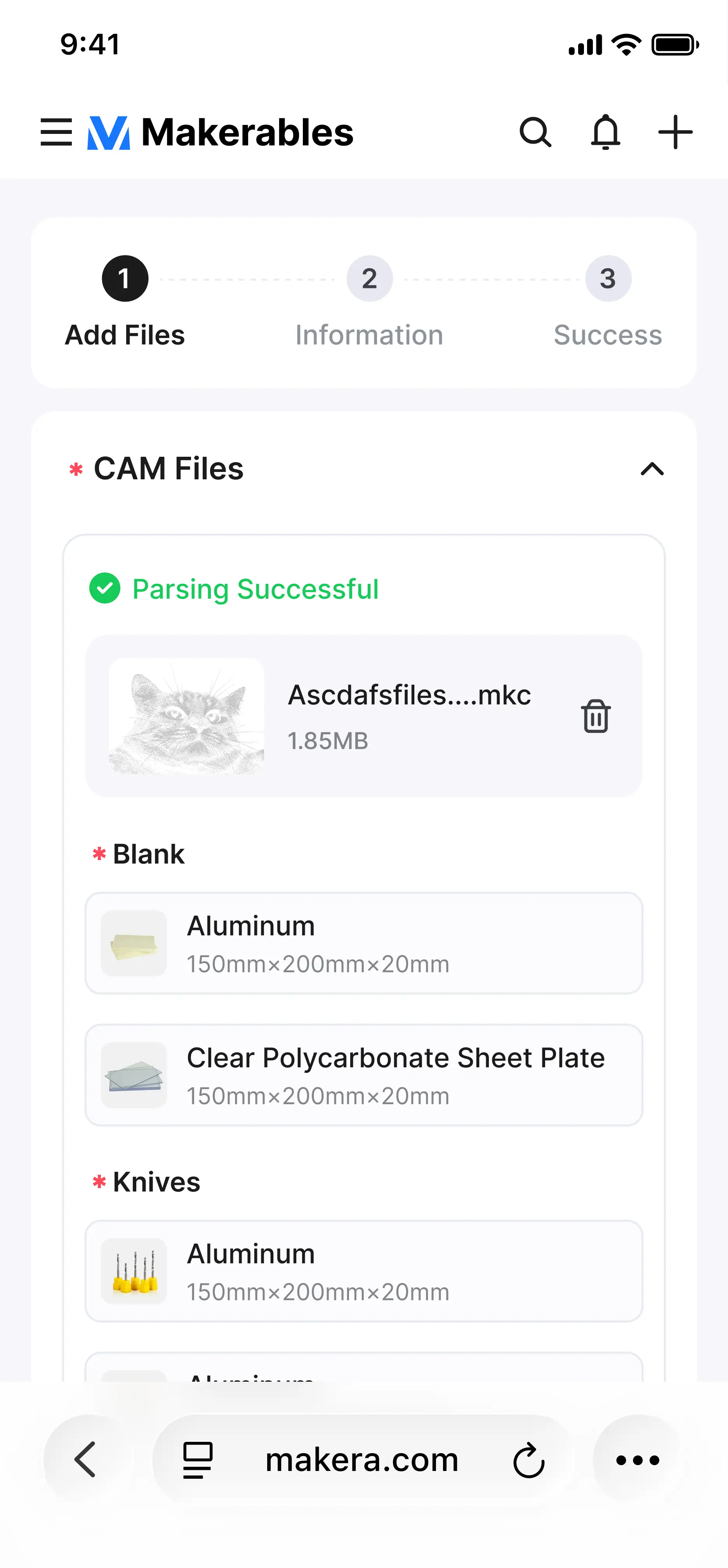
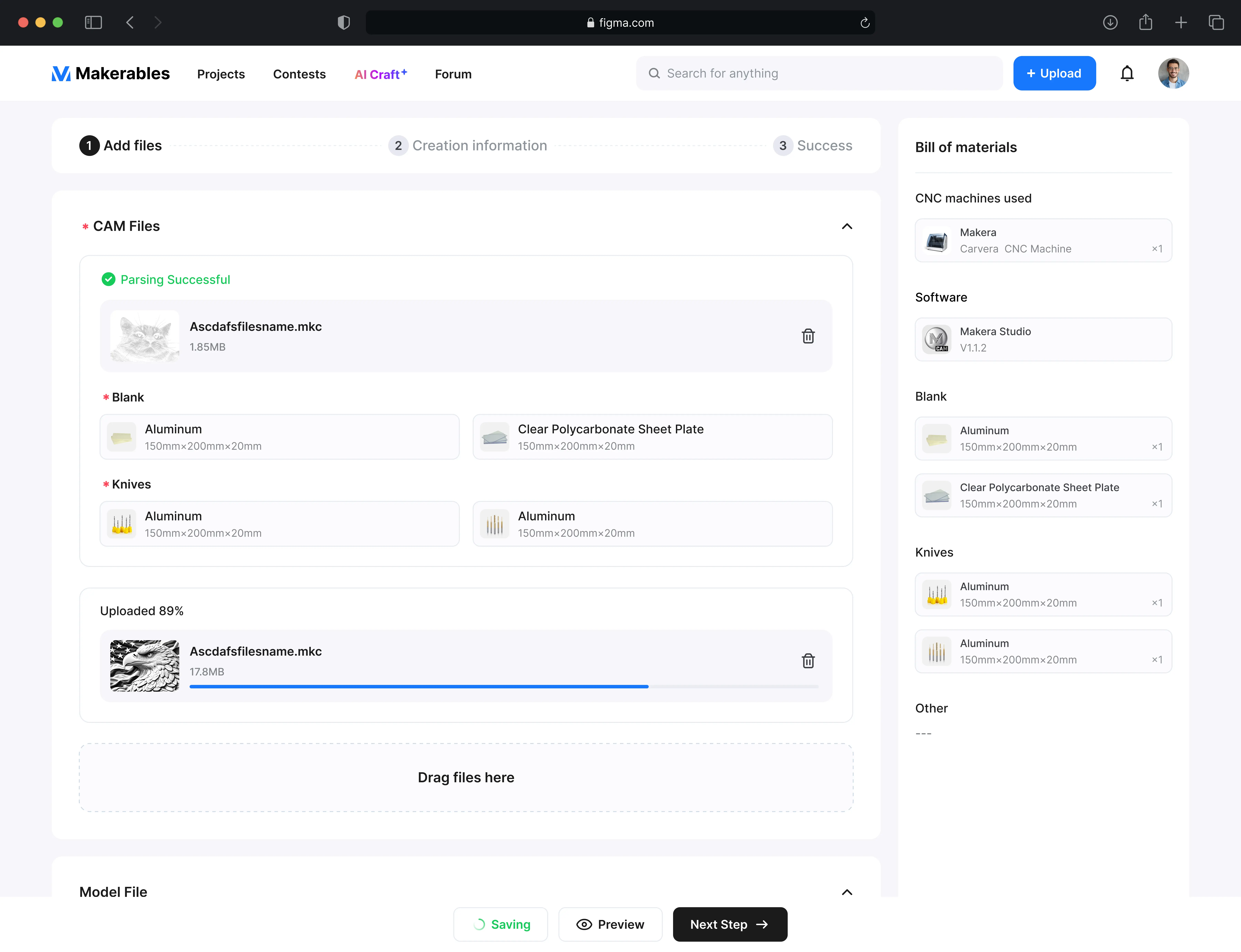
Upload your CNC project files to the community platform. We will parse your NC or MKC files. You can add tutorials. You will receive platform points after successful upload.
Upload
necessary files
Description
information
Publish
Project
Earn
points
AICRAFT
Before AI-generated models, you typically needed to create them yourself or download models from the internet. Now, with AI generation capabilities, you can use AI to generate any model you want. CNC's three-axis, four-axis, and even five-axis machining can process most of your creative models, allowing even modeling beginners to easily create their own works.

Relief
generation
3D
generation
Image
generation
Imagine
Sketch
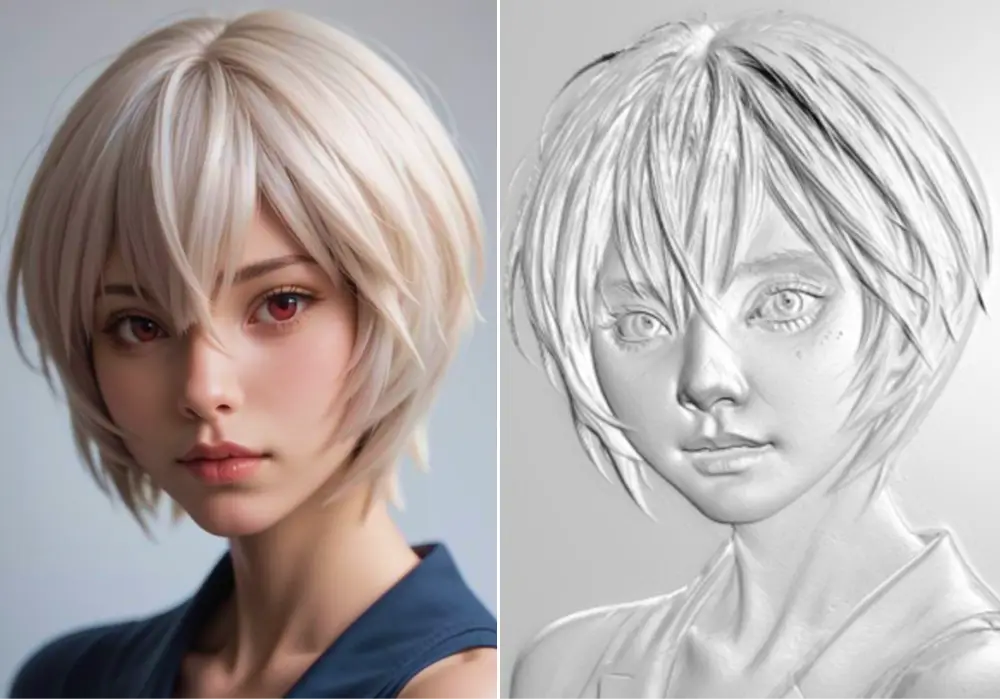


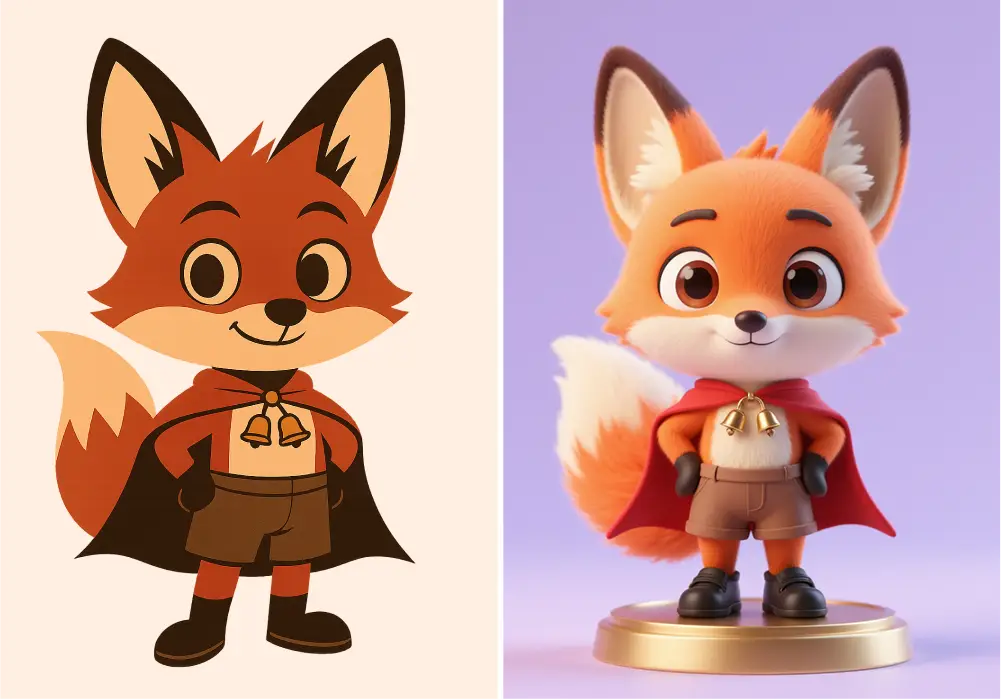
Experience AI tools and quickly create models
In Makera you can create your own AI models and also download and use models generated by others
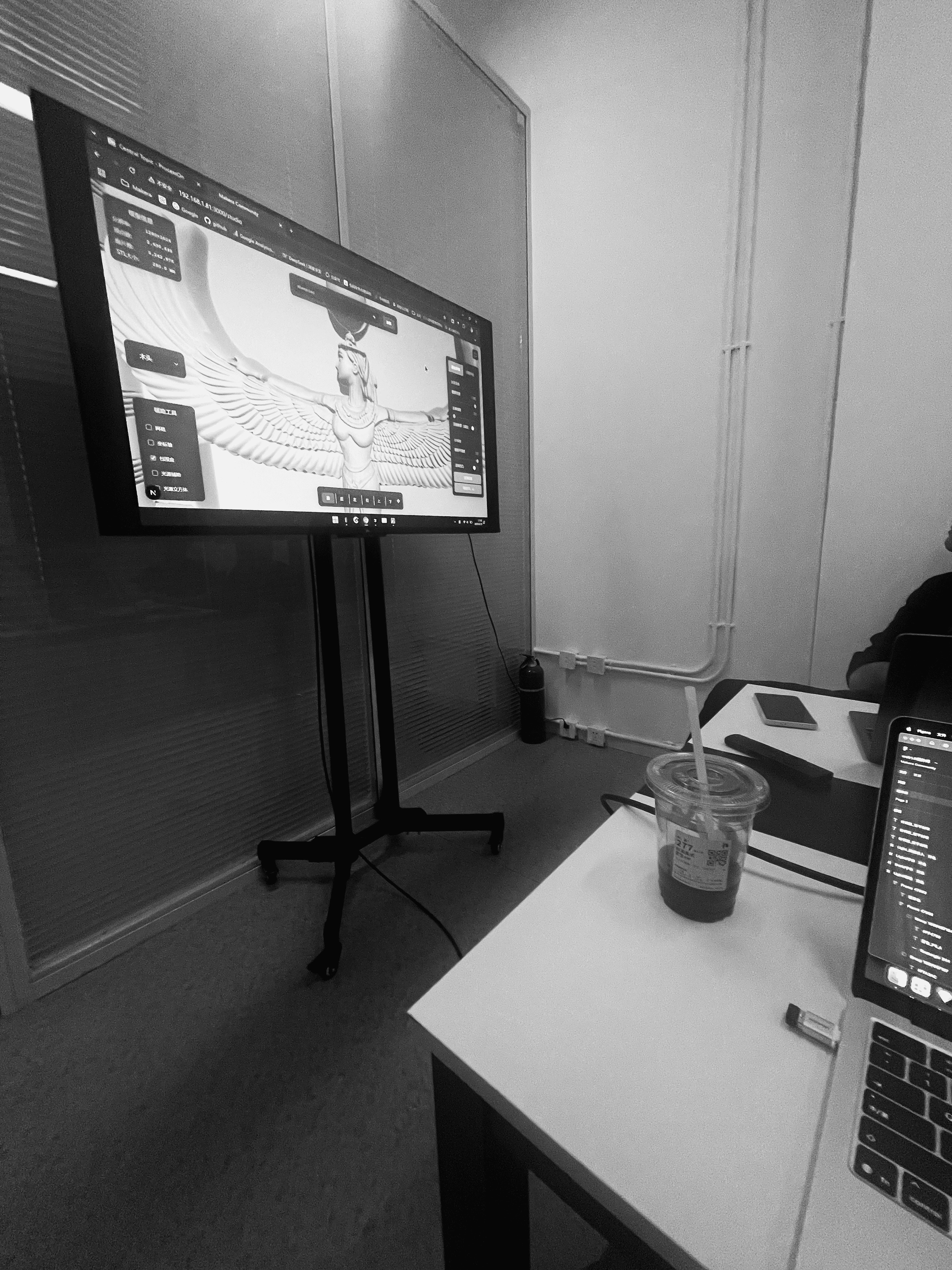
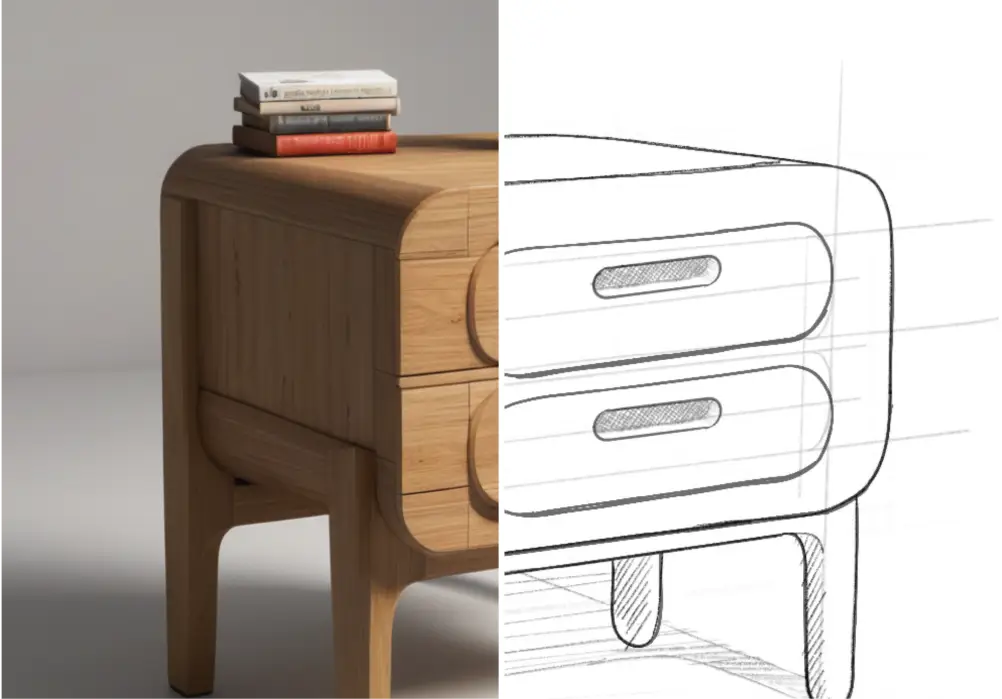
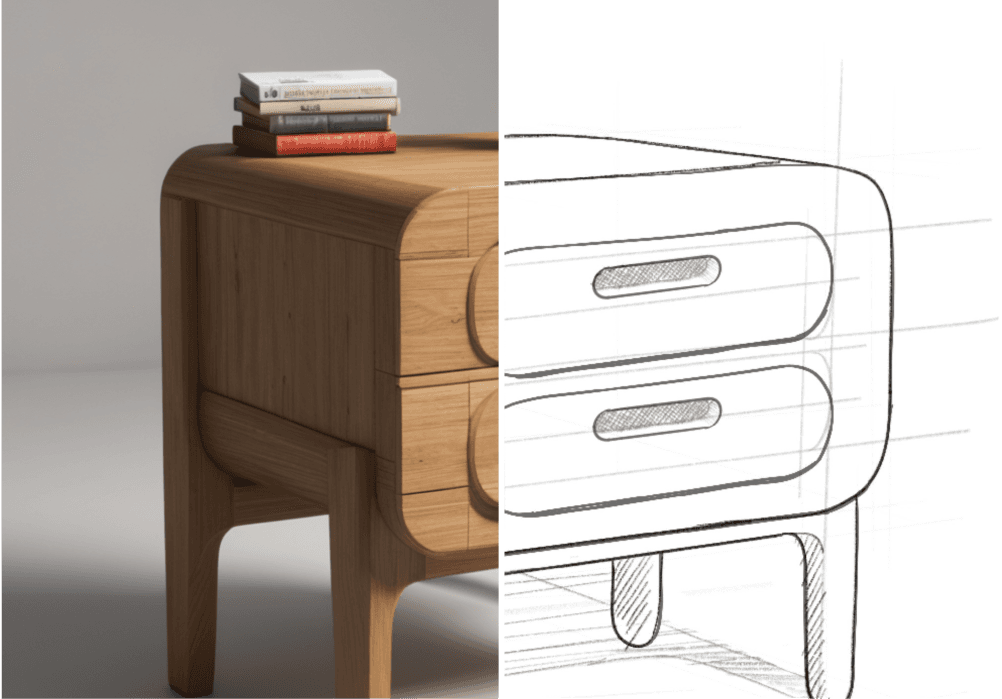
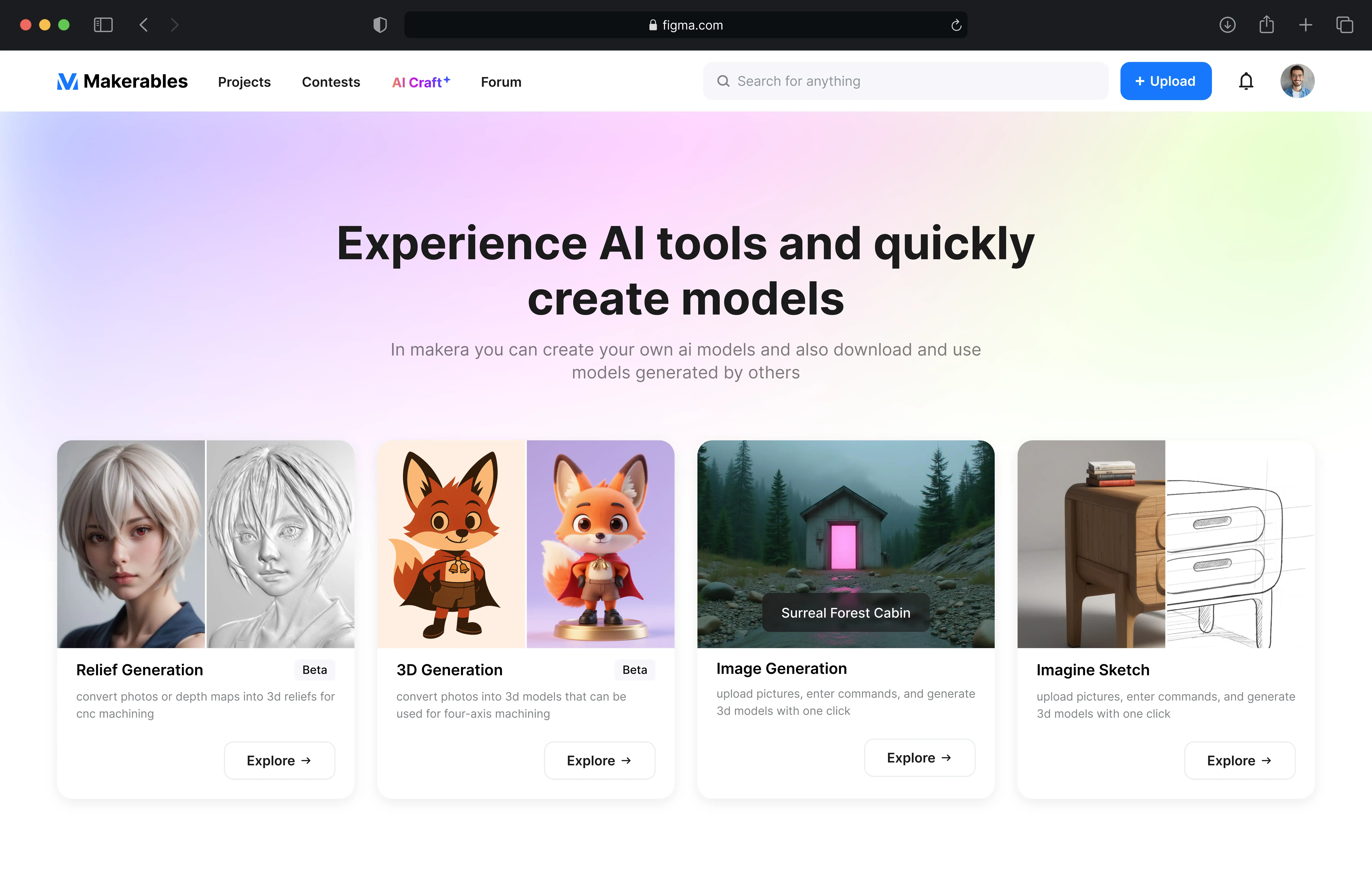
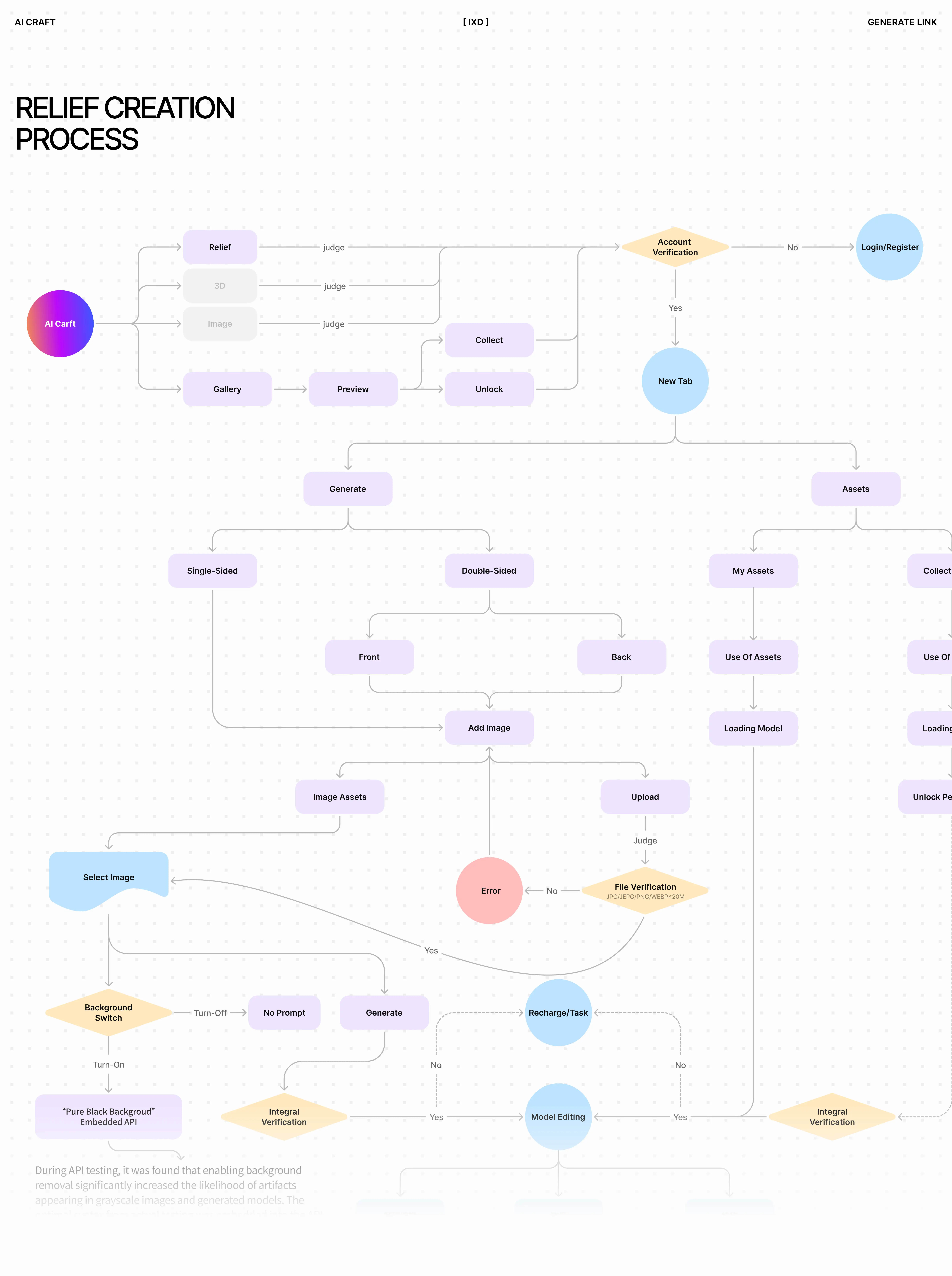

Import the generated model into MakeaStudio for toolpath design and control equipment processing. Prepare the blank, and then turn your idea into a unique craft.
makerastudio
With the development of the CNC market, desktop CNC equipment has attracted the attention of many makers and DIY enthusiasts. In order to adapt to the incremental changes in the market, we provide quick templates for beginners in MakeraStudio. Determine your machining needs, create the corresponding template, select the blank, and we have preset the basic toolpath strategy and the tools to be used for you.
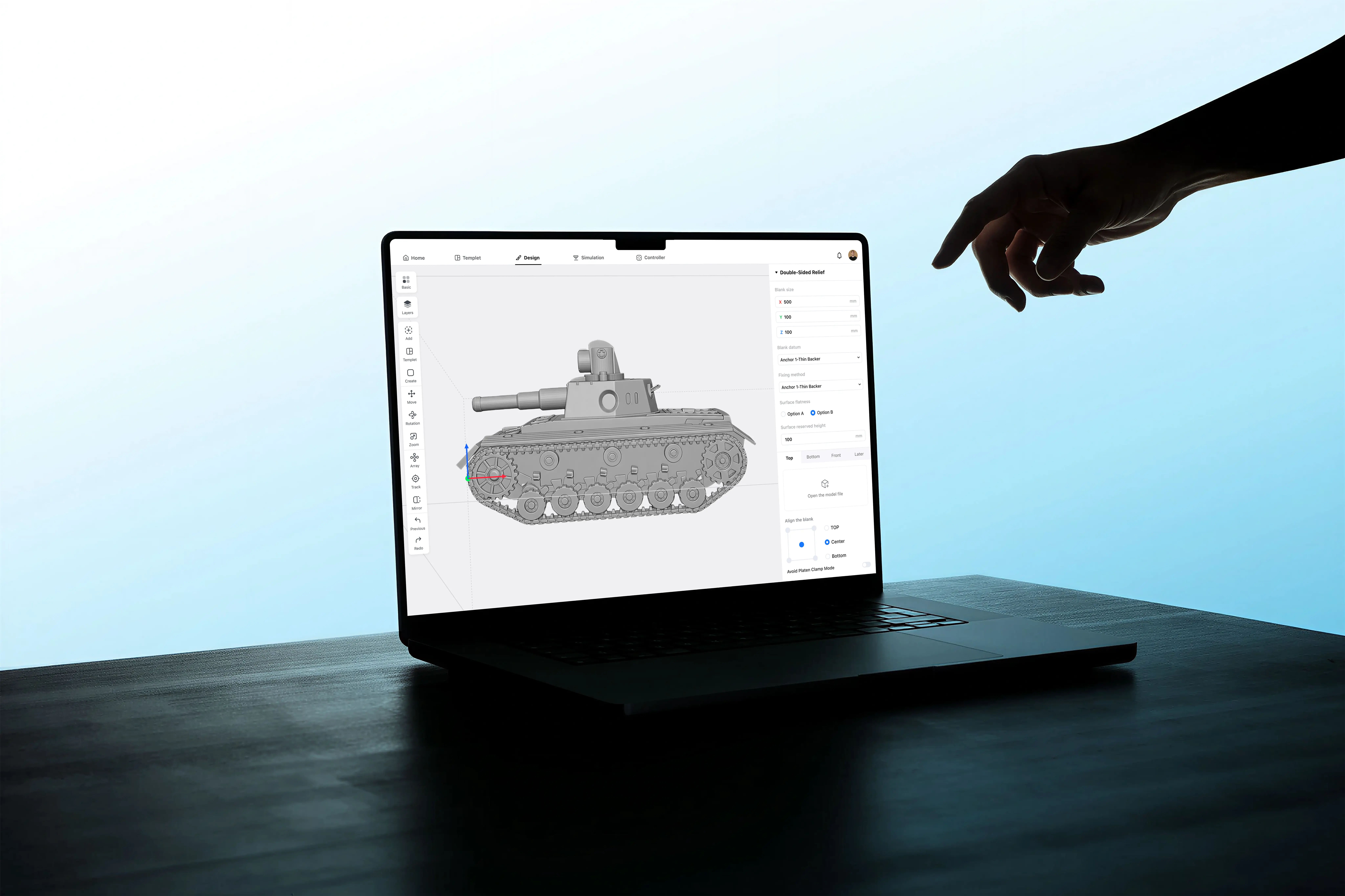
Processing Cases
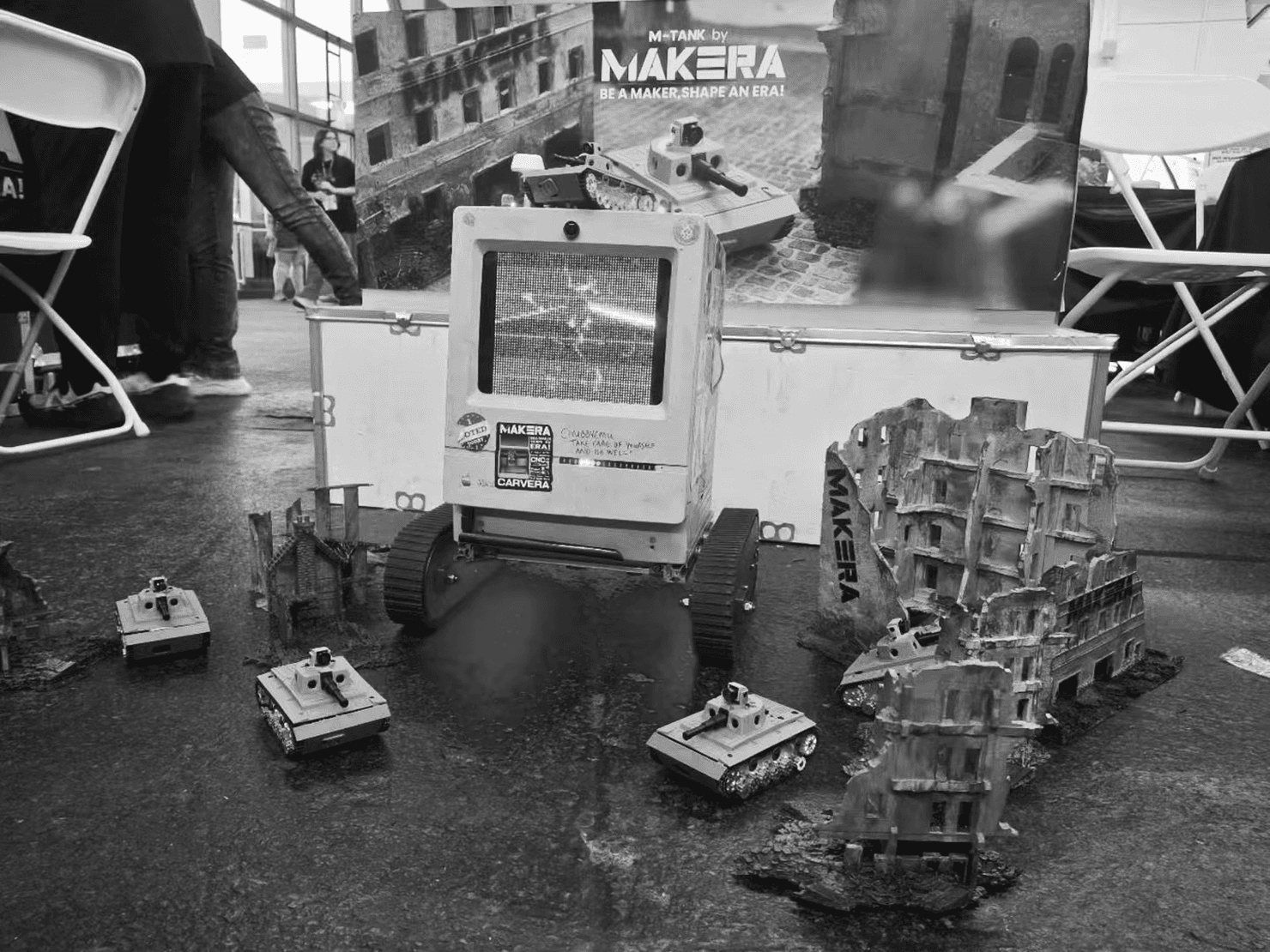
American Exhibition
American Exhibition
01
Toolpath design
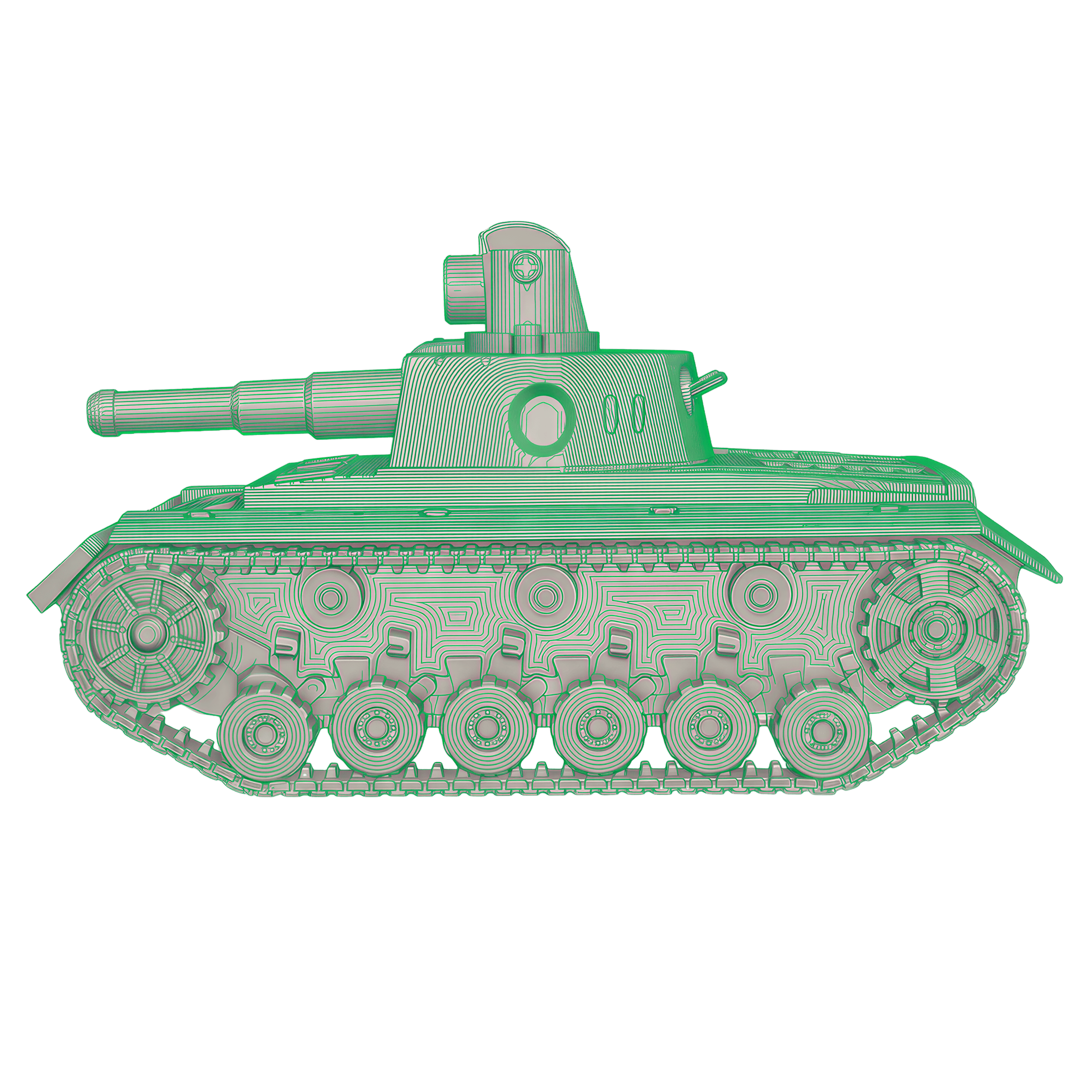
02
Simulation
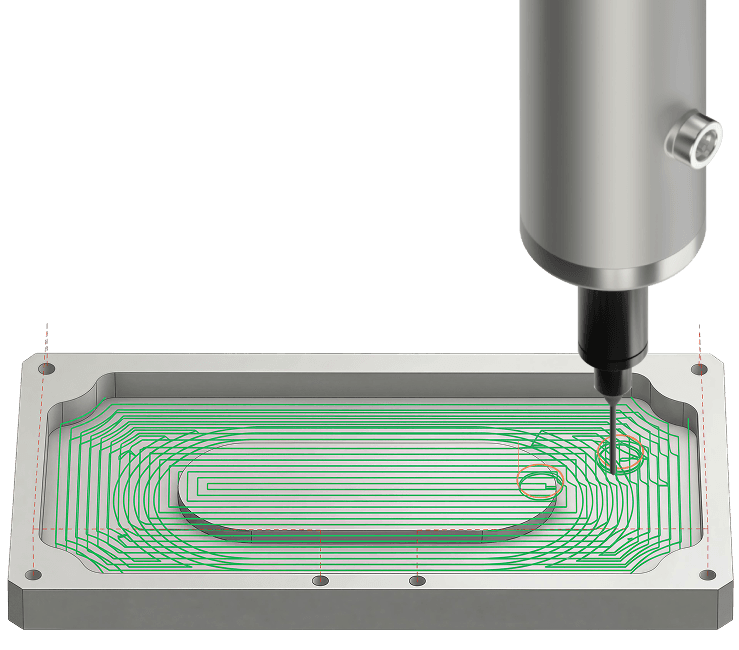
03
Processing monitoring
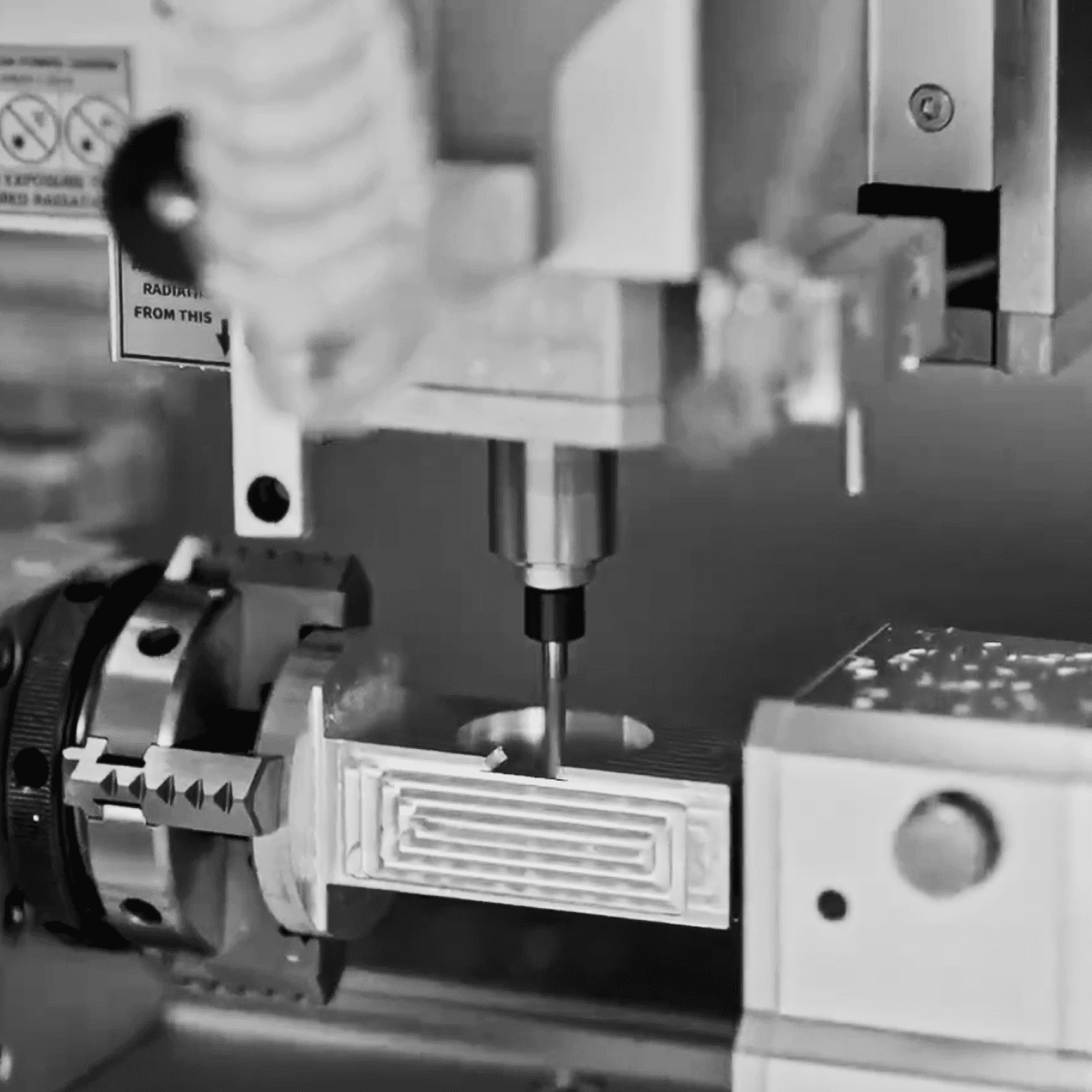
04
Finished product
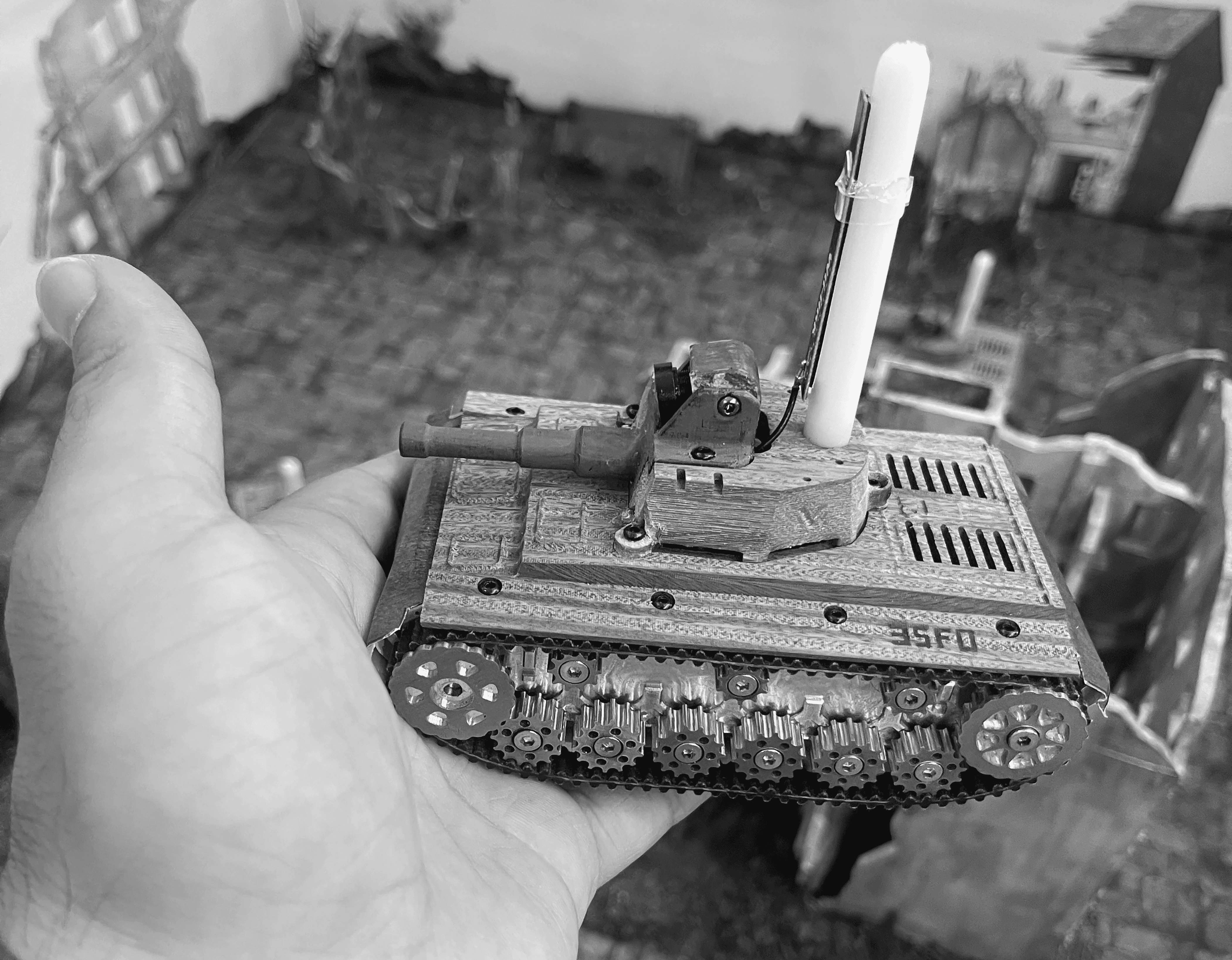
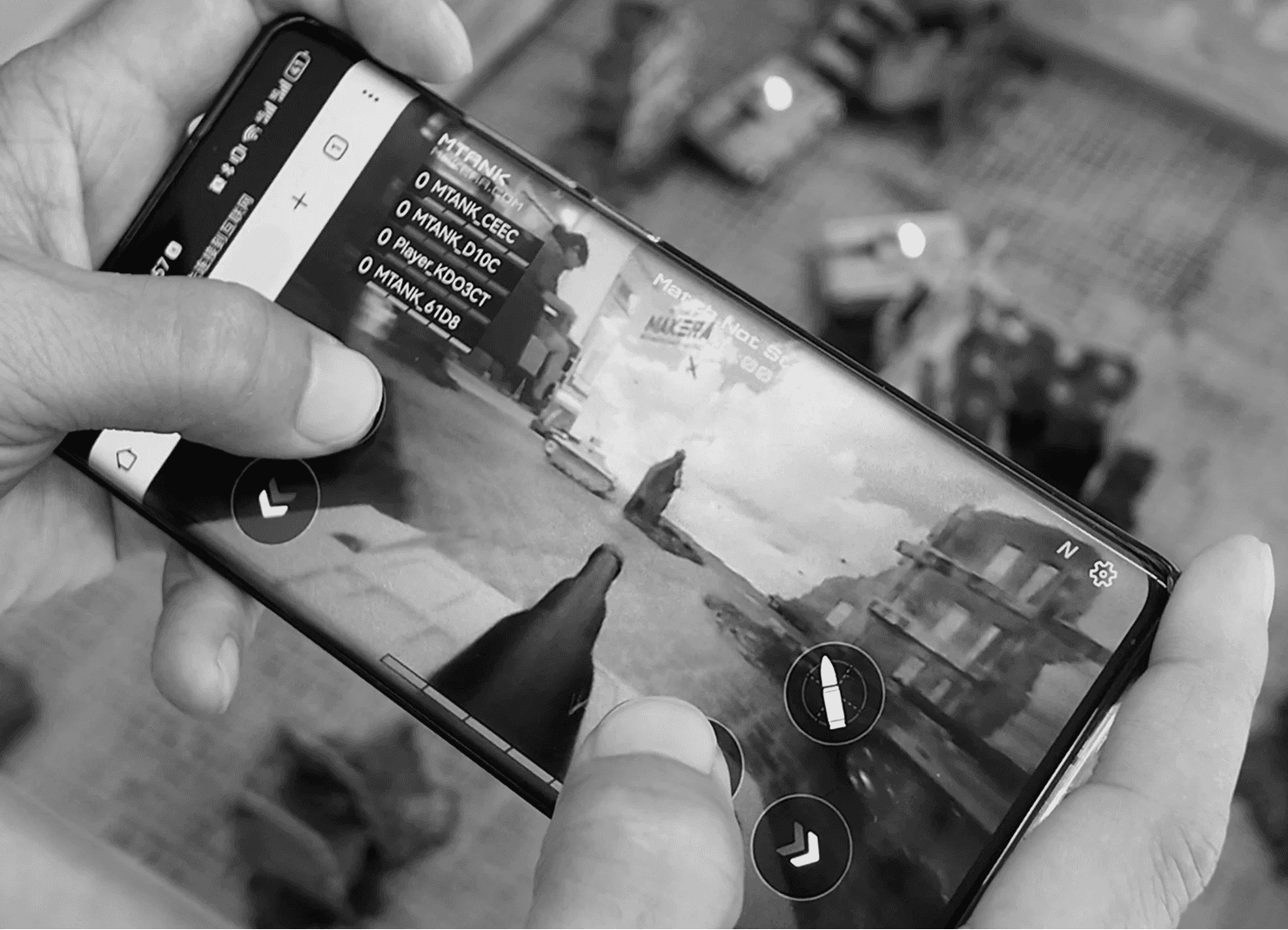
25.07.20
USA.Hall A, booth D.1
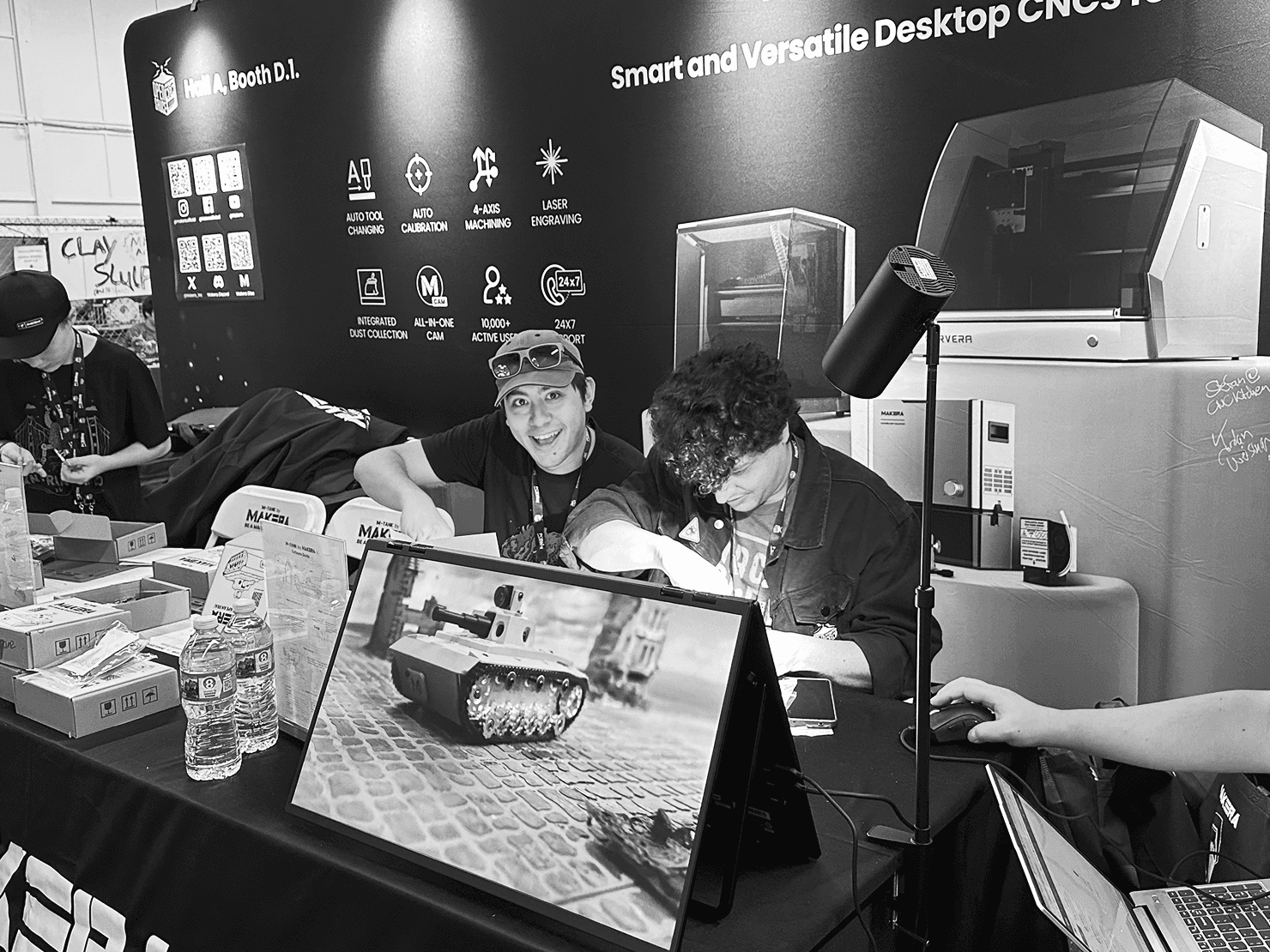
25.07.20
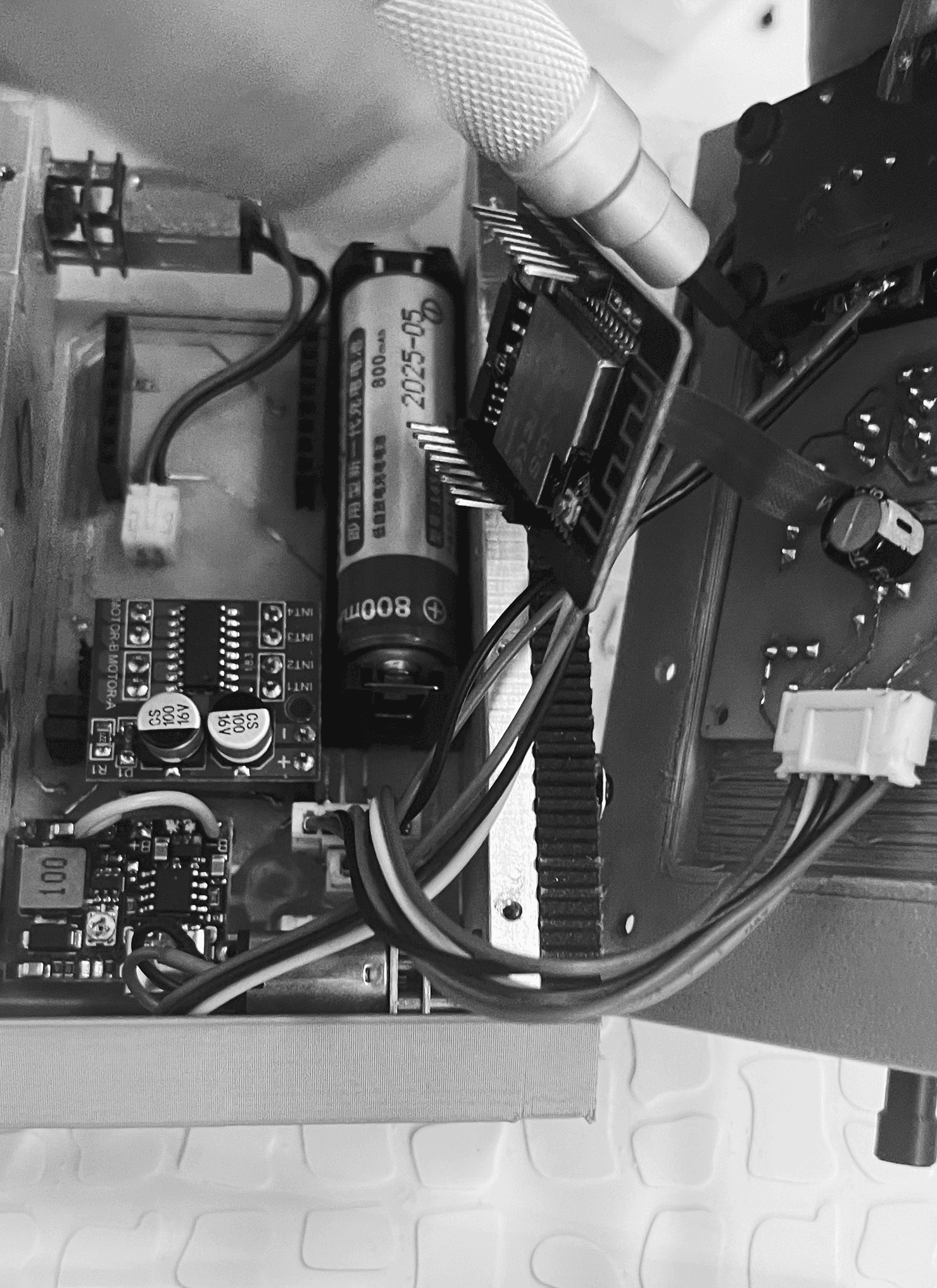
USA.Hall A, booth D.1
25.07.20
USA.Hall A, booth D.1
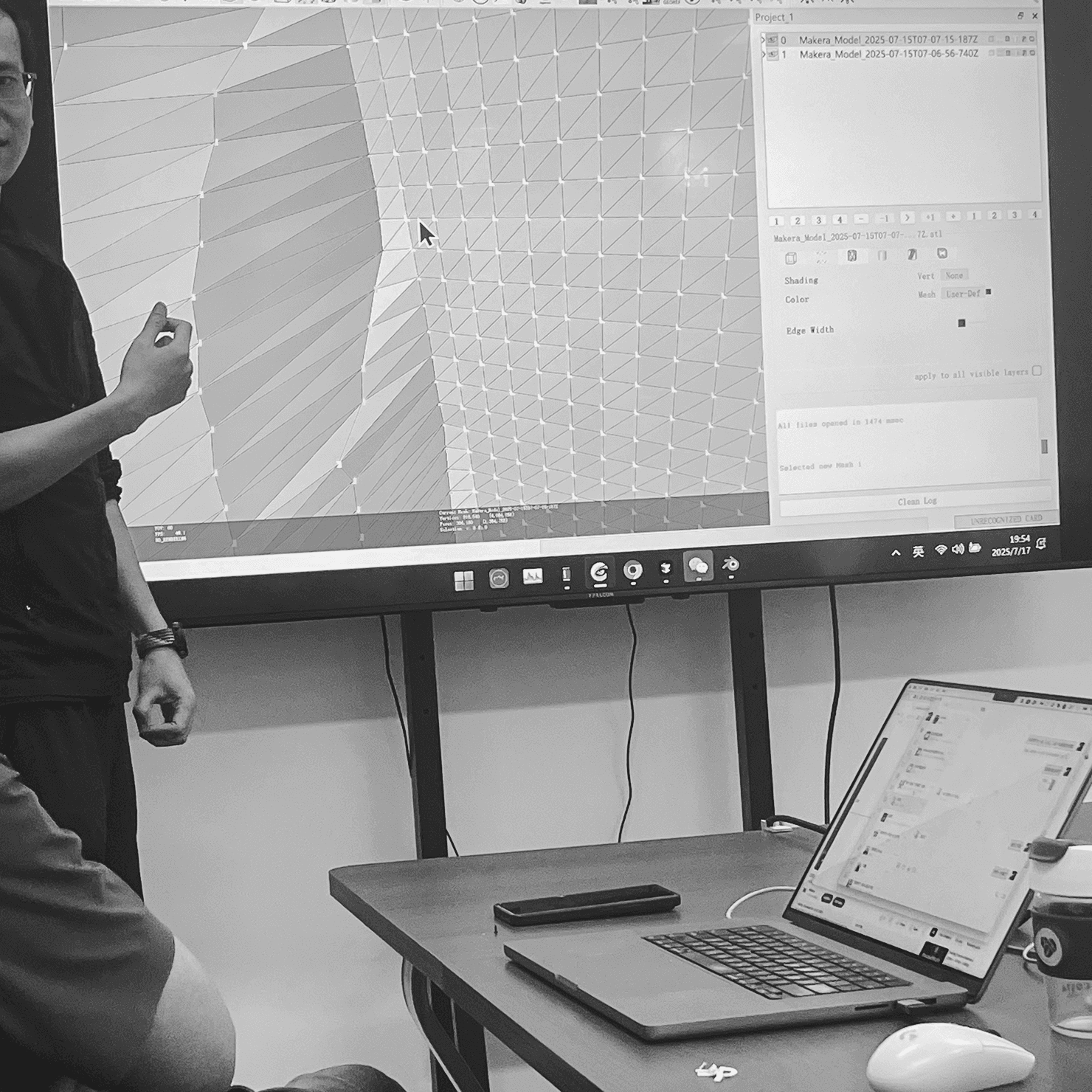
25.07.17
CAM software survey

Pioenx
2022
© 2026 All Rights Reserved.
39°54′31″N 116°39′05″E